
Shopify Performance Audit: How to Audit Every Store Template
A Shopify performance audit method for product, collection, search, cart, and homepage bottlenecks using real user data.

Published
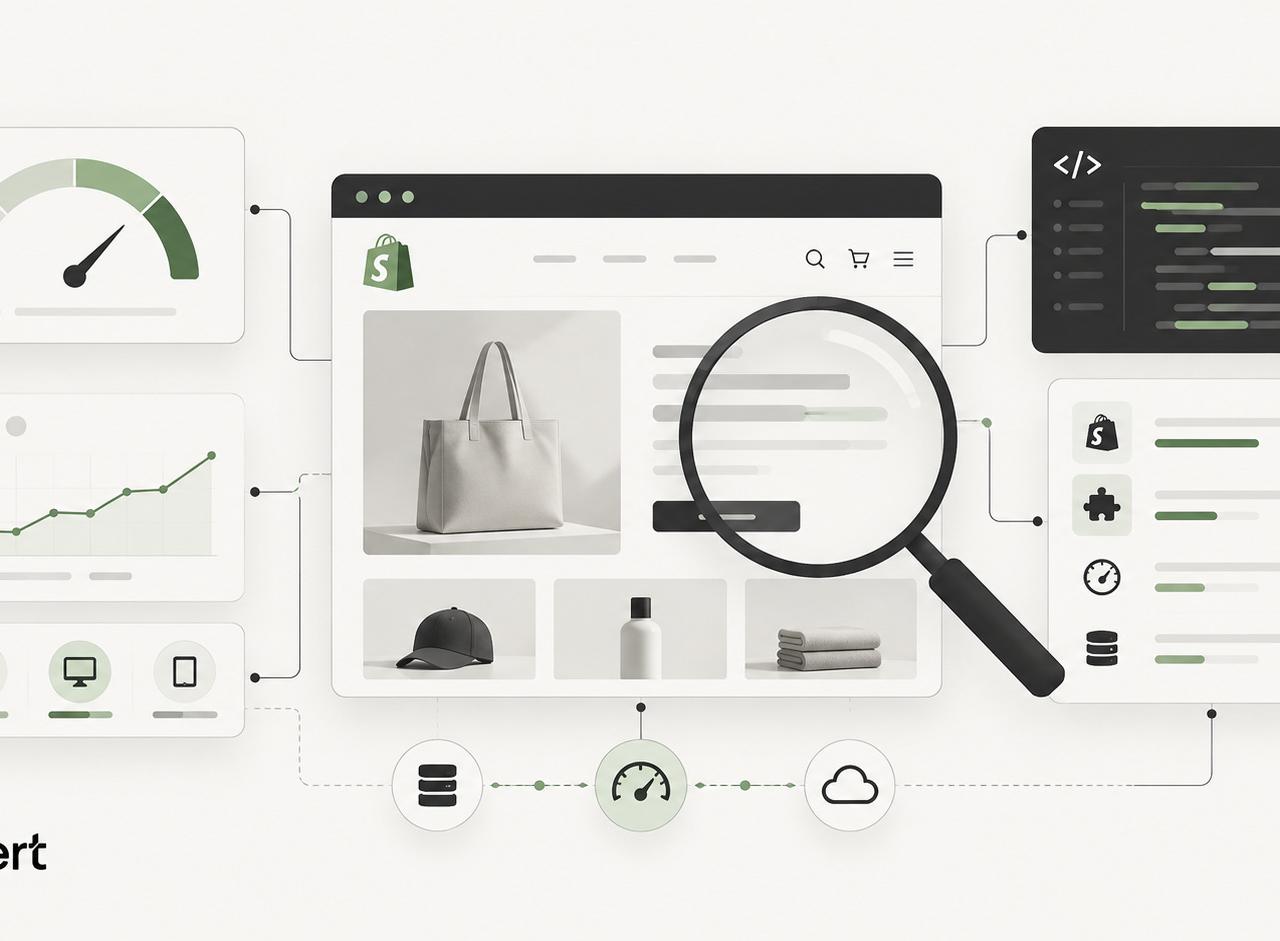
Running the homepage through PageSpeed once and chasing the score isn't an audit. It's a screenshot of one template, one device profile, and one moment. A store can post a respectable homepage result while its product pages stall on variant changes, its collections lag on filters, and its cart drawer shifts under the shopper's thumb. Shopify slowness is rarely storewide, so diagnosis has to follow the templates where revenue moves.
Table of Contents
- What a Shopify Performance Audit Measures
- Representative URLs Worth Auditing
- How to Run the Audit
- Diagnosing LCP, INP, CLS, and Scripts
- Bottlenecks by Shopify Template
- Rank the Backlog Before You Ship
What a Shopify Performance Audit Measures
A Shopify performance audit, whether it's called a Shopify speed audit or a Shopify page speed audit, measures how real shoppers experience loading, interaction, and visual stability across representative templates. It doesn't measure how close a synthetic test gets to 100. That distinction matters because a controlled Lighthouse run uses one device, one network profile, and one clean load, while field data captures varied phones, connections, markets, and repeat behavior.
The pass rule is concrete. A Google Search Central guide to Core Web Vitals sets the good thresholds at Largest Contentful Paint (LCP) within 2.5 seconds, Interaction to Next Paint (INP) below 200 milliseconds, and Cumulative Layout Shift (CLS) below 0.1. Teams should read those values at the 75th percentile, segmented by device and template group, not as a storewide average.
| Metric | What it captures | Good at p75 | Lab clue, not the goal |
|---|---|---|---|
| LCP | Largest visible element, usually hero or product image | 2.5 seconds or less | LCP element timing and discovery in the trace |
| INP | Worst representative click, tap, or keypress across the visit | 200 milliseconds or less | Long tasks and event-handler cost |
| CLS | Unexpected movement during load and later updates | 0.1 or less | Shift sources during widgets, fonts, and drawers |
| TBT | Main-thread blocking during lab load | Not a Core Web Vital | Use only to find blocking scripts |
The metrics behind the three gates
FID has been replaced by INP, so an audit that still reports First Input Delay as the interaction target is working from an outdated model. Total Blocking Time (TBT) remains useful in the lab because it points at main-thread work that can hurt interaction readiness, but it isn't itself a Core Web Vital and shouldn't become the release gate.
Beside the three gates, a credible Shopify Core Web Vitals audit records supporting evidence. That evidence explains cause, not just outcome.
- Long tasks and JavaScript execution time: Shows where the main thread stays busy too long to respond.
- Request count and transfer size: Reveals third-party weight that competes with critical resources.
- LCP resource timing: Separates discovery delay, load delay, and render delay for the largest element.
- Layout-shift sources: Names the exact elements that move, and when they move.
- Interaction latency by handler: Attributes delay to variant, cart, search, filter, or menu code.
Mobile and desktop need separate readings. Averaging them hides the weaker experience, and mobile is usually where CPU limits, network contention, and oversized media combine. A URL group also gets classified by its weakest metric, so a healthy origin status can sit on top of a failing product or collection group.
What the audit is actually for
The commercial target is stable real-user experience on revenue paths, not a perfect synthetic score. Teams evaluating whether performance work supports broader efforts to boost ecommerce conversion rates still need template-level proof, because conversion depends on the pages shoppers use to browse, configure, and buy.
That's why a Shopify performance audit and remediation service from Shugert evaluates representative templates, field data, third-party code, and user interactions rather than producing a single synthetic score report. The output should tell engineering what to fix first, what to leave alone, and how success will be confirmed in production. Anything less is a grade, not a diagnosis.
Practical rule: Treat Lighthouse as the microscope and field data as the verdict. One finds causes, the other confirms whether shoppers felt the fix.
Representative URLs Worth Auditing
A bad sample produces a confident but useless audit, so the sample comes before a single trace. Product, collection, homepage, search, cart, and landing templates fail for different reasons. Media dominates one, faceted navigation dominates another, and client-side rendering or drawer re-rendering dominates a third. Eight roles cover a typical store without turning the audit into a crawl.
| URL role | Why it is in the sample | Bottleneck it exposes |
|---|---|---|
| High-traffic product | Represents the common purchase path | Hero image LCP, gallery, add to cart |
| Complex product | Variants, bundles, subscriptions, or reviews | Handler cost and widget shifts |
| High-traffic collection | Main browse path | Grid images and card JavaScript |
| Filtered collection | Facets or merchandising apps | Filter INP and client rendering |
| Homepage | Brand entry and campaign media | Hero, sliders, fonts, global scripts |
| Search results | Predictive or third-party search | Payload size and result rendering |
| Cart or cart drawer | Last step before checkout | Upsells, discounts, re-renders |
| Key landing page | Paid or campaign traffic | Template-specific apps and media |
Why aggregate dashboards don't pick the sample
Shopify's own reporting shows why template selection can't be delegated to a single dashboard score. The Shopify Help Center guide to Web Performance reports notes that those reports use field data from actual visitors, show desktop and mobile experiences, track only the most recent 90 days, and may be delayed by up to 36 hours. Theme-level pass rates on Core Web Vitals also vary widely, from a minority of stores on some themes to nearly all stores on others.
That spread cuts both ways. A strong theme doesn't clear a specific store's product template, and a weak theme average doesn't prove the theme caused a specific failure. App installs, tracking scripts, custom JavaScript, and merchandising widgets sit on top of the theme and change the result template by template. An app that slows the cart drawer may still earn its cost in recovered upsell revenue. The audit prices that trade-off instead of assuming every heavy script should come out.
How to pick URLs without cherry-picking
Selection starts in Shopify analytics and Search Console, sorted by sessions and revenue, then adds operationally heavy pages even when they aren't top sellers. A subscription product with a large gallery, reviews, and financing may sell less than a simple hero product, but it exercises handlers and widgets the simple product never touches.
- High-traffic product: Captures the normal purchase path most shoppers follow.
- Complex product: Stresses variants, bundles, sticky add to cart, and review injection.
- Filtered collection: Forces the audit to test facets as shoppers use them, not just first load.
- Search results URL: Exposes predictive search payloads and result rendering cost.
- Paid landing page: Protects media spend from landing on the slowest template in the store.
Each URL needs context recorded beside it: theme version, market, device segment, template type, and whether it's a reusable template or a one-off campaign page. Record the test state too. The filtered collection gets traced with a facet applied, the search URL with a real query, and the cart with items and an active discount in it. Without that record, a trace measures a state shoppers never hit, and a later regression can't be tied to a release, an app install, or a market-specific change.
Testing only the fastest cached page or a sparse staging product defeats the purpose. Staging products often lack reviews, real variant counts, full galleries, and the consent and analytics stack that production carries. The audit then clears a page that production shoppers never see.
High-traffic and high-revenue templates go first for a simple reason. A small regression on a primary product template touches more sessions and more orders than a larger regression on a low-traffic article. Revenue importance, not ease of testing, sets the order.
How to Run the Audit
Field data comes before Lighthouse. The sequence below keeps lab work tied to a named failure instead of generating warnings in search of a problem. The Chrome UX Report documentation explains that CrUX represents anonymized experiences from real Chrome users and requires sufficient traffic for statistically meaningful origin or page data, which is why lab traces suggest causes and field data confirms results. CrUX URL-level data is grouped by URL, not by Shopify template, and low-traffic URLs often have no page-level record at all; template-level field results therefore require a custom real-user monitoring (RUM) setup, such as the web-vitals library tagged with the template name, rather than CrUX alone.
- Review field data: Check Search Console, PageSpeed Insights, CrUX, and Shopify Web Performance. Name the failing metric, device, and URL group; add custom per-template RUM if template-level field data is required.
- Segment devices: Split mobile from desktop and never average them.
- Select representative URLs: Use the revenue and complexity sample defined for the store.
- Run lab traces: Run Lighthouse and Chrome DevTools Performance traces several times per URL. Record connection, viewport, cache state, location, and theme version.
- Read the network waterfall: Look for request chains, render-blocking CSS, and font delays.
- Profile JavaScript: Measure execution time, long tasks, and main-thread blocking.
- Inventory third-party cost: Include app scripts loaded globally across templates.
- Inspect LCP loading: Identify the LCP element and when the browser discovers it.
- Record shift sources: Capture CLS during load and during later interface updates.
- Test real interactions: Click variants, add to cart, menus, filters, search, and the cart drawer. Log INP offenders.
- Rank findings: Score user impact, metric impact, revenue importance, URL count, effort, and regression risk.
- Ship and retest: Change one variable at a time where causality matters, then compare against the same baseline.
- Monitor field data: Wait for post-deployment field data before calling a metric fixed.
The distinction between synthetic diagnosis and field confirmation deserves care, and the detailed comparison of Lighthouse scores versus real-world Core Web Vitals covers that boundary. Within Shopify performance testing, the working rule stays narrow: lab evidence proposes the fix, field evidence approves it.
Diagnosing LCP, INP, CLS, and Scripts
Third-party JavaScript is the recurring cost, not one named app. Reviews, search, personalization, subscriptions, chat, analytics, consent tools, recommendations, financing widgets, and advertising pixels each look modest in isolation. Together they contend for network bandwidth, CPU time, and the main thread on the same page.
Build the script inventory first
An inventory turns suspicion into measurement. It should answer six questions for every script found in DevTools.
- Scope: Does the script load on every template, or only where its feature appears?
- Necessity: Does the purchase path, compliance, or measurement require it?
- Duplication: Are two pixels, analytics tags, or tools performing the same job?
- Residue: Did an uninstalled app leave code behind in theme files?
- Misplacement: Does a product-only widget load globally in the layout?
- Cost: What are its execution time, long tasks, request count, transfer size, and CPU cost?
The inventory is easiest to act on when the store already has a disciplined engineering workflow: changes tested on an unpublished or staging theme, reviewed before release, and checked for regressions after deploy. Teams that need extra capacity for that kind of Shopify engineering, staging and quality checks can bring in outside support, but the inventory and measurements should stay owned by whoever signs off on releases.
Measurement belongs in the Network and Performance panels, not in an app count. A small script that runs an expensive handler on every variant change can cost more than a larger script that stays idle. Comparing a template with a feature enabled and disabled, on the same device profile and cache state, indicates whether that feature is associated with delayed LCP or a slower first useful interaction. Repeated runs strengthen that signal, but a single comparison does not prove cause on its own, because other scripts and network conditions vary between runs.
The Google Search Console Core Web Vitals report help supports that discipline because CrUX data is aggregated from real browsers worldwide and available through recurring datasets. Baseline first, several runs per template, medians compared after each intervention. Removing an app without proving causality is the principal pitfall, since delays often come from combined script execution, network contention, image priority errors, or theme event handlers acting together.
The correct recommendation is not automatically to remove apps. It's to price each script's execution cost against the revenue, service, or compliance job it performs, then keep, scope, defer, or remove it on evidence.
For teams that suspect the app stack but can't isolate the offender, the method for determining whether Shopify apps are slowing a store and isolating the bottleneck applies the same with-and-without comparison at template level. That evidence also matters beyond speed, since interaction quality and stability help teams improve rankings through better UX rather than treating search and experience as separate projects.
LCP diagnosis
Name the actual LCP element in the trace before changing anything. On Shopify templates it's usually a hero image, the first product gallery image, or a large heading, but sliders and personalization can swap the candidate after load. Then check whether that element is discoverable early in the HTML, loaded eagerly when it sits above the fold, and free from lazy loading.
Next, review preload behavior, responsive srcset dimensions, and whether the Shopify CDN width requested matches the rendered slot. A slot that displays at phone width shouldn't download a desktop-sized asset. Finally, look for render-blocking CSS or fonts ahead of the element, and for JavaScript that hides the image URL until a framework or app script runs. Late discovery is often the whole problem, and compression won't fix it.
INP diagnosis
INP covers the full page lifecycle, not just initial load, so diagnosis means performing the interactions shoppers perform. Variant selection, add to cart, mega menu opening, collection filtering, search input, cart drawer updates, and review interactions each need a trace. The goal is attribution: separating theme handlers from third-party long tasks that happen to run at the same moment.
Expensive handlers usually reveal themselves as long tasks tied to DOM rewrites, price recalculation, or synchronized widget updates. Partitioning interaction code so gallery, variant, cart, and search behavior don't all execute on every click keeps the response inside budget.
CLS diagnosis
CLS sources on Shopify storefronts are predictable: images and video without reserved dimensions, review blocks and recommendations injected after render, consent banners, late-loading fonts, promotional bars, and sticky components that push content instead of overlaying it. Shifts also occur during variant selection and cart drawer updates, well after first paint.
The fix pattern is consistent. Reserve space with explicit dimensions or aspect ratios, give widgets a fixed container before their content arrives, and avoid inserting DOM above existing content. A shift that moves the add-to-cart button isn't a cosmetic defect. It's a mis-tap waiting to happen.
Bottlenecks by Shopify Template
Each template is its own system, with its own media pattern, app dependencies, and dominant metric risk. A Shopify performance audit that ignores that structure ends up fixing the template that was tested and leaving the templates that earn revenue untouched.
| Template | Check first | Usual metric |
|---|---|---|
| Homepage | Hero media, sliders, video, fonts, promo bar, global pixels | LCP and CLS |
| Product | Gallery LCP, variants, add to cart, reviews, sticky bar, financing | LCP and INP |
| Collection | Card images, filters, quick view, infinite scroll | INP and LCP |
| Search | Predictive search, provider payload, client render | INP |
| Cart drawer | Upsells, shipping bar, discounts, re-render | INP and CLS |
Homepage
The hero image or video is normally the LCP element, and a slider complicates it by swapping the LCP candidate after the first slide renders. Promotional bars that insert late push the hero down, web fonts can block or swap headline text, and personalization or recommendation sections often load before the hero gets priority. Marketing pixels placed high in the document compete with all of it.
A campaign homepage leading with an auto-rotating slider shows how this plays out. The browser loads the first slide, the slider script initializes, the second slide replaces the candidate, and the recorded LCP reflects the swap rather than the first paint shoppers saw. The fix starts with identifying which slide the browser counted.
Product pages
The first gallery image should be the LCP element, loaded eagerly at a Shopify CDN size matched to its slot. Large galleries add risk when every image competes for early bandwidth. Below the media, variant selectors and add-to-cart handlers carry the INP risk, especially when price, inventory, subscription, and bundle logic all recalculate on each change.
Reviews, financing widgets, and recommendations typically inject after render and produce shifts or long tasks, and a sticky add-to-cart bar adds its own scroll handlers and layout behavior. Product templates concentrate revenue, so the recurring failure patterns behind LCP problems on production Shopify product themes deserve direct inspection rather than inference from homepage results.
Collection and search pages
Collections stress repetition. Every product card carries an image, and card-level JavaScript for quick view, swatches, or badges multiplies across the grid. Filter and facet interactions are the INP test that matters, since shoppers judge the page by how fast the grid responds after a facet click. Infinite scroll keeps appending DOM and handlers, while pagination resets the page but adds navigation cost, and neither pattern wins by default.
Search concentrates cost in the input handler and the payload. Predictive search fires on keystrokes, third-party providers return result sets that the browser renders client-side, and large response payloads delay the first useful result. An expensive handler that re-renders the full result list on every character fails interaction budgets even on a fast connection.
Cart and cart drawer
The drawer is a small interface with dense logic. Upsells, shipping calculators, free-shipping progress bars, subscription toggles, discount rules, and recommendation engines all respond to the same quantity change. When each one triggers a full drawer re-render, a single tap produces stacked long tasks and visible flicker.
CLS risk rises when a free-shipping bar or upsell block inserts after the drawer opens and pushes line items down. A layout shift that moves the checkout control causes mis-taps one step before purchase. Because the drawer sits at the edge of checkout, even moderate INP or CLS failures carry outsized commercial weight.
Theme architecture across templates
Some causes span every template. Large section schemas, heavily nested blocks, repeated Liquid output, and oversized DOM trees raise parse and render cost site-wide. A single global JavaScript bundle that initializes code for sections absent from the current page wastes main-thread time on every load.
App blocks and theme app extensions need separate handling from legacy injection. App blocks and app embeds delivered through theme app extensions are managed by Shopify: when the app is uninstalled, its blocks and embeds stop rendering, and leftover block entries can be cleaned out of the theme editor. Legacy code that an app or a developer manually inserted into theme.liquid, snippets, or section files (including older ScriptTag-style installs) is not removed automatically and can keep loading after uninstall, so the inventory has to include layout and section files alongside the installed app list.
Comparing a heavy template against a simple one on the same store separates platform behavior from store-specific weight.
When the simple template passes and the merchandised one fails, the theme and apps explain the failure, and the fix belongs there.
Rank the Backlog Before You Ship
A flat list of PageSpeed warnings with equal priority is raw material, not an audit deliverable. The deliverable is an ordered engineering backlog where each finding carries a reason for its position, and the ranking reflects revenue exposure and regression risk rather than test output.
| Priority | Include | Do not include |
|---|---|---|
| P0 | Broken interactions, severe product LCP, CLS on add to cart | Cosmetic warnings |
| P1 | Costly third-party scripts, filter delays, repeated shifts | Scripts that earn their revenue |
| P2 | Minor image bytes, low-impact warnings | Any finding that blocks add to cart or checkout |
How each finding earns its place
Every finding gets scored on user impact, Core Web Vitals impact, revenue or template importance, number of affected URLs, engineering effort, and regression risk. A P0 is a broken or severely delayed customer interaction, a major LCP failure on a high-revenue product template, or CLS that moves the add-to-cart control. P1 covers expensive third-party scripts on commercial templates, slow collection filtering, and repeated layout shift. P2 is minor image savings and warnings with little user effect.
The scoring settles arguments the audit would otherwise lose to opinion. A filter delay on the highest-traffic collection outranks a heavier script on a template few shoppers reach, because affected URL count and template importance push it higher. Effort breaks ties: two findings with equal impact rank by which fix ships with less regression risk.
Commercial sequencing has evidence behind it, with limits. Shopify's analysis of store speed and conversion found a correlation, not proof of causation, in which every additional 100 milliseconds of load time was associated with roughly 3.5% lower conversion, after controlling Core Web Vitals metrics against one another and excluding the slowest 5% of stores. That association justifies prioritizing revenue templates. It doesn't license a promised lift for any single fix.
For the same reason, a percentage improvement shouldn't be published unless the field change is cleanly attributable to the work. Multi-variable releases, seasonality, and traffic mix changes make single-number claims unreliable. Pre- and post-deployment field metrics, compared after enough real-user data accumulates, are the honest measurement.
What not to optimize
Chasing a Lighthouse score of 100 invites tricks that harm shoppers: delaying a control customers need, hiding required scripts from the test, or stripping functionality that earns revenue to win synthetic points. Those changes raise the synthetic score without changing what shoppers experience on the revenue templates. A third-party script that earns its cost stays in the backlog as a documented tradeoff, not a defect.
Definition of done: Priority templates hold good p75 LCP, INP, and CLS in field data, and regression alerts watch for a revenue template worsening, third-party JavaScript jumping, or a passing metric drifting toward failure.
That monitoring matters because performance decays. New apps, new pixels, and new sections arrive through normal trading, and each one re-opens questions the audit answered. An audit that ends at deployment goes stale as the store changes. One that ends with budgets, ownership, and alerts keeps its gains.
Established Shopify and Shopify Plus brands that need this audit run at engineering depth, with template-level traces, a ranked remediation backlog, and fixes implemented and validated against field data, can start that conversation at Shugert.
Keep exploring this topic
Deeper references from the Shugert library and the service that turns this work into a fixed scope.
Related services
Keep reading
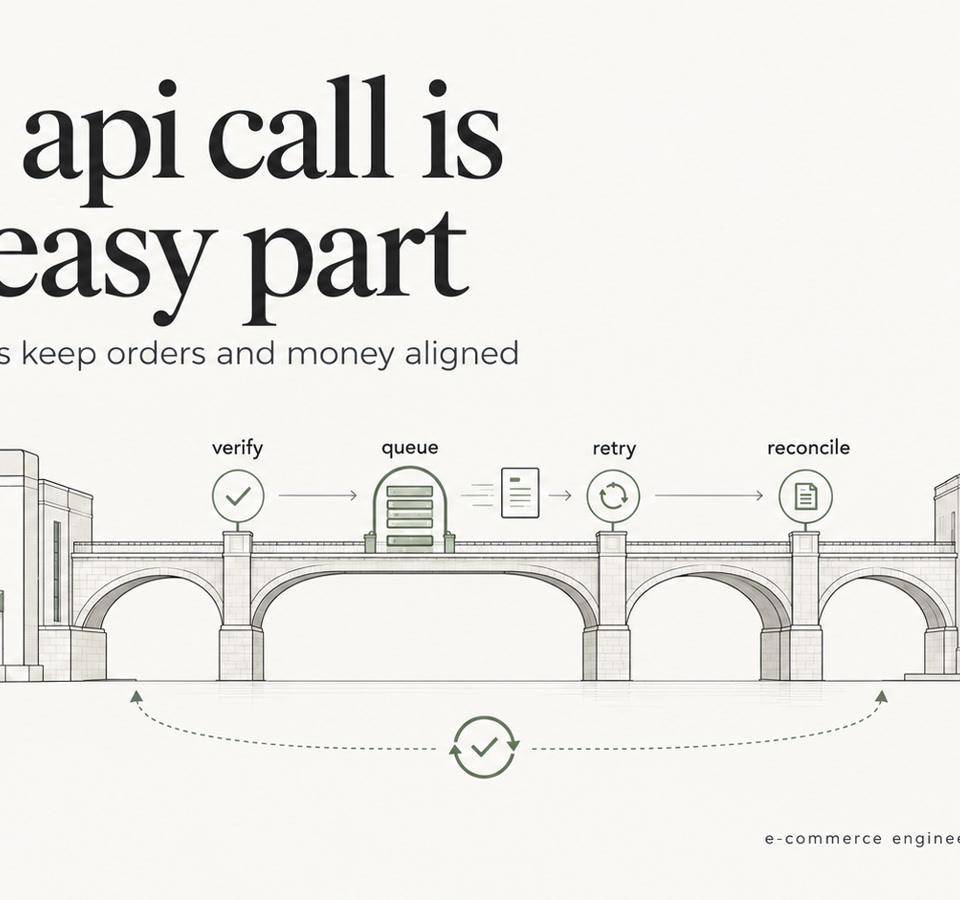
Shopify ERP Integration: Webhooks, Retries, Reconciliation
Shopify ERP Integration guide: data ownership, webhooks vs batch sync, idempotent retries, failed-event handling and reconciliation for Shopify Plus teams.
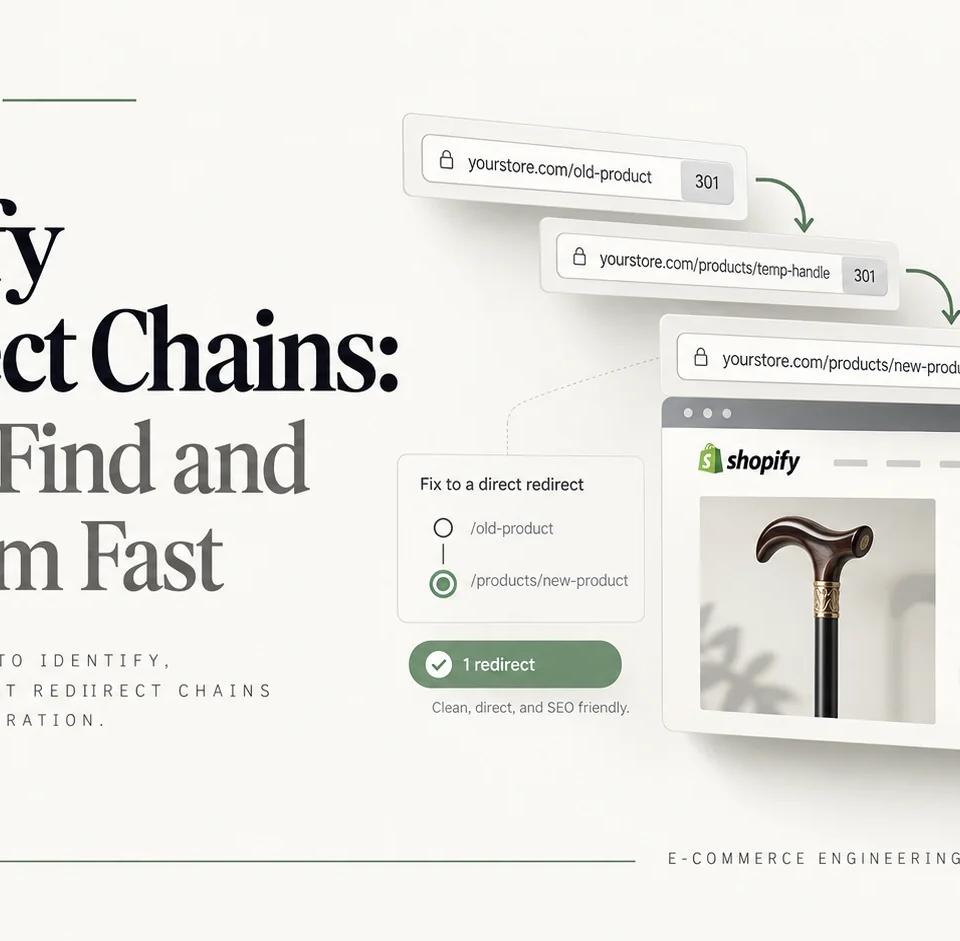
Shopify Redirect Chains: How to Find and Fix Them Fast
Trace Shopify redirect chains from legacy URLs to final canonical pages. An eight-step audit shows how to identify each hop, fix the responsible layer, and verify production behavior after migration.

Shopify SEO Apps: 8 Tools and When to Use Them
Evaluate shopify seo apps for technical SEO, schema, crawling, sitemaps, and performance, with guidance on when theme work or engineering is required.