
Shopify Store Slower After Installing Apps? How We Isolate the Real Bottleneck
Apps are often blamed for Shopify performance regressions, but the useful question is which network, main-thread, DOM or rendering cost actually changed.

Published
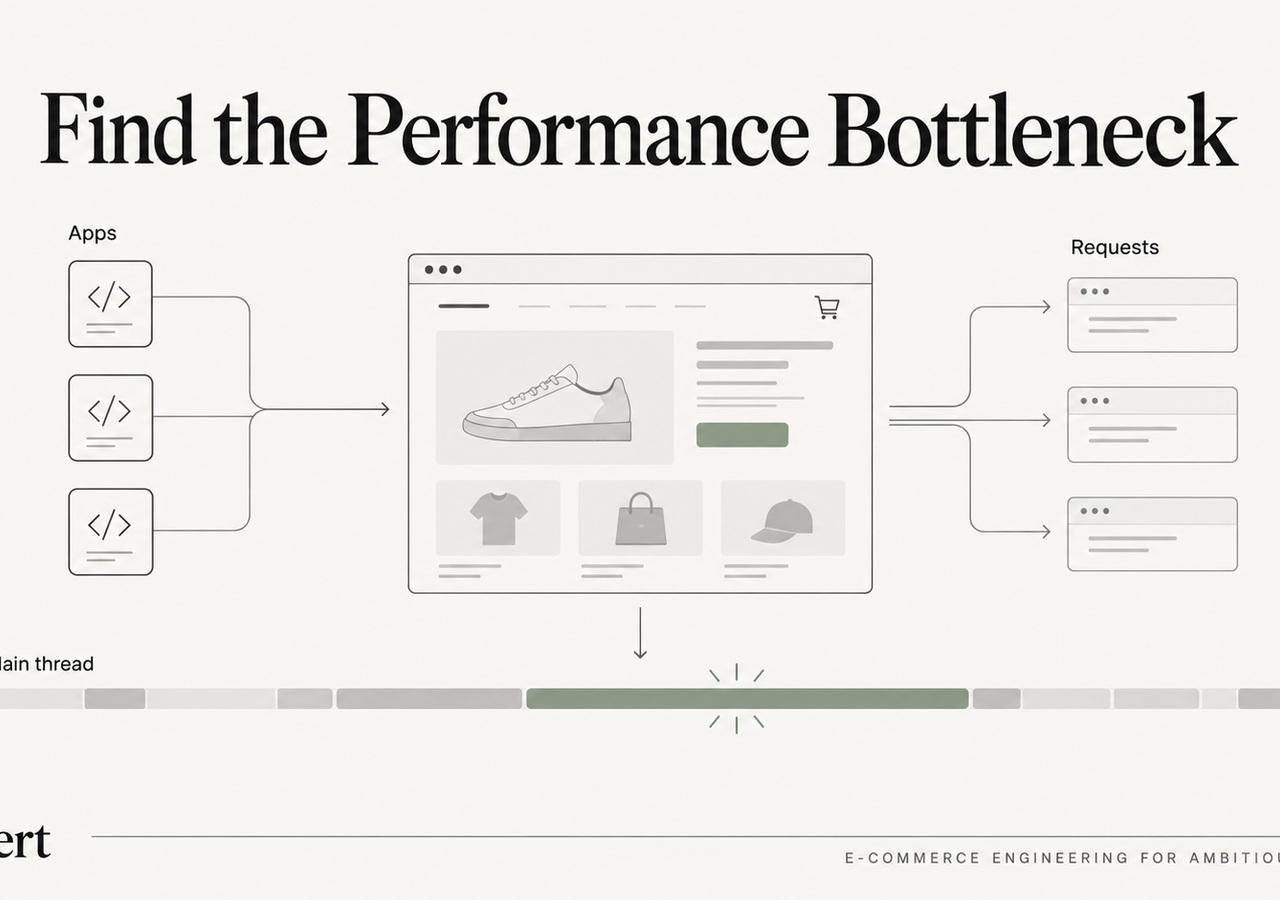
“Too many apps” is not a diagnosis.
A Shopify store can have a long app list and still perform reasonably. Another store can install one app and suddenly add a large JavaScript bundle, a render-blocking dependency, multiple network calls and expensive DOM work to every product page.
The practical job is not to count apps. It is to isolate which code path changed the customer experience.
Our Shopify app-bloat diagnostic owns the broader topic. This field note shows the troubleshooting sequence we use when a merchant says, “the store got slower after we installed apps.”
Start by proving the regression
Before removing anything, establish whether performance actually changed and where.
We compare representative templates before and after the suspected change when historical data exists. If it does not, we compare pages where the app runs against pages where it does not.
We care about more than one score:
- Largest Contentful Paint for loading perception;
- Interaction to Next Paint for responsiveness;
- layout shifts;
- total JavaScript transferred and executed;
- long tasks on the main thread;
- network requests initiated by third parties;
- DOM growth;
- user-facing functionality that depends on the app.
The goal is attribution, not punishment.
Separate download cost from execution cost
A script can be small and still expensive.
Network size answers one question: how much data is downloaded? Main-thread profiling answers another: how long does the browser spend parsing, compiling and executing it?
web.dev's guidance on third-party JavaScript recommends measuring the impact of third-party scripts rather than assuming they are harmless because they load asynchronously. Async code can still consume CPU and compete with interaction work after download.
We therefore inspect both the Network and Performance panels.
Look for work that happens on every page
Many Shopify apps inject code globally even when their visible feature appears only on a subset of pages.
That creates a common pattern:
- app needed on product pages;
- script loaded on home, collections, cart and editorial pages too;
- initialization runs regardless of whether the feature is present;
- network and CPU cost becomes site-wide.
A high-value optimization can be conditional loading: only initialize code on the templates, sections or DOM states that actually need it.
The implementation depends on how the app integrates, but the diagnostic principle is universal: global execution should justify itself.
Inspect duplicated capability
Performance problems often come from overlap rather than one obviously bad app.
We have seen stores with multiple systems doing pieces of:
- reviews and user-generated content;
- recommendations;
- personalization;
- analytics and attribution;
- popups;
- consent management;
- search;
- tag management.
Each tool may be defensible individually. Together they can duplicate listeners, trackers, DOM mutation, API calls and customer identifiers.
The right conversation becomes architectural: which system is the source of truth for this capability, and which integrations can be removed or deferred?
Watch long tasks and interaction handlers
A page can paint quickly and still feel sluggish when app code monopolizes the main thread after load.
web.dev's long-task guidance explains why large chunks of JavaScript evaluation and execution delay responsiveness. For Shopify, we often see this in product-option logic, recommendations, reviews, subscription widgets, tracking layers and DOM observers that react repeatedly to changes.
The key is to identify the script or handler consuming the time, then decide whether to:
- reduce the work;
- delay it;
- split it;
- scope it to fewer pages;
- replace the integration;
- remove it if the business value no longer justifies the cost.
Test with the app disabled—but do not stop there
Temporarily disabling an app or its theme extension can be a useful experiment. It can establish causality quickly.
But “site faster without app” is not the final answer. The app may generate meaningful revenue or solve an operational requirement.
The next questions are:
- Can the feature load later?
- Can only the visible part load?
- Can the app block be limited to specific templates?
- Can duplicate functionality be consolidated?
- Can a native Shopify capability replace part of the stack?
- Can custom code deliver the narrow requirement more efficiently?
Performance engineering is a business prioritization exercise as much as a technical one.
Use Shopify's theme guidance as the baseline
Shopify's theme performance best practices recommend minimizing JavaScript, preferring HTML and CSS for basic functionality, rendering essential content with Liquid when possible, and avoiding unnecessary dependencies. Those rules are especially useful when evaluating app integrations because they reveal where a storefront has become dependent on client-side work for things the platform could render directly.
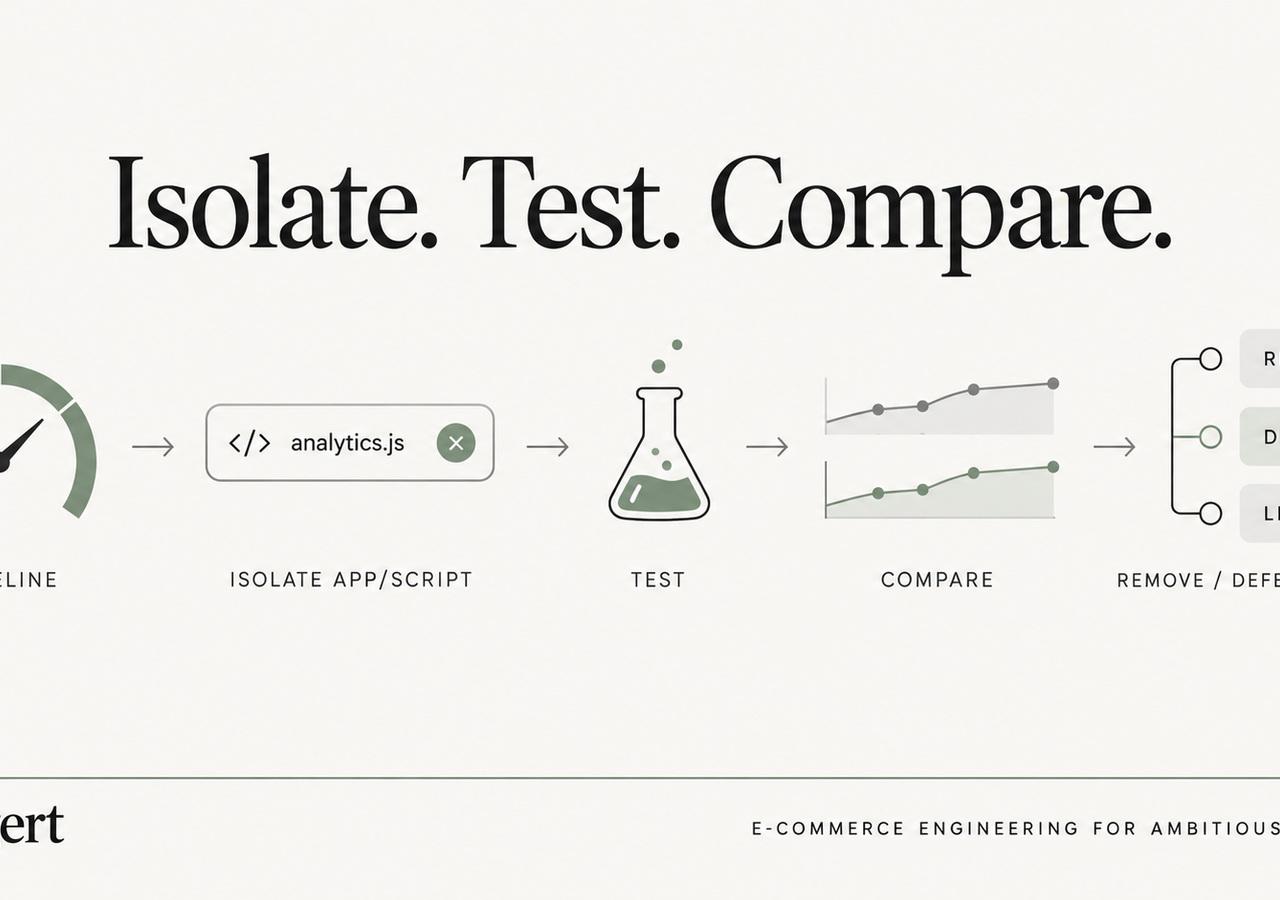
Our isolation sequence
When an app-related regression is suspected, we usually work in this order:
- Reproduce it on specific templates.
- Record network and main-thread traces.
- Attribute requests and long tasks to scripts/domains.
- Identify whether the app runs globally or conditionally.
- Disable or isolate the integration in a duplicate theme.
- Measure the delta.
- Decide whether to defer, scope, replace, reconfigure or remove it.
- Re-test real customer flows after the change.
That last step matters. A faster page that broke reviews, subscriptions or analytics is not an optimization.
The useful question
Instead of asking “which Shopify apps are slow?”, ask:
Which code is consuming scarce early network, rendering or interaction time on the pages that matter—and what business capability is it buying us?
That question turns app cleanup from guesswork into engineering.
For the full stack-level audit, use our Shopify app-bloat guide. For storefront-wide remediation, see the Shopify Core Web Vitals guide.
Keep exploring this topic
Deeper references from the Shugert library and the service that turns this work into a fixed scope.
Related resources
- PerformanceShopify App Bloat: How Too Many Apps Kill Store PerformanceEvery Shopify app taxes every page load. How to audit your stack, cut the bloat costing you the most LCP and INP, and stop the pattern from repeating.
- PerformanceMoving Core Web Vitals on Shopify: LCP, INP & CLS in 2026What actually moves LCP, INP and CLS on a real Shopify store. For the broader speed framework, see our Shopify Performance Optimization Guide.
- ShopifyShopify Performance Checklist for $500k+ DTC Brands (Field-Tested)A field-tested audit checklist for established Shopify stores. For the full framework, start with our Shopify Performance Optimization Guide, this checklist is the tactical companion.
Related services
Keep reading
Shopify LCP Problems We Keep Finding in Production Themes
Why Shopify hero images, animations, JavaScript rendering and third-party code repeatedly turn into LCP problems—and what we check first.

INP on Shopify: The Event-Handler Problems Lighthouse Doesn’t Explain Well
When a Shopify storefront feels sluggish after it has loaded, the problem is often not download size but the work triggered by clicks, taps, typing and DOM updates.

Shopify Lighthouse vs. Core Web Vitals: How to Interpret Conflicting Results
Understand why Shopify Lighthouse lab scores and real-user Core Web Vitals can disagree, and how to interpret both without confusing diagnostic scores with customer experience.