
Before a WooCommerce-to-Shopify Migration: Audit Plugins, Data, and Business Logic
Before moving WooCommerce to Shopify, audit the plugins, custom code, data and business rules an import cannot see. This preflight makes hidden dependencies explicit.

Published
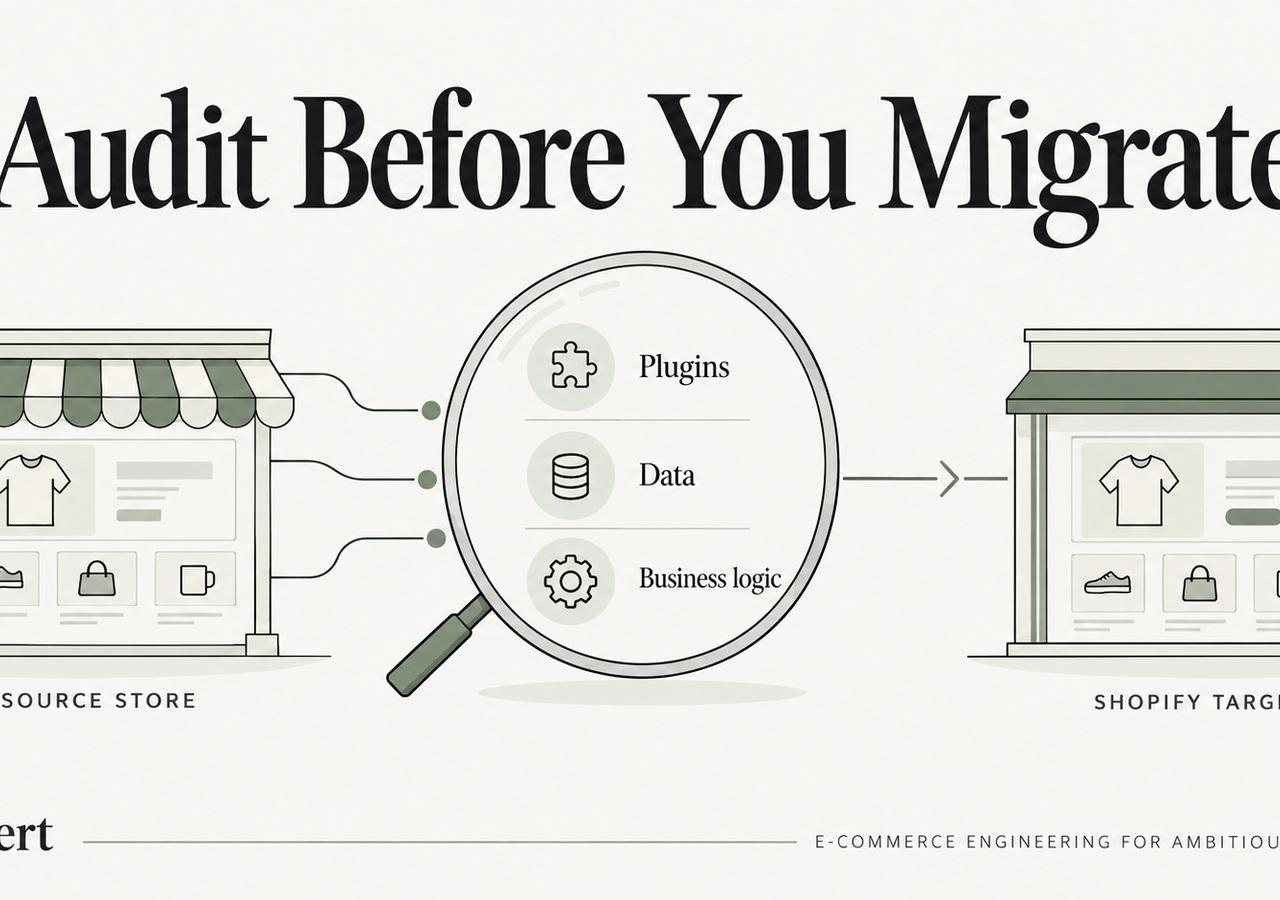
Before a WooCommerce-to-Shopify Migration: Audit Plugins, Data, and Business Logic
The dangerous part of a WooCommerce-to-Shopify migration is rarely the product CSV. It is the behavior that accumulated around WooCommerce over time: plugins, custom PHP, theme overrides, checkout hooks, scheduled jobs, database fields, and integrations that quietly became part of daily operations.
Before choosing apps, designing the new theme, or transforming data, document what the current store actually does. This pre-migration audit is designed to help established merchants uncover the rules that an import cannot see.
If you need the end-to-end migration process, use our WooCommerce-to-Shopify migration guide. This article focuses only on the preflight work that should happen before implementation.
Why WooCommerce Migrations Need a Behavior Audit
WooCommerce can be extended at almost every layer. That flexibility is powerful, but it also means business logic can be distributed across places that nobody considers "the platform."
A discount plugin may depend on customer metadata created by another plugin. A shipping extension may read a custom product field. A small function in functions.php may block checkout for a region, change an order status, or send data to a warehouse. A WordPress cron job may perform a nightly export that finance considers essential.
A normal export can reproduce products, prices, customers, and some order data. It cannot infer why those values behave the way they do.
The preflight objective is simple:
Translate hidden implementation into explicit business requirements before you decide how Shopify should replace it.
1. Inventory Every Plugin by Business Purpose
Start with the plugin list, but do not stop at plugin names.
For each active plugin, record:
- purpose in business terms;
- owner inside the company;
- configuration that matters;
- data it reads or writes;
- external services it calls;
- scheduled jobs or webhooks it creates;
- whether it changes frontend behavior;
- whether it changes checkout, orders, customers, products, tax, or shipping;
- what would happen if it disappeared tomorrow.
Classify each plugin into one of four groups:
- Required behavior — the business still needs the outcome.
- Replaceable convenience — useful, but a different implementation is acceptable.
- Legacy dependency — kept because something else depends on it.
- Obsolete — no longer needed and should not be recreated.
This prevents a common mistake: rebuilding years of plugin debt simply because it exists.
2. Inspect Theme Overrides and Custom PHP
WooCommerce logic often lives outside plugins.
Review:
- child-theme files;
- WooCommerce template overrides;
functions.php;- custom snippets;
- must-use plugins;
- server-side scripts;
- cron jobs;
- custom REST endpoints;
- checkout hooks and filters;
- order-status logic;
- payment and shipping conditionals.
Search for code that changes behavior based on:
- customer role;
- product category;
- SKU;
- cart value;
- country or postcode;
- payment method;
- shipping method;
- subscription state;
- order status;
- custom fields.
Do not ask the new Shopify team to reproduce the code. Ask them to explain the business rule the code implements.
3. Build a Behavior Register
A useful behavior register turns discovery into something testable.
| Behavior | Current implementation | Business owner | Shopify destination | Validation |
|---|---|---|---|---|
| Wholesale pricing | Role + pricing plugin | Sales | B2B catalog or custom logic | Compare sample accounts |
| Shipping restriction | Checkout hook | Operations | Shipping configuration/app/function | Test restricted carts |
| Subscription renewal | Subscription plugin + gateway | Retention | Chosen subscription architecture | Test contract states |
| ERP export | Scheduled PHP job | Operations/IT | API or middleware flow | Reconcile orders |
| Product specification | Custom field | Merchandising | Metafield/metaobject | Compare sampled PDPs |
The "Shopify destination" column can remain undecided during the first pass. The point is to make the behavior visible.
4. Decide Where Each Behavior Should Live in Shopify
The wrong question is:
Which Shopify app replaces this WooCommerce plugin?
The better question is:
Which system should own this behavior after migration?
The answer usually falls into one of these categories:
- native Shopify capability;
- Shopify configuration;
- Shopify Functions;
- checkout or account extension;
- maintained third-party app;
- ERP/PIM/OMS/CRM;
- custom Shopify app or external service;
- behavior removed because it no longer creates value.
Shopify's current checkout customization guidance documents supported technologies such as checkout UI extensions, web pixels, and Shopify Functions. Use the current platform model rather than trying to recreate WooCommerce hooks one-for-one.
A maintained app is often the right choice for standardized functionality. Custom development is justified when the behavior is differentiated, integration-heavy, or too important to depend on several apps coordinating state.
5. Map Product Data Beyond Standard Fields
WooCommerce product data may be distributed across core fields, attributes, custom fields, plugin tables, and theme-specific metadata.
Your mapping should cover:
- product and variant titles;
- SKU and inventory identifiers;
- options and attribute values;
- images, documents, and media;
- pricing and compare-at pricing;
- weight and dimensions;
- categories and merchandising logic;
- tags;
- SEO titles and descriptions;
- custom fields;
- downloadable or digital-product data;
- bundle or component relationships;
- subscription eligibility;
- regional or B2B availability.
For custom fields, define the intended Shopify type. A value may belong in a product metafield, variant metafield, metaobject reference, tag, collection rule, or an external system.
Do not create metafields merely to preserve every legacy column. Preserve the business meaning.
6. Treat Customers and Accounts as a Separate Workstream
Customer migration affects support, retention, B2B, and authentication.
Map:
- name and contact information;
- addresses;
- tags or roles;
- consent;
- tax exemptions;
- B2B company relationships;
- external IDs;
- loyalty status;
- subscription relationships;
- fields used by CRM or segmentation.
Shopify's current customer CSV documentation notes that customer passwords from another online store cannot be migrated through a CSV because they are encrypted outside Shopify. Your launch plan therefore needs a deliberate account-access experience rather than assuming old credentials will continue to work.
Depending on the customer-account model, that may involve invitations, new password creation, or passwordless login. Test the actual experience before launch and coordinate customer communication with support.
7. Decide What Historical Orders Are For
Do not migrate historical orders only because "we want history."
Ask who uses that history and why.
Customer service may need line items, discounts, shipping, refunds, notes, and original order identifiers. Finance may need totals and payment references. Retention teams may need product history. An ERP or data warehouse may already be the better long-term system of record.
Define:
- how much history is needed;
- which fields matter;
- whether orders must be visible in Shopify admin;
- how imported history is distinguished from new Shopify orders;
- whether refunds or returns against historical orders need special handling;
- how reporting continuity will work.
The correct answer may be different for operations, analytics, and customer service.
8. Give Subscriptions Their Own Migration Plan
Subscriptions combine customer identity, product data, billing schedules, payment authorization, discounts, shipping, dunning, cancellations, and customer portals.
Document:
- active contracts;
- billing cadence;
- next billing date;
- skips and pauses;
- discounts;
- shipping rules;
- payment gateway/token ownership;
- failed-payment state;
- cancellation state;
- portal access;
- downstream analytics and CRM events.
Then test representative contracts in the destination architecture.
A customer record that migrates successfully does not prove that a recurring billing relationship will continue successfully.
9. Audit Shipping, Tax, and Payment Rules
WooCommerce often accumulates special cases.
For shipping, document:
- zones and postcodes;
- carrier integrations;
- free-shipping thresholds;
- product restrictions;
- dimensional or weight rules;
- pickup;
- multi-warehouse behavior;
- international exclusions.
For tax, document jurisdiction logic, exemptions, product classes, and any external tax service.
For payments, document gateways, regional availability, fraud workflows, capture timing, refunds, subscriptions, and any order-status dependencies.
Build test carts around edge cases, not just the standard purchase.
10. Create the URL Inventory Before Shopify Handles Exist
SEO migration should begin before the destination URL structure is finalized.
Crawl the current WooCommerce site and combine the crawl with:
- Search Console landing pages;
- analytics;
- indexed URLs;
- backlinks;
- internal links;
- canonical tags;
- blog and content URLs;
- paginated and filtered URLs;
- query-string URLs that receive traffic.
WooCommerce and WordPress can create many URL patterns that do not map directly to Shopify.
Google's site-move documentation recommends mapping old URLs to corresponding new destinations, avoiding irrelevant catch-all redirects, updating internal links and canonicals, using permanent redirects where possible, and submitting the new sitemap after the move.
Do not wait until the theme is approved to decide which Shopify pages inherit search intent.
11. Define Redirect Rules by Intent
Each valuable source URL should have a relevant destination.
Typical mappings include:
- product → equivalent product;
- retired product → close replacement or relevant collection when appropriate;
- product category → Shopify collection;
- WordPress page → Shopify page or equivalent content route;
- blog post → correct Shopify blog article;
- consolidated content → the new consolidated destination.
Avoid routing unrelated URLs to the homepage. That may make a redirect file look complete while giving users and search engines a poor destination.
Also rewrite internal links to point directly to final Shopify URLs rather than relying on redirects inside your own content.
12. Decide What Happens to WordPress Content
Some WooCommerce stores are also substantial WordPress publishing sites.
Inventory:
- blog posts;
- landing pages;
- comparison pages;
- guides;
- media;
- categories and tags;
- schema markup;
- embedded forms or widgets;
- internal links;
- author pages;
- gated content.
Do not assume all of that belongs inside Shopify. The right architecture depends on editorial requirements, CMS workflows, organic traffic, and internal ownership.
If content moves, test rendered HTML—not just database fields.
13. Create Representative Test Cases Before Development
The best time to define QA is during discovery.
Build a test set that includes:
- simple and complex products;
- products with custom fields;
- logged-in and guest checkout;
- high- and low-value carts;
- discount edge cases;
- restricted shipping destinations;
- tax-exempt customers;
- B2B accounts if relevant;
- subscription customers;
- historical-order lookup;
- refunds;
- ERP/PIM/OMS synchronization;
- customer account access;
- analytics and consent.
Each test should have an expected result and an owner.
If the project team cannot agree on the expected behavior, development is not ready to begin.
14. Establish the Launch Gate
The theme being approved is not a launch criterion.
Before cutover, require evidence across:
Commerce
- representative checkout scenarios pass;
- payments, refunds, discounts, shipping, and tax behave correctly.
Data
- required entities are reconciled;
- difficult samples have been reviewed;
- final delta-import process is tested.
Integrations
- critical workflows pass end to end;
- retry and failure behavior is understood;
- support owners can see errors.
SEO
- redirect map is validated;
- canonicals and robots are correct;
- internal links point to final URLs;
- sitemap is ready;
- priority pages are crawlable.
Analytics
- purchases and important events are validated;
- consent behaves correctly;
- revenue can be reconciled.
Operations
- customer service has account-access guidance;
- launch roles are assigned;
- rollback or emergency-fix criteria are documented.
15. Plan the First 30 Days Before Launch
Stabilization is part of the migration.
The first month should include monitoring for:
- 404s and redirect failures;
- canonical or indexation issues;
- organic landing-page changes;
- checkout errors;
- customer login problems;
- subscription failures;
- ERP/PIM/OMS sync errors;
- inventory mismatches;
- duplicate automations or notifications;
- analytics gaps;
- performance regressions;
- customer-service trends.
Our first-30-days SEO monitoring guide provides a detailed search checklist. Operations and engineering should run an equivalent review for revenue and fulfillment workflows.
When an Agency Is Justified
An internal team can handle a WooCommerce migration when the system is understood, dependencies are limited, and the people doing the work already know Shopify production delivery.
Specialist help becomes more valuable when several of these are true:
- many plugins collectively implement business logic;
- the store has custom PHP or checkout behavior;
- subscriptions are material to revenue;
- ERP/PIM/OMS/3PL integrations are complex;
- B2B pricing or permissions are involved;
- WordPress content drives substantial organic traffic;
- historical orders are operationally important;
- multiple markets or currencies are involved;
- launch risk is difficult to isolate between teams.
If you need to compare partners, use the Shopify migration agency checklist. For implementation scope, our Shopify migration service covers discovery, data, engineering, SEO, QA, cutover, and stabilization.
The Deliverable You Want From Preflight
Before development starts, you should be able to hand the project team a package containing:
- plugin and behavior inventory;
- data mapping workbook;
- source-of-truth matrix;
- integration diagram;
- URL inventory;
- redirect strategy;
- content migration decision;
- checkout and B2B requirements;
- analytics specification;
- representative QA cases;
- launch gate;
- stabilization plan.
If those artifacts exist, the migration can be scoped around known risks instead of hidden dependencies. That is the real purpose of a WooCommerce preflight.
Keep exploring this topic
Deeper references from the Shugert library and the service that turns this work into a fixed scope.
Related resources
- MigrationHow to Migrate WooCommerce to Shopify Without Losing SEO RankingsA practical 2026 playbook for moving from WooCommerce to Shopify without losing organic traffic: URL strategy, plugin-to-app mapping, Matrixify catalog import, 301 redirects, and post-launch monitoring.
- Shopify PlusShopify Functions Explained: What They Do for Your StoreA technical explainer on Shopify Functions, the Wasm runtime, supported languages (Rust, JS, TS), the seven Function types, and how the architecture…
- MigrationMigrating to Shopify in 2026: What Actually ChangedA practical Shopify migration guide for inventory, data contracts, storefront scope, SEO continuity, integrations, QA, cutover and launch validation.
Related services
Keep reading
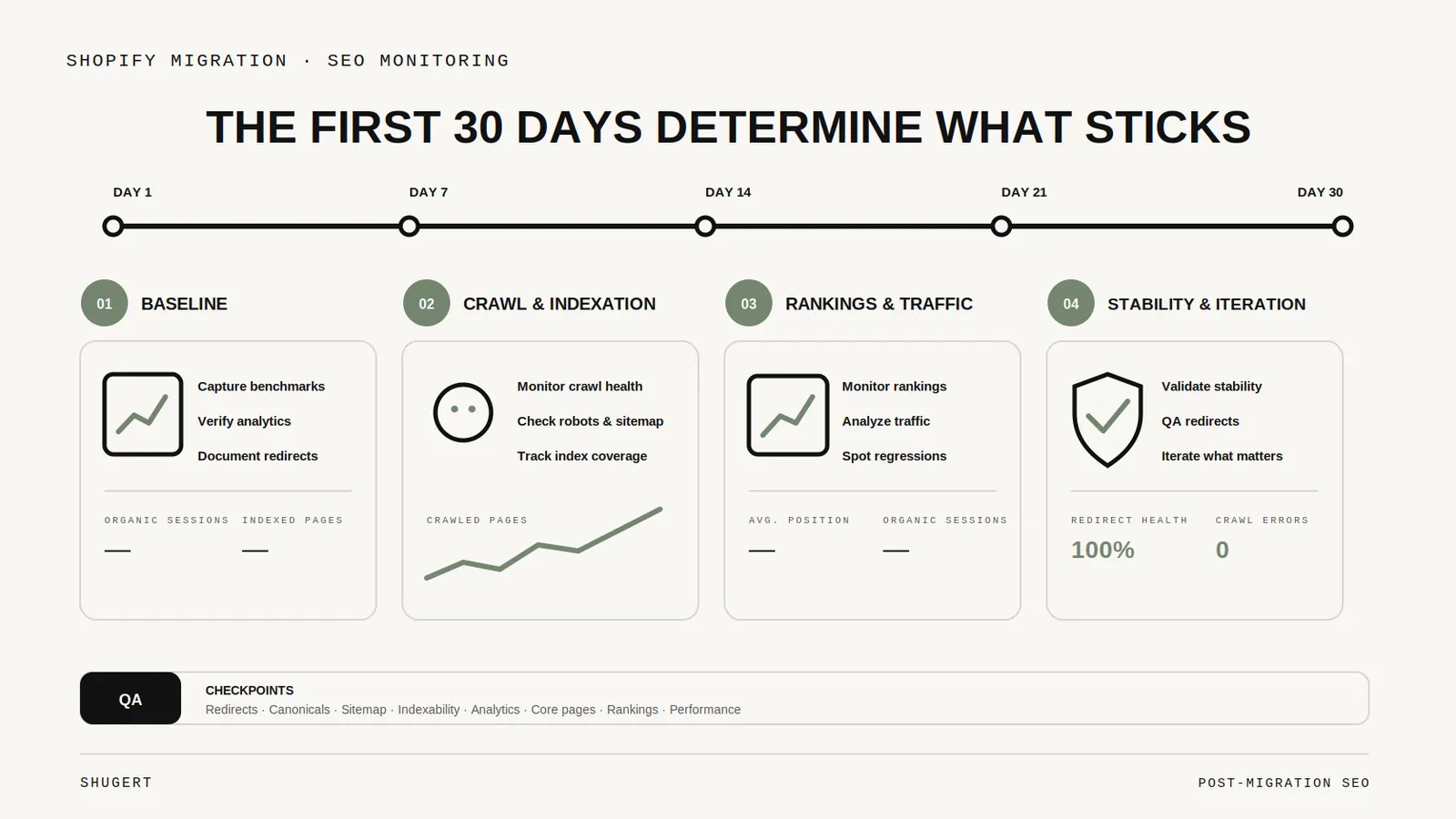
The First 30 Days After a Shopify Migration: SEO Monitoring That Actually Matters
What to watch after a Shopify migration, from redirect failures and sitemap processing to indexing, organic landing pages, canonicals, and conversion tracking.
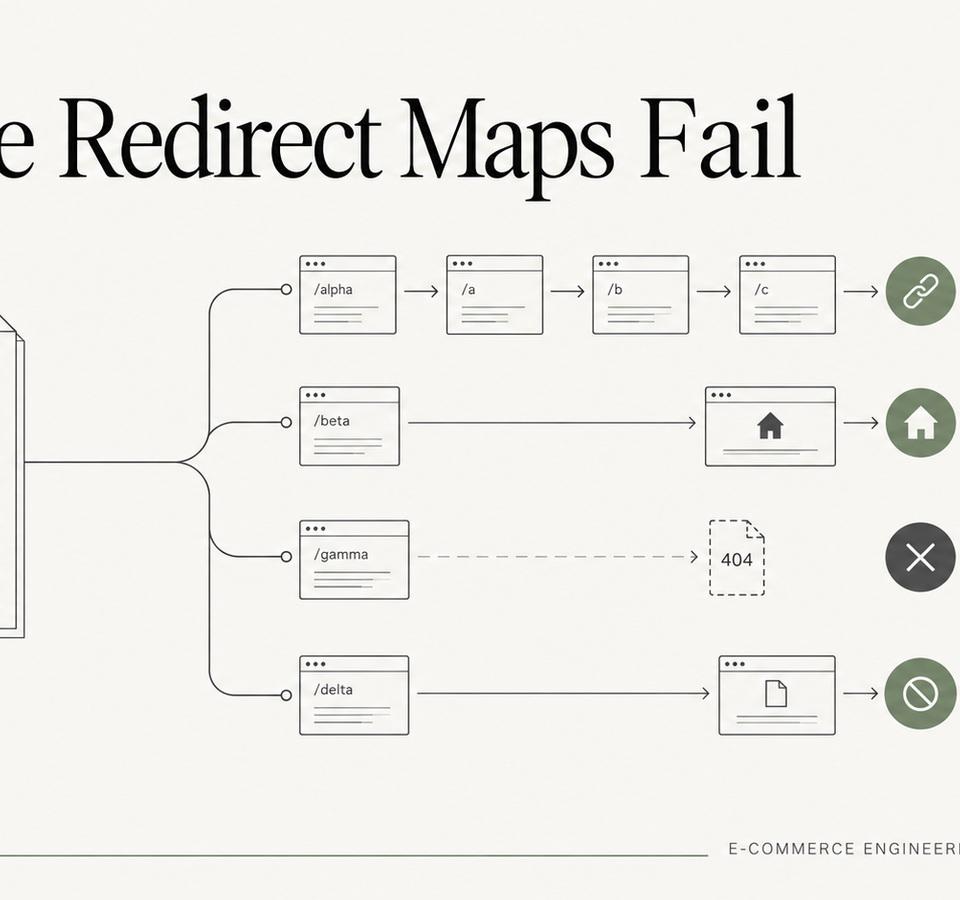
Why Redirect Maps Fail on Large Shopify Migrations
Large migration redirect maps fail for predictable reasons: incomplete inventories, over-broad rules, redirect chains, weak validation, and no post-launch ownership.
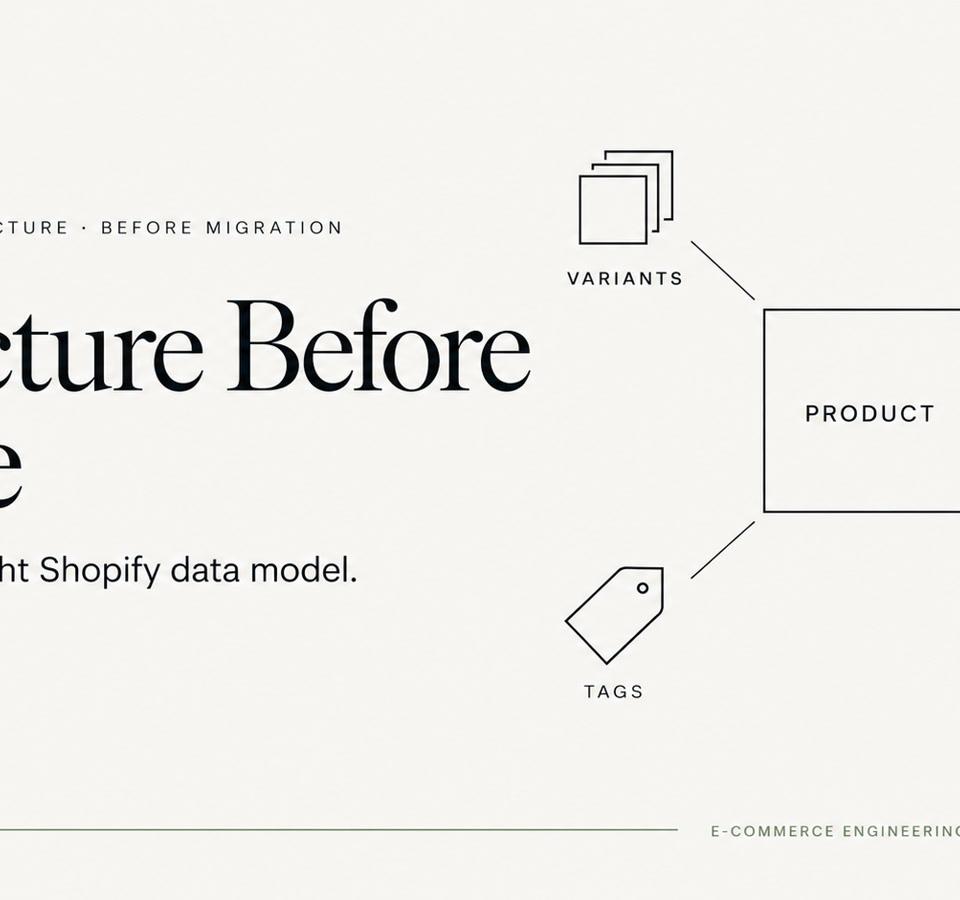
Variants, Metafields, Tags, or Metaobjects? Modeling Large Catalogs Before Migration
Large Shopify migrations become easier when product attributes have clear ownership before import. Here is how we decide what belongs in variants, metafields, tags and metaobjects.