
The First 30 Days After a Shopify Migration: SEO Monitoring That Actually Matters
What to watch after a Shopify migration, from redirect failures and sitemap processing to indexing, organic landing pages, canonicals, and conversion tracking.

Published
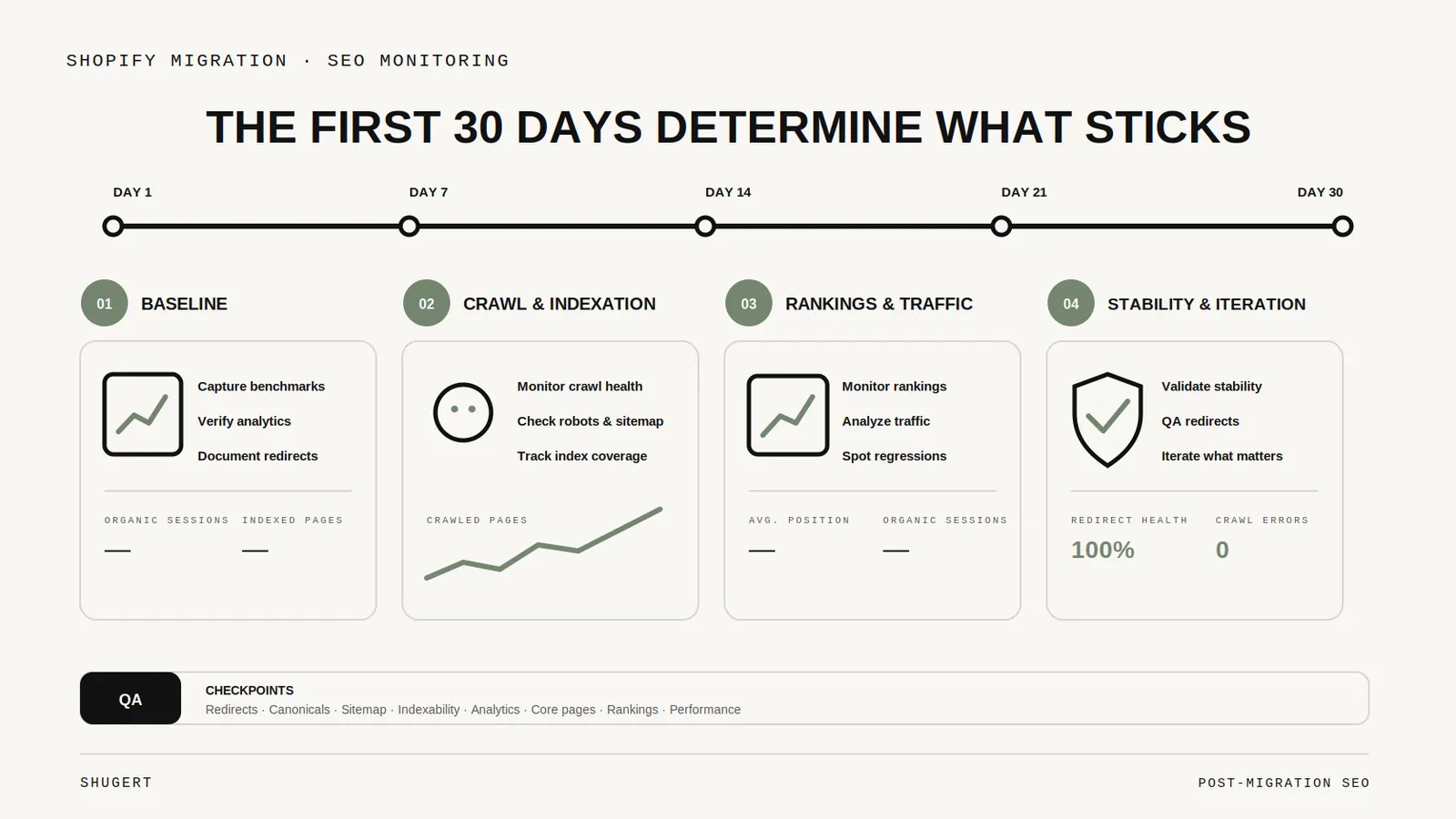
The riskiest SEO mistake after a Shopify migration is assuming that a clean launch means the migration is finished.
The storefront can look correct while search engines are still processing thousands of old URLs, redirects, canonicals, new internal links, and sitemap entries. The first month is where you learn whether the migration architecture is behaving the way you expected in the real crawl environment.
This is the monitoring sequence we use after cutover. It complements our Shopify migration guide rather than replacing it.
Launch day: validate the paths that matter most
Immediately after cutover, we check a deliberately small set of high-value flows first:
- old top organic URLs return a permanent redirect to the intended destination;
- destination URLs return 200;
- canonicals reference the new preferred URLs;
- robots directives did not inherit staging noindex rules;
- the XML sitemap resolves and contains the intended canonical URLs;
- critical navigation links point directly to final URLs rather than through redirects;
- analytics and purchase events still fire on real production flows.
This is not the time for a broad ranking analysis. Search engines have not had enough time to process the move. The goal is to catch configuration mistakes that could contaminate the next crawl.
Google's site-move guidance specifically recommends testing redirects, checking canonicals and robots rules, updating internal links, and submitting the new sitemap.
Days 1–3: watch errors before rankings
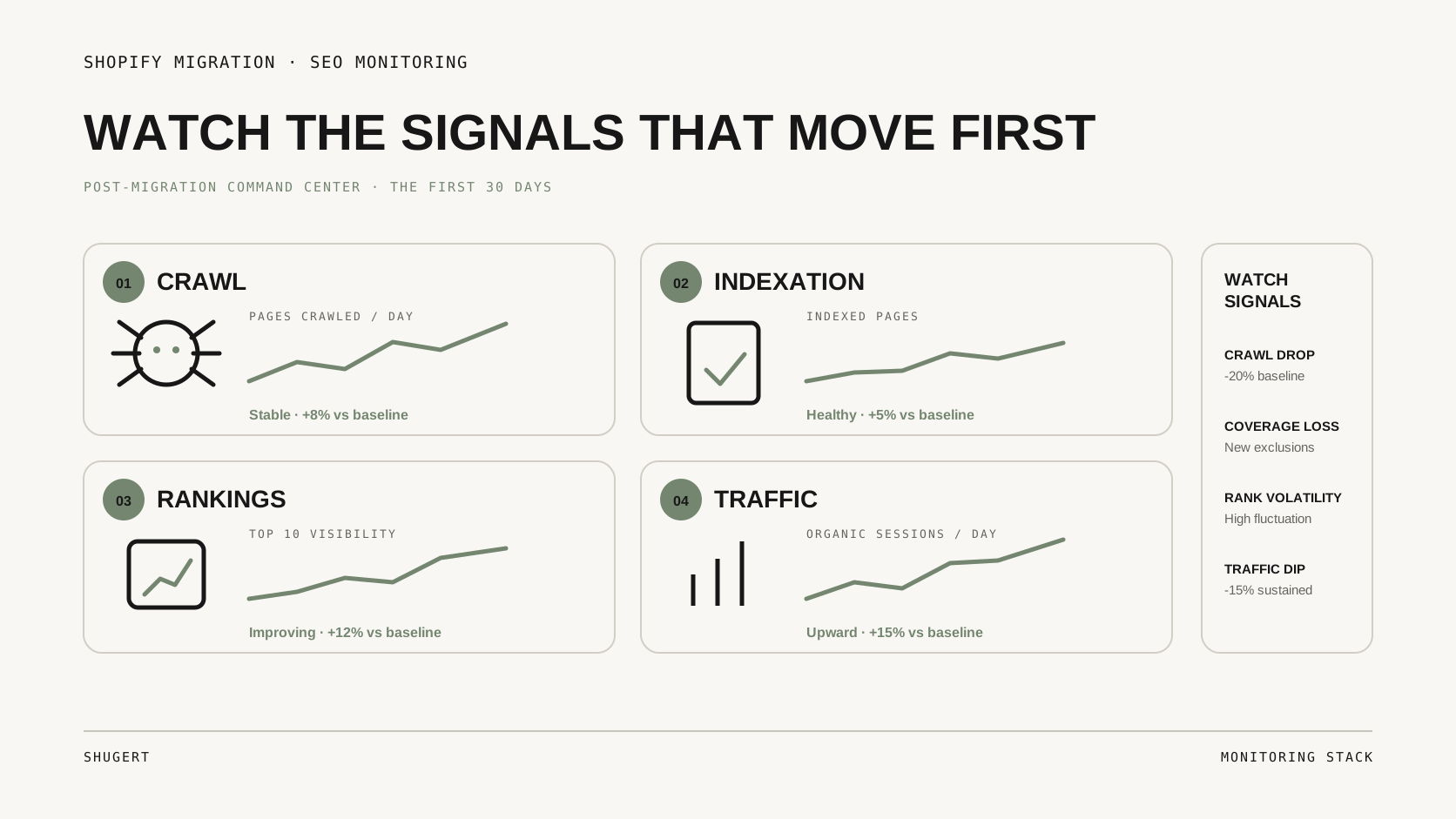
The first useful signals are operational.
We look for:
Unexpected 404s
Not every 404 is a problem. Deleted content can legitimately return 404 or 410. The important question is whether valuable old URLs, internal links, backlinks, or active campaign paths are landing there unexpectedly.
Redirect problems
We look for redirect chains, loops, irrelevant many-to-one mappings, and URLs that should redirect but still return content. Shopify's URL redirect documentation is worth reading because the platform has reserved paths and other constraints that can affect mappings.
Internal links through redirects
A 301 can be correct for an old external URL while still being wrong as an internal navigation target. Once the new URLs are live, internal links should normally point directly to them.
Analytics discontinuities
A migration can preserve rankings and still damage decision-making if channel attribution, product identifiers, checkout events, or purchase events change unexpectedly. We compare pre- and post-launch event behavior rather than assuming that pageview tracking means analytics is healthy.
Days 4–7: Search Console becomes more informative
By this point we start looking for patterns rather than individual anomalies.
Questions we ask:
- Are the new URLs being discovered?
- Are old URLs being replaced by their mapped destinations?
- Is Google selecting unexpected canonicals?
- Are sitemap URLs being processed?
- Are important collections or products missing from discovery?
- Did a staging or alternate hostname enter the index?
A migration naturally creates noise. We care about directional consistency: old URLs should increasingly resolve through the redirect map, new canonical URLs should become the stable destinations, and important sections should remain crawlable through normal links.
Google's ecommerce guidance emphasizes that products should be reachable through crawlable links and that sitemap and Merchant Center feeds can supplement discovery when navigation cannot expose everything cleanly. See Google's ecommerce site-structure guidance.
Week 2: compare landing-page families
After the first week, we stop looking only at the domain total.
A store can appear “flat” overall while one commercial section is losing visibility and another is gaining it. We segment performance by URL family:
- product pages;
- collections/categories;
- editorial resources;
- brand pages;
- local/store pages if applicable;
- market or language subfolders.
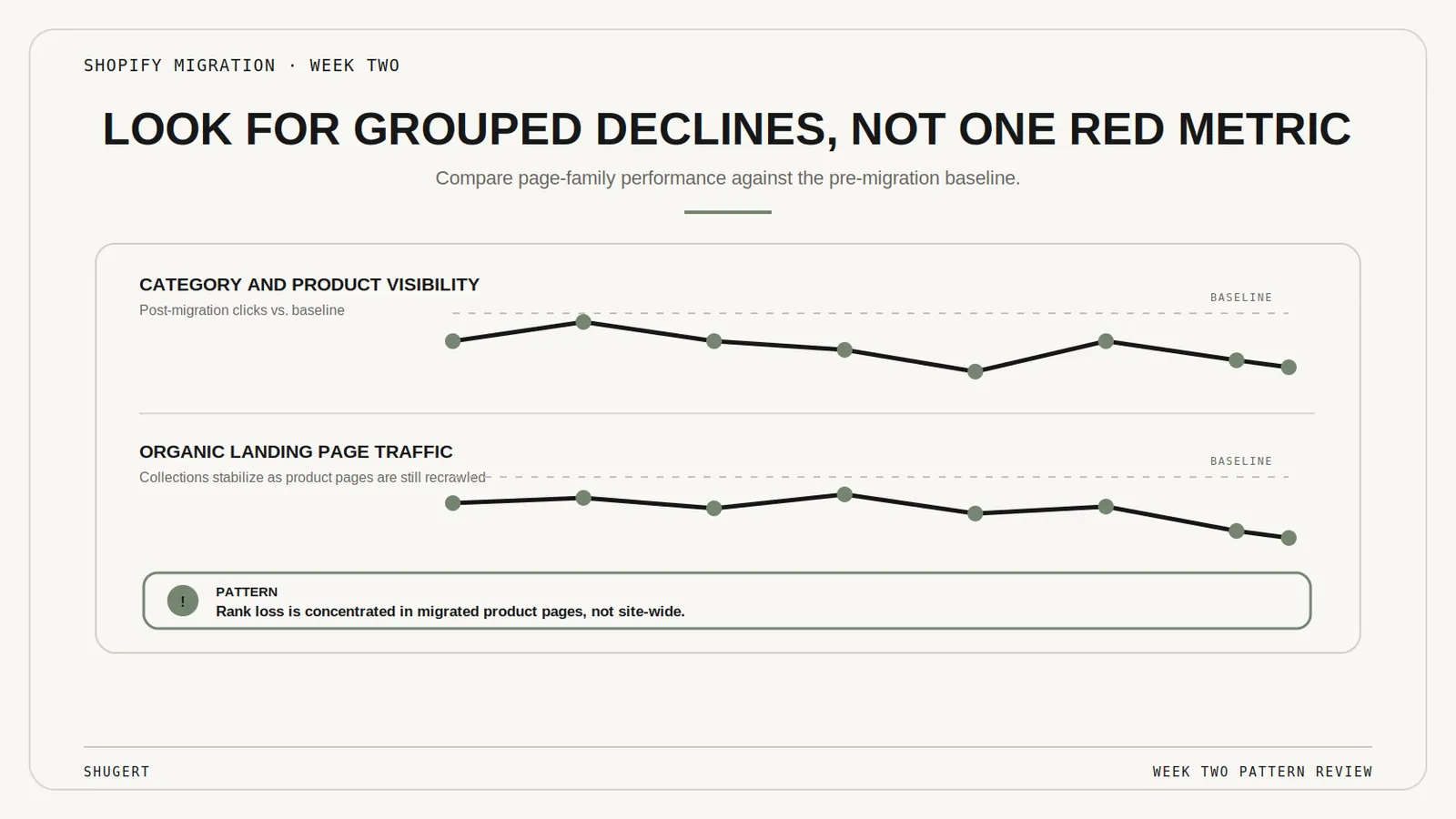
Then we compare clicks, impressions, query mix, indexed URLs, and conversion contribution against the pre-migration baseline.
This is also when redirect-map gaps become easier to detect. A cluster of old URLs losing impressions without corresponding new destinations often deserves investigation.
Weeks 3–4: rankings matter more, but context still matters
Google explicitly warns that significant site moves can produce temporary ranking fluctuation while URLs are recrawled and reindexed. That means a single keyword moving from position 4 to 9 in week one is not, by itself, a diagnosis.
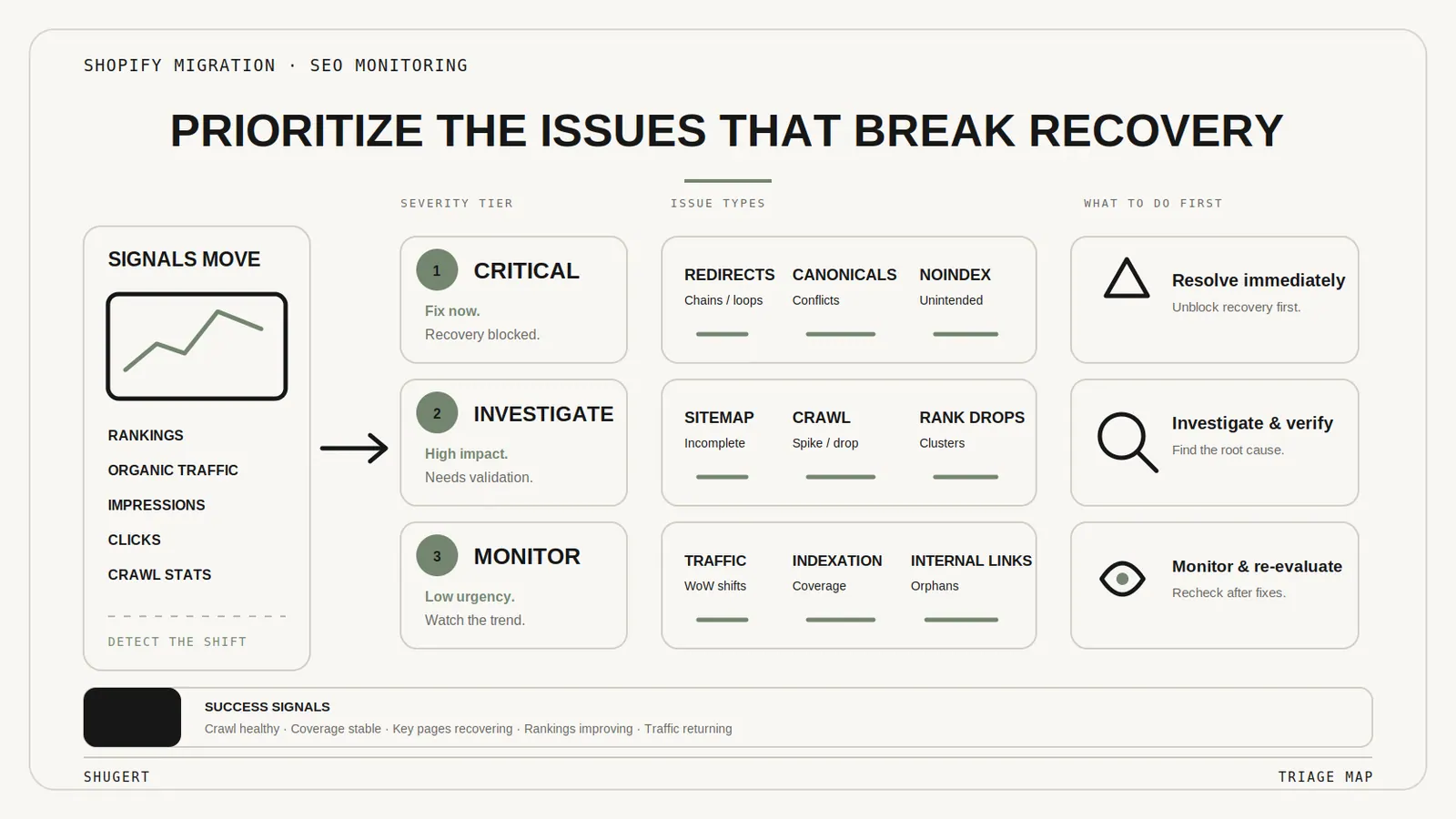
By the third and fourth week, however, repeated patterns deserve more weight:
- whole directories losing indexed coverage;
- destination pages failing to inherit relevant queries;
- unexpected canonical selection that persists;
- important pages discovered but not indexed;
- soft-404 behavior caused by irrelevant redirects;
- consistent loss isolated to one template or content type.
At that point we move from monitoring to root-cause analysis.
Metrics we do not use in isolation
Total indexed pages
More indexed pages are not automatically better. A migration can accidentally create thousands of thin filter URLs and make the raw count rise while the site gets worse.
Domain-wide organic traffic
Useful, but too blunt. Segment by landing-page type and business importance.
One ranking tracker
Rank tracking is valuable, but migration validation also needs crawl behavior, Search Console, analytics, status-code checks, and redirect testing.
Lighthouse alone
Performance regressions matter, but a Lighthouse score cannot tell you whether old URLs are mapping correctly or Google chose the right canonical.
The artifact we keep: a migration control sheet
For meaningful migrations, we keep one control view that connects:
- old URL;
- intended new URL;
- redirect status;
- new response status;
- canonical;
- indexability;
- pre-migration organic importance;
- post-launch observations.
That makes investigation much faster than trying to reconstruct launch decisions from separate exports weeks later.
For large catalogs, our Shopify 301 redirect guide explains the mapping layer in more detail, while the technical SEO playbook covers canonicals, crawlability, internal links, structured data and other site-wide controls.
The 30-day rule
Thirty days is not a magic recovery deadline. It is a useful operating window.
By then you should have enough evidence to distinguish normal migration processing from structural problems. Some large moves take longer for search systems to fully process, but the direction of travel should be explainable.
The standard we want is not “traffic looks okay.” It is: every important old URL has an intentional outcome, every important new URL is discoverable and indexable as intended, and any remaining visibility change has a hypothesis backed by data.
Keep exploring this topic
Deeper references from the Shugert library and the service that turns this work into a fixed scope.
Related resources
- MigrationMigrating to Shopify in 2026: What Actually ChangedA practical Shopify migration guide for inventory, data contracts, storefront scope, SEO continuity, integrations, QA, cutover and launch validation.
- SEOThe Shopify Technical SEO PlaybookTechnical SEO on Shopify is different from WordPress. Here's the audit checklist we run on every Shopify and Shopify Plus store: indexation, schema, Core…
- MigrationShopify 301 Redirects for Large Catalogs: The MapFor Shopify migrations with 500+ URLs, the redirect map is a crawl-budget and SEO-equity problem, not a checklist item.
Related services
Keep reading

What We Learned Migrating 8,000 SKUs to Shopify
Large-catalog Shopify migrations expose problems that small stores can hide: redirect mapping, product modeling, crawl control, QA, and cutover sequencing.
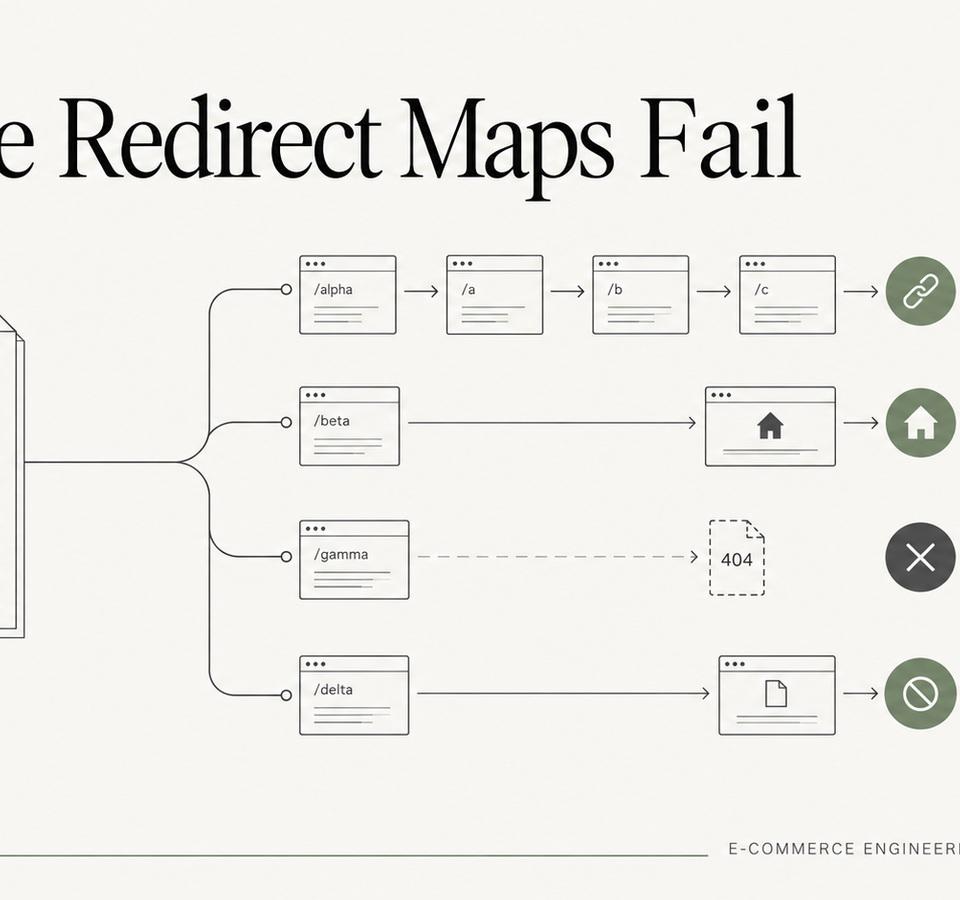
Why Redirect Maps Fail on Large Shopify Migrations
Large migration redirect maps fail for predictable reasons: incomplete inventories, over-broad rules, redirect chains, weak validation, and no post-launch ownership.

Magento Extension Inventory: Decide What Shopify Needs Before Choosing Apps
An engineering framework for classifying Magento extensions before a Shopify migration: native capabilities, apps, custom solutions, external systems, or retirement.