
Shopify Migration Agency Selection Checklist: How to Vet a Partner Before You Sign
A buyer-side checklist for evaluating Shopify migration agencies on data, SEO, integrations, analytics, launch control, team ownership and stabilization.

Published
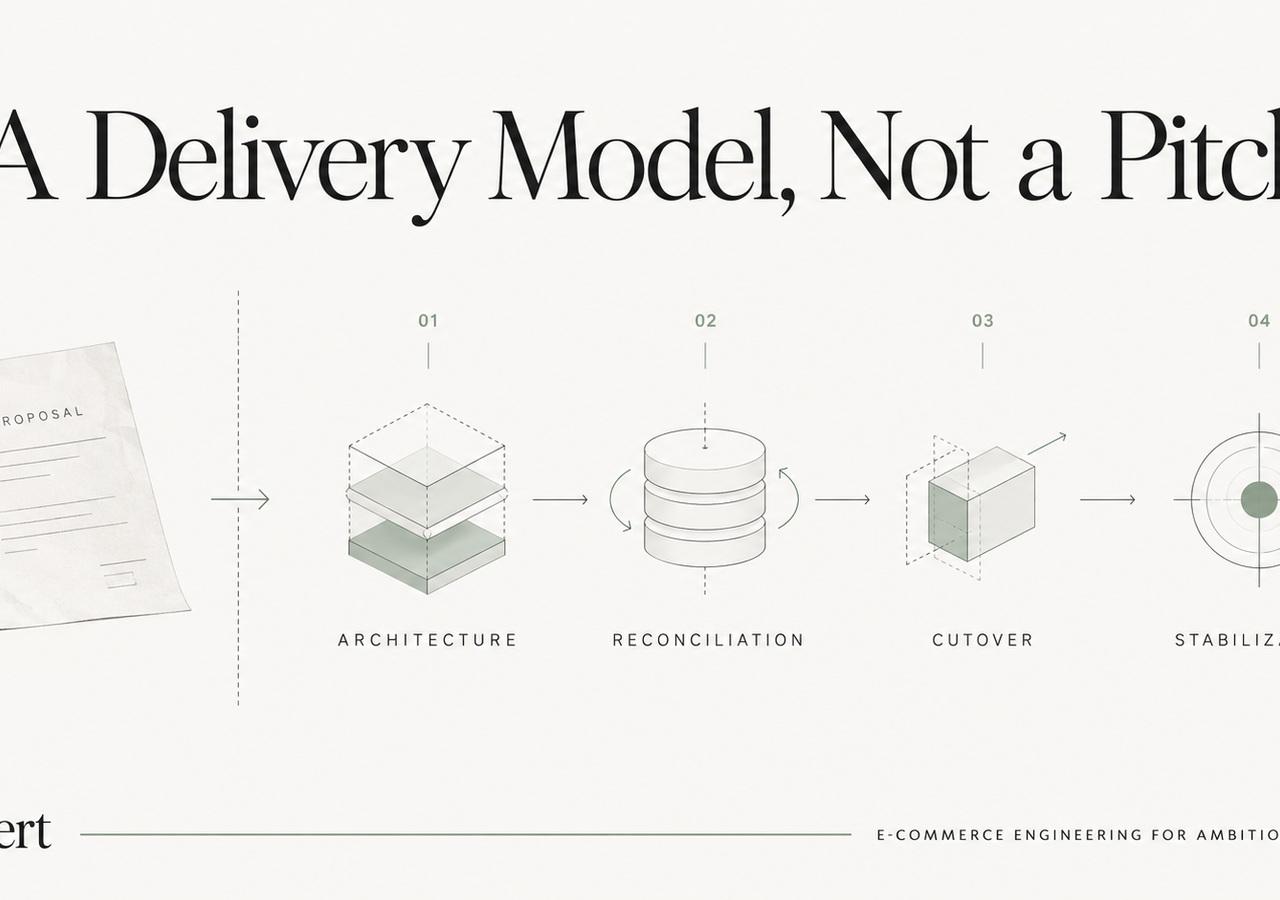
Shopify Migration Agency Selection Checklist: How to Vet a Partner Before You Sign
A Shopify migration proposal can look complete while leaving the riskiest work undefined. Theme development is visible, easy to demo, and easy to price. Data reconciliation, redirect ownership, subscription continuity, ERP behavior, analytics QA, and post-launch support are harder to show in a sales deck—and those are often the areas that determine whether an established store has a controlled launch or a costly cleanup.
This checklist is for merchants evaluating a Shopify or Shopify Plus migration partner. It is not a ranking. If you are still building a shortlist, our comparison of Shopify migration agencies covers different agency profiles and source-platform strengths. Once you have two or three credible candidates, use the framework below to compare them on the same operational questions.
Start With Your Migration Risk, Not the Agency's Portfolio
Before asking agencies for estimates, write down what would hurt the business most if it failed.
For one merchant, the biggest risk may be organic traffic concentrated in thousands of product and collection URLs. For another, it may be subscription billing, B2B price lists, an ERP feed, or a custom checkout workflow. A third may care most about historical orders because customer service and finance depend on them every day.
A useful pre-RFP risk list should cover at least:
- revenue-critical storefront paths;
- organic landing pages and backlinks;
- product, variant, collection, customer, and order data;
- subscriptions, gift cards, loyalty, and reviews;
- ERP, PIM, OMS, WMS, 3PL, CRM, and finance integrations;
- B2B companies, catalogs, payment terms, and permissions;
- shipping, tax, discount, and checkout logic;
- analytics, advertising pixels, consent, and server-side events;
- international domains, markets, currencies, and localization;
- launch timing, rollback constraints, and internal availability.
Shopify's own migration guidance treats data transfer, shipping, tax, payments, testing, domains, and SEO as separate migration concerns. That is a useful baseline: if a proposal reduces the project to "design, import, launch," important work is probably missing.
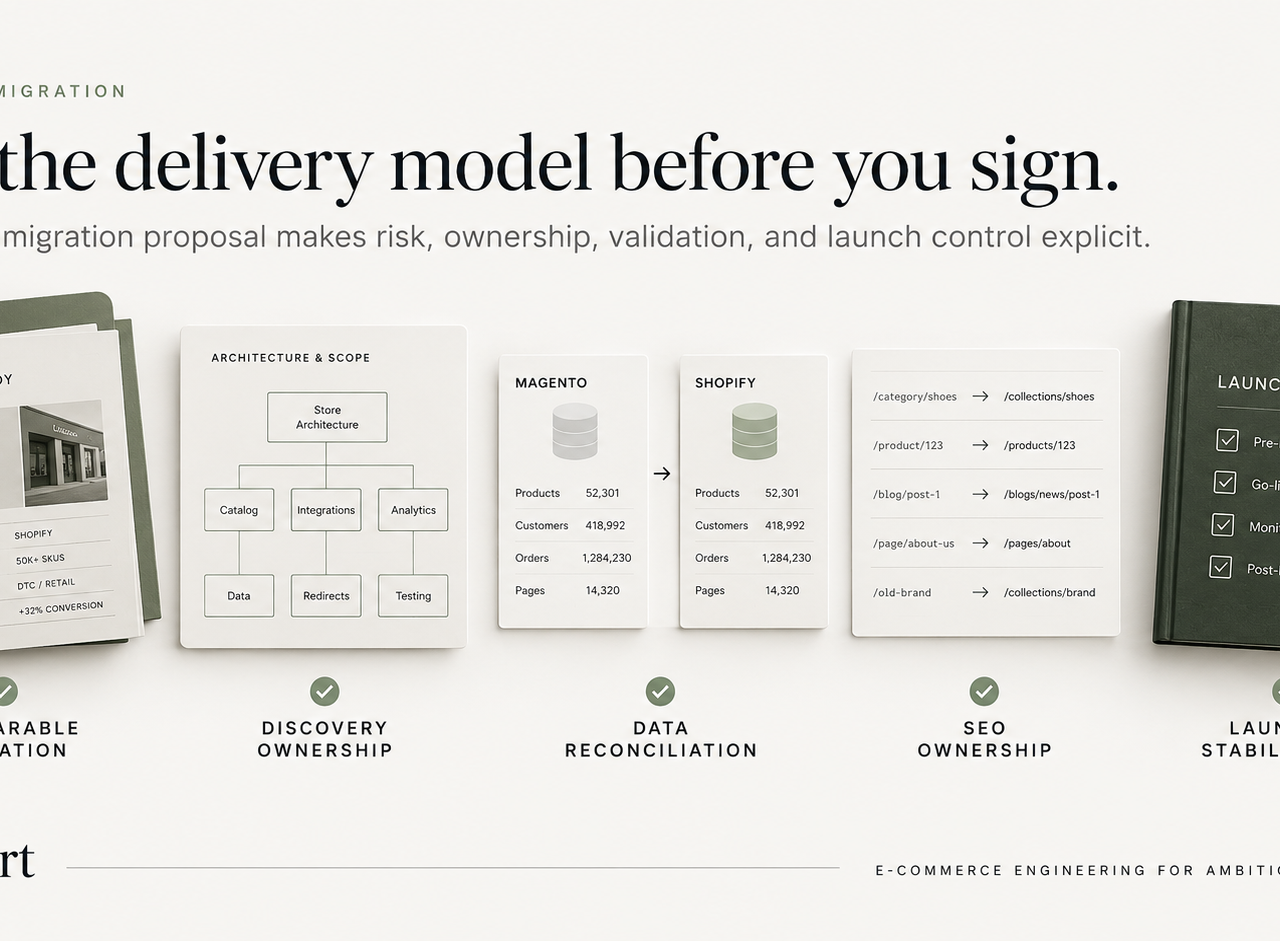
1. Ask for a Technically Comparable Migration
A logo wall proves that an agency has had clients. It does not prove that the proposed team has solved your problem.
Ask each finalist for one or two examples that match the difficult parts of your project. A useful comparison may involve the same source platform, a similar catalog size, similar B2B requirements, the same ERP, a subscription model, international markets, or a high-value organic footprint.
The follow-up questions matter more than the case-study headline:
- What was the source platform?
- How many products, variants, customers, or historical orders were involved?
- Which integrations had to survive the cutover?
- Which data could not be moved directly?
- How was the redirect map created and tested?
- What went wrong during QA?
- Who was on call during launch?
- What was monitored during the first week?
If the people answering those questions will not work on your account, ask to meet the technical lead who will.
2. Confirm Who Owns Discovery
Discovery should produce artifacts that the merchant can review, not just meetings.
For an established store, the discovery output should usually include a source-system inventory, data map, URL inventory, integration map, analytics specification, risk register, and a list of assumptions that still need decisions.
You should be able to answer questions such as:
- Which system owns inventory before and after launch?
- Where do product attributes live today, and where will they live in Shopify?
- Which customer fields drive segmentation or pricing?
- Are historical orders required in Shopify, a data warehouse, or both?
- Which apps are replacements for existing functionality, and which behaviors require custom work?
- Which URLs must be preserved one-to-one, which can consolidate, and which should retire?
A fixed implementation scope created before these questions are answered may still be useful as a budget range, but it should not be treated as a complete technical plan.
3. Require a Data Reconciliation Plan
"We migrate products and customers" is not enough.
A serious migration plan explains how the team will prove that the destination is correct. Row counts help, but they do not catch semantic errors such as a product option mapped to the wrong variant, a B2B tag omitted from customer records, or an order status preserved as text but disconnected from an operational workflow.
Ask how the team will validate:
- products and variants;
- SKUs and inventory identifiers;
- collections and merchandising rules;
- metafields and metaobjects;
- customers, addresses, tags, and consent;
- historical orders, refunds, notes, and discounts;
- reviews, gift cards, loyalty, and subscriptions;
- localized content and market-specific data.
For larger projects, expect some form of automated comparison plus manual sampling of difficult records.
4. Make SEO a Migration Workstream, Not a Launch-Day Task
SEO preservation is broader than importing redirects.
The agency should establish a pre-launch baseline, crawl the existing site, combine that inventory with analytics and Search Console data, identify high-value URLs, map destinations, and compare technical signals before launch.
Google's current site-move guidance recommends mapping old URLs to corresponding destinations, using server-side permanent redirects when possible, updating internal links and canonicals, submitting the new sitemap, and keeping redirects in place for as long as possible—generally at least one year.
Ask for explicit ownership of:
- URL inventory and redirect mapping;
- canonical tags;
- indexability and robots directives;
- XML sitemaps;
- internal links;
- metadata and heading parity where relevant;
- structured data;
- pagination and faceted navigation;
- international hreflang or market URL behavior;
- post-launch crawl and Search Console review.
Be cautious with "zero ranking loss" promises. A good agency can reduce avoidable migration risk; it cannot control how search engines reevaluate every changed URL.
5. Test Integrations as Business Workflows
An integration can return a successful API response and still fail the business.
Instead of asking whether the ERP is "connected," define the workflow that must work. For example:
- a product is updated in the PIM;
- the correct fields reach Shopify;
- inventory comes from the intended source;
- a customer places an order;
- tax, shipping, and discount logic produce the expected totals;
- the order reaches the ERP or OMS;
- fulfillment status returns to Shopify;
- customer notifications fire once;
- finance can reconcile the transaction.
Repeat the same exercise for subscriptions, loyalty, customer service, search, 3PL, marketplaces, and B2B.
The statement of work should identify who owns each dependency and who troubleshoots it after launch.
6. Separate Checkout Requirements From Old Implementation Details
Legacy platforms often accumulate checkout behavior in theme files, plugins, scripts, or custom backend code. Those implementation details usually should not be copied literally.
The agency should translate each requirement into a supported Shopify approach and explain the trade-off. For example, a checkout rule may belong in native configuration, Shopify Functions, an app, a UI extension, or a redesigned workflow.
The important procurement question is not "Can you recreate our old checkout?" It is:
Which behaviors are still required, where should they live in Shopify, and how will each one be tested?
7. Demand Analytics Acceptance Criteria
A store can process orders correctly while analytics is broken.
Before launch, document the events and values that matter to the business. That commonly includes product views, add-to-cart, checkout steps, purchases, refunds, subscriptions, customer status, consent, ad-platform events, and server-side tracking where used.
Ask the agency to define:
- test orders and expected event payloads;
- currency and tax handling;
- order ID and deduplication rules;
- consent behavior;
- staging versus production validation;
- reconciliation between Shopify orders and analytics revenue.
Do not accept "GA4 installed" as an acceptance test.
8. Review the Launch Runbook Before You Sign
The launch plan should exist before launch week.
A useful runbook names the people, sequence, validation checks, escalation path, and rollback criteria. It should cover the source freeze, final delta import, DNS or domain changes, redirects, integration activation, payment tests, analytics checks, production crawl, and first-order monitoring.
Ask what would stop the launch. If the answer is "nothing once the date is booked," the team is optimizing for the calendar rather than readiness.
9. Clarify the First 30 Days
Migration risk does not end when the new storefront loads.
The agreement should explain who monitors production, how urgent issues are escalated, what is included in stabilization, and when responsibility moves into ongoing support. Our first-30-days migration monitoring guide covers the SEO side in more detail, but the same principle applies to checkout, integrations, analytics, customer accounts, and fulfillment.
Ask for ownership of:
- 404 and redirect errors;
- Search Console and indexation;
- conversion events and revenue reconciliation;
- checkout exceptions;
- webhook and integration failures;
- customer-service patterns;
- performance regressions;
- emergency fixes and rollback decisions.
10. Compare the People, Not Just the Agency Name
The team that sells the project may not be the team that delivers it.
Before signing, ask for named roles and expected involvement:
| Role | What you need to know |
|---|---|
| Technical lead | Who makes architecture decisions and approves trade-offs? |
| Data owner | Who owns mapping, imports, exceptions, and reconciliation? |
| SEO owner | Who signs off URLs, redirects, canonicals, and crawl validation? |
| Integration owner | Who tests ERP/PIM/OMS/subscription workflows end to end? |
| QA owner | Who defines acceptance criteria and launch readiness? |
| Launch owner | Who has authority to ship, pause, or roll back? |
| Post-launch owner | Who responds when production behavior differs from staging? |
If several of those rows are "the merchant," that is not automatically a problem—but the workload and accountability should be explicit in the scope.
A Simple Migration Agency Scorecard
Use a common scorecard so a polished presentation does not outweigh delivery evidence.
Score each area from 0 to 2:
- 0: vague or not included;
- 1: included but not demonstrated;
- 2: specific, owned, and supported by a comparable example or deliverable.
| Area | Weight |
|---|---|
| Comparable migration evidence | 15% |
| Discovery and architecture | 10% |
| Data mapping and reconciliation | 15% |
| SEO and URL migration | 15% |
| Integrations and business logic | 15% |
| Checkout and B2B requirements | 10% |
| Analytics and measurement | 5% |
| QA, launch, and rollback | 10% |
| Post-launch support | 5% |
Do not use the total score mechanically. A merchant with heavy ERP risk should weight integrations more heavily. A content-heavy store may give SEO and URL migration more weight. The scorecard is useful because it forces the buying team to agree on what matters.
How to Read Timeline and Price
A shorter timeline is not automatically better. A higher price is not automatically safer.
Ask each agency to show what drives the schedule: discovery, data transformation, theme work, integrations, content, QA, approvals, final data sync, and stabilization. Then compare what is actually included.
For bounded Shopify migrations, several weeks can be realistic. Complex Shopify Plus replatforms involving ERP/PIM/OMS integrations, B2B, custom data models, international markets, or a broad redesign can take materially longer.
Price should be evaluated the same way. A lower quote that excludes redirect mapping, analytics QA, integration reconciliation, or post-launch support can be more expensive once those tasks return as change orders or production incidents.
When an Internal Team May Be Enough
Not every store needs an external migration agency.
An experienced internal team can be a good choice when:
- the catalog and content model are understood;
- integrations are limited and documented;
- there are no complex subscriptions or B2B rules;
- the SEO footprint is manageable;
- the team has shipped Shopify production work before;
- somebody has clear authority over data, QA, and launch;
- the business can support the stabilization period.
External support becomes more valuable as the number of systems, stakeholders, markets, and failure paths increases.
Red Flags Before Signing
Be cautious when a proposal:
- guarantees unchanged rankings, traffic, revenue, or conversion;
- gives a fixed technical scope without reviewing the source system;
- treats "data migration" as a single line item with no reconciliation;
- has no URL inventory or redirect owner;
- cannot explain the source platform's business logic;
- has no named integration acceptance tests;
- postpones analytics testing until after launch;
- has no launch runbook or rollback criteria;
- moves immediately from launch to a different support team;
- cannot identify who makes the final go/no-go decision.
The strongest proposal is usually the one that makes unknowns visible before they become production problems.
Before You Choose
Use the agency's case studies to create confidence, but use the scope and delivery model to make the decision. The partner should be able to explain what will change, what can fail, how each risk is tested, who owns each decision, and what happens after cutover.
If you want a broader process reference before comparing proposals, see our Shopify migration guide. If you are ready to scope an implementation, our Shopify migration service explains how we structure discovery, engineering, SEO controls, QA, cutover, and stabilization.
Keep exploring this topic
Deeper references from the Shugert library and the service that turns this work into a fixed scope.
Related resources
- MigrationMigrating to Shopify in 2026: What Actually ChangedA practical Shopify migration guide for inventory, data contracts, storefront scope, SEO continuity, integrations, QA, cutover and launch validation.
- MigrationShopify Migration Timeline for Established DTC BrandsWhat replatforming to Shopify or Shopify Plus actually looks like when you're doing $1M+/year, phases, risks, and how to avoid SEO and revenue loss during…
- ShopifyHow to Choose a Shopify Development Agency (2026)A buyer's guide for Shopify store owners. Plain-language framework: partner tiers, the 8 questions that surface real agencies in 20 minutes, six…
Related services
Keep reading
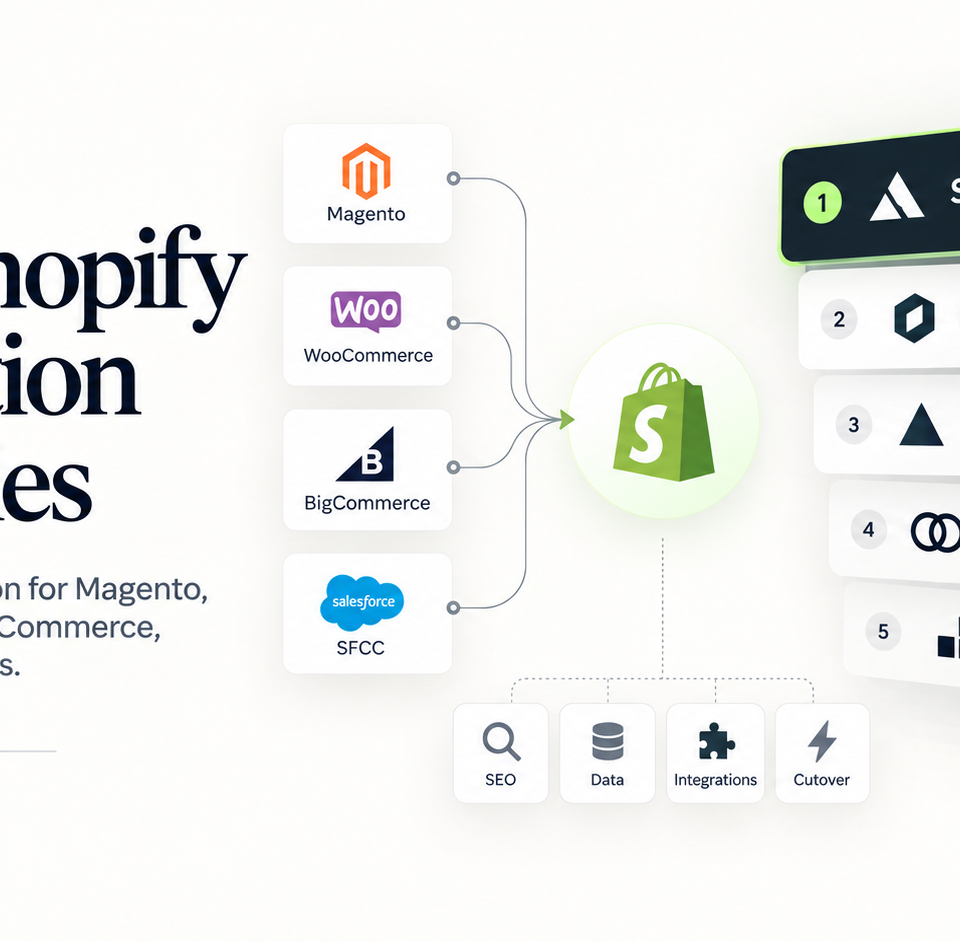
10 Best Shopify Migration Agencies in 2026: A Technical Comparison
An evidence-led comparison of 10 Shopify migration agencies for Magento, Adobe Commerce, WooCommerce, BigCommerce, Salesforce Commerce Cloud, large catalogs, ERP-heavy builds, and SEO-sensitive replatforming.
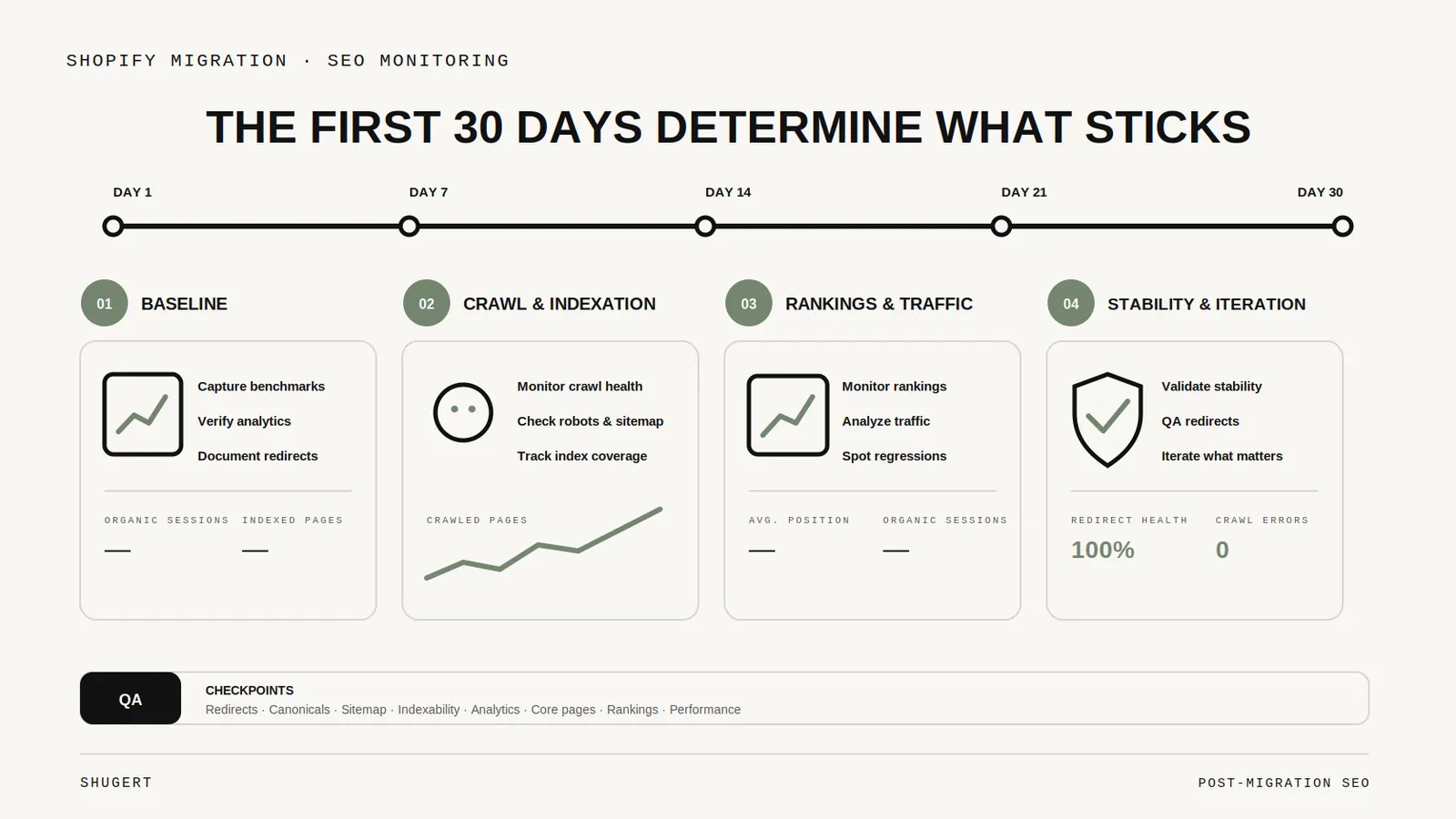
The First 30 Days After a Shopify Migration: SEO Monitoring That Actually Matters
What to watch after a Shopify migration, from redirect failures and sitemap processing to indexing, organic landing pages, canonicals, and conversion tracking.
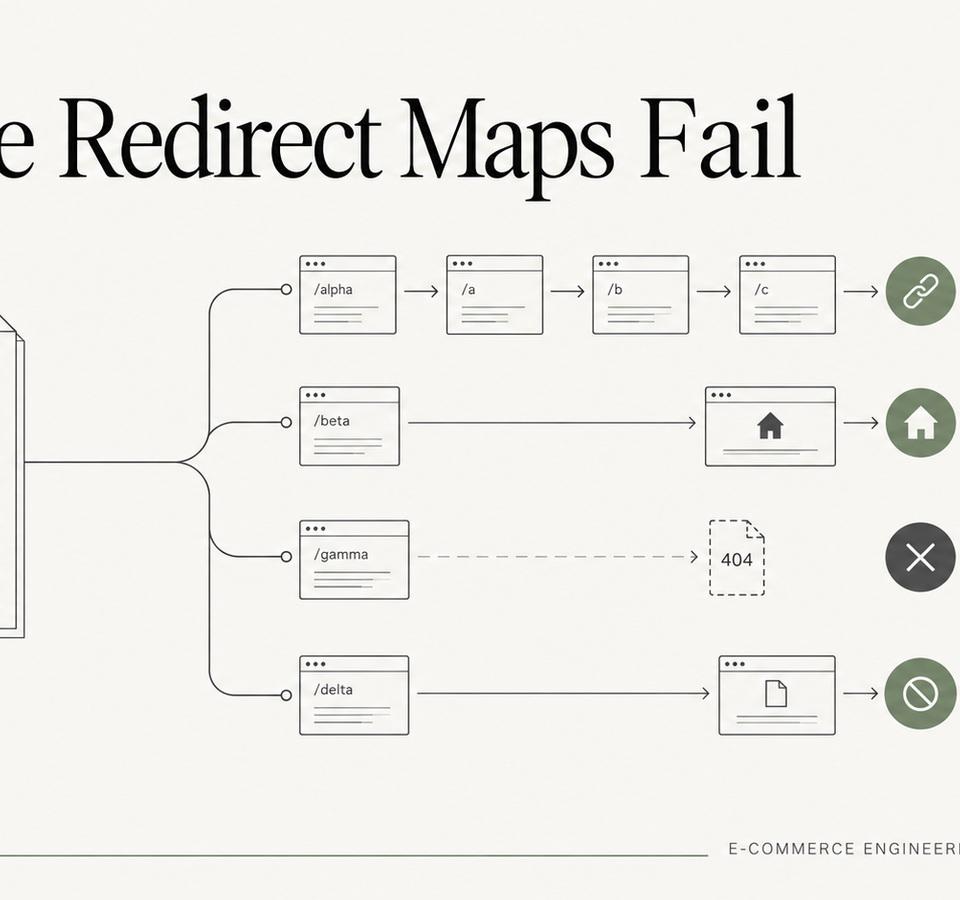
Why Redirect Maps Fail on Large Shopify Migrations
Large migration redirect maps fail for predictable reasons: incomplete inventories, over-broad rules, redirect chains, weak validation, and no post-launch ownership.