
Variants, Metafields, Tags, or Metaobjects? Modeling Large Catalogs Before Migration
Large Shopify migrations become easier when product attributes have clear ownership before import. Here is how we decide what belongs in variants, metafields, tags and metaobjects.

Published
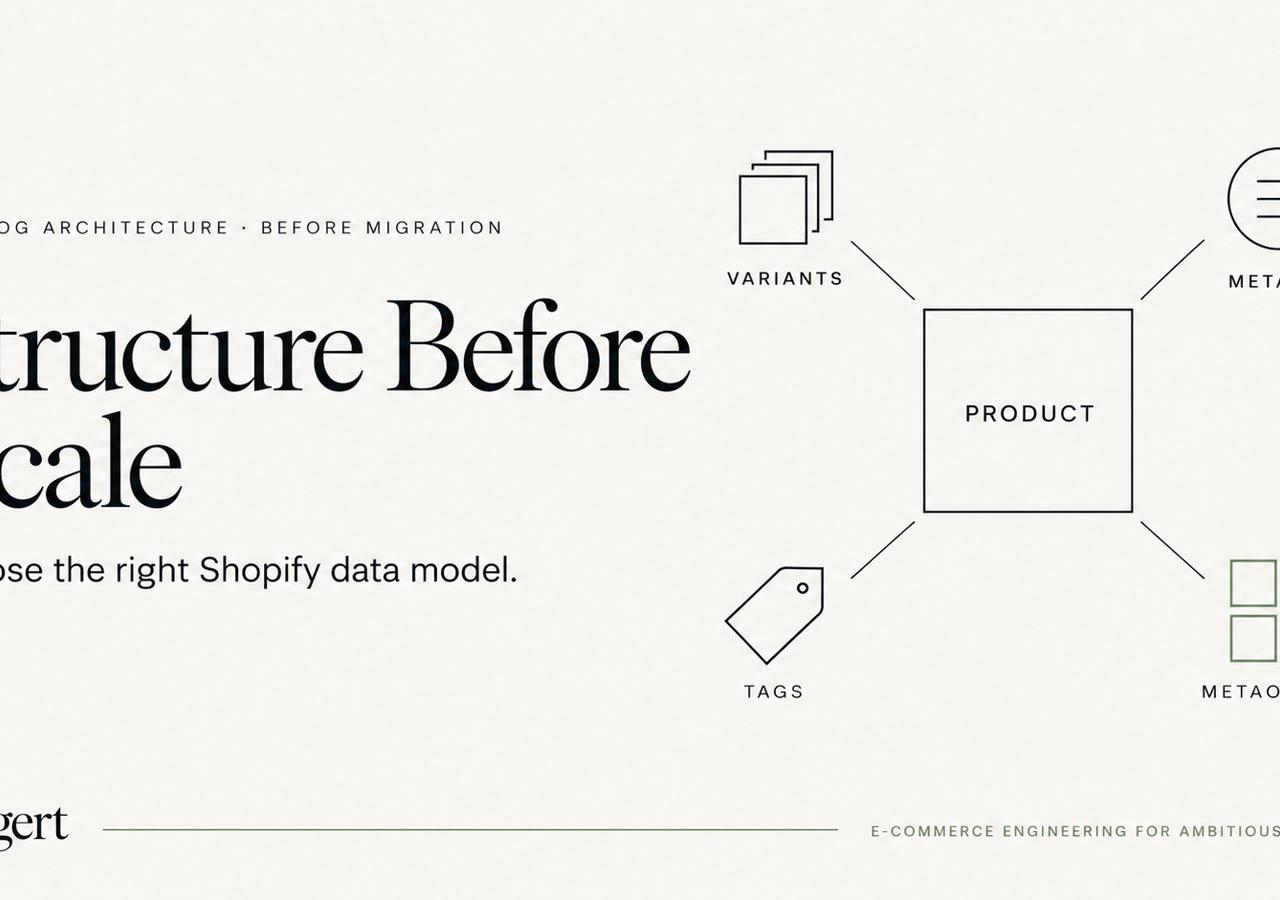
One of the highest-leverage decisions in a Shopify migration happens before the bulk import starts: deciding what each piece of product data actually is.
Source platforms often accumulate years of custom attributes, option sets, category metadata, internal tags, specification tables and content fields. Moving all of that into Shopify without a model can create a store that technically contains the data but is difficult to merchandise, filter, maintain or render consistently.
This field note explains the questions we use before import. It supports our broader Shopify migration guide.
Start with behavior, not source field names
A source field called color does not automatically tell you where it belongs in Shopify.
Ask what the value needs to do:
- Does the customer choose it before purchase?
- Does it create a distinct sellable variant?
- Is it descriptive information only?
- Should it drive storefront filters?
- Is it reused across many products as structured content?
- Is it an internal operational label?
- Does another system need to own or synchronize it?
The destination should follow behavior, not the naming convention of the legacy database.
Variants are for purchasable differentiation
If selecting a value changes the specific merchandise being purchased—size, color, material or another true product option—it may belong in Shopify's variant model.
But not every product attribute should become an option.
Overloading variants with descriptive attributes creates unnecessary combinations and makes product administration harder. Conversely, storing a true purchasable dimension only as text can make availability, pricing and selection logic awkward.
We identify the attributes that define sellable inventory first, then model the remaining data around them.
Metafields are structured attributes with a clear owner
Metafields are useful when a product or variant needs additional structured data beyond Shopify's standard fields.
Examples can include:
- technical specifications;
- care instructions;
- dimensions not represented as purchase options;
- compatibility information;
- ingredient or material details;
- internal identifiers needed by storefront logic;
- structured merchandising flags.
The important word is structured. We define namespaces, keys and types deliberately rather than importing hundreds of arbitrary legacy fields with no governance.
Shopify's metafield documentation describes metafields as a way to add specialized information to Shopify resources. That makes them powerful, but it also means the data model should be intentional enough that future developers and operators know what each definition means.
Tags are lightweight labels, not a universal database
Tags remain useful for workflows and simple grouping, but they are easy to abuse because they accept flexible strings.
A tag can be appropriate for:
- temporary operational labels;
- simple internal segmentation;
- compatibility with an existing workflow or app;
- lightweight rules where strict typing is not important.
We avoid using tags as the canonical home for rich product data that needs validation, formatting, localization or a predictable schema. If a value has a defined type and long-term storefront meaning, a metafield is usually easier to govern.
Metaobjects are for reusable structured entities
Some content is not really an attribute of one product. It is an entity reused by many products.
Examples might include:
- a manufacturer or designer profile;
- a reusable ingredient record;
- a technical certification;
- a care-guide entity;
- a size-guide definition;
- a material record with its own fields and presentation.
Shopify's metaobject documentation describes metaobjects as custom data structures made up of multiple fields. In themes, metaobject templates can also support dedicated pages for appropriate definitions; Shopify documents that in its metaobject theme-template guide.
That is fundamentally different from stuffing the same block of text into a product metafield thousands of times.
Filtering requirements influence the model
Catalog architecture and SEO meet at filters.
If customers need to filter by an attribute, decide whether the storefront/search stack can consume that data cleanly from the chosen model. Do this before importing thousands of products and configuring collection templates.
The model also affects crawl architecture. A filter may be useful to shoppers without deserving its own indexable URL combination. Our faceted navigation guide covers that SEO boundary separately.
Structured data has its own model
Do not assume that because an attribute exists in Shopify, search engines automatically understand it in the ideal form.
Google's Product structured-data documentation and its dedicated product-variant guidance define how product and variant information can be represented for search features.
That is downstream of catalog modeling. If variant relationships, identifiers or product attributes are inconsistent in the source data, generating clean structured data later becomes harder.
We therefore include identifiers and variant relationships in the migration data contract, not as a theme-only SEO task at the end.
Do not let the theme become the data model
A migration can go wrong when developers compensate for unclear source data directly in Liquid.
Examples:
- parsing meaning from tag prefixes;
- splitting unstructured strings into pseudo-fields;
- maintaining hard-coded mappings inside snippets;
- deriving product relationships from naming conventions;
- embedding large JSON configuration blobs in theme settings.
These tactics can make a launch work, but they turn the theme into an undocumented transformation layer.
We prefer to normalize the data upstream or store it in an explicit Shopify structure so presentation code can remain presentation code.
Build representative products before bulk import
Before processing the full catalog, we create representative examples for the hardest product families.
We want examples with:
- the most variants;
- unusual attributes;
- complex specifications;
- bundle or component relationships;
- rich media;
- special inventory behavior;
- attributes used in filtering;
- multilingual or market-specific content when applicable.
Then we test the model through the full stack: admin usability, storefront rendering, search/filtering, feeds, structured data, apps and integrations.
A schema that looks elegant in a spreadsheet can still be painful for operators. Representative products expose that early.
Document ownership of every important field
For complex catalogs, we keep a mapping that states:
- source field;
- Shopify destination;
- data type;
- transformation rule;
- system of record;
- whether it is customer-facing;
- whether it drives filtering;
- whether it affects structured data;
- migration validation rule.
That document becomes the contract between ecommerce, engineering, SEO and integration teams.
The rule we use
A useful shorthand is:
- Variant: customer chooses it and it defines a sellable item.
- Metafield: structured additional data attached to a Shopify resource.
- Tag: lightweight label or workflow marker where flexible text is acceptable.
- Metaobject: reusable structured entity with multiple fields and its own identity.
Real catalogs have exceptions, but starting from those roles prevents a lot of accidental complexity.
The best time to resolve these decisions is before the import script is complete. Once thousands of products, filters, templates and integrations depend on the model, changing it costs far more.
For the complete migration sequence, see our Shopify migration guide. For the engineering layer around themes and custom data, see the Shopify development guide.
Keep exploring this topic
Deeper references from the Shugert library and the service that turns this work into a fixed scope.
Related resources
- MigrationMigrating to Shopify in 2026: What Actually ChangedA practical Shopify migration guide for inventory, data contracts, storefront scope, SEO continuity, integrations, QA, cutover and launch validation.
- DevelopmentShopify Development Guide: Themes, Apps, HeadlessA practical map of where to build what on Shopify and Shopify Plus, when to use a theme section, when to write a Shopify Function, when to ship an app, and…
- SEOShopify Faceted Navigation: What to Block and WhyHow filter apps quietly burn your Shopify crawl budget, and the robots.txt, canonical, and noindex decisions that fix it.
Related services
Keep reading

What We Learned Migrating 8,000 SKUs to Shopify
Large-catalog Shopify migrations expose problems that small stores can hide: redirect mapping, product modeling, crawl control, QA, and cutover sequencing.

Shopify Theme Architecture in 2026: When Liquid Should Win Over JavaScript
JavaScript is essential for interaction, but many Shopify themes ask it to do work that Liquid and HTML can deliver earlier, more reliably and with less main-thread cost.

Magento Extension Inventory: Decide What Shopify Needs Before Choosing Apps
An engineering framework for classifying Magento extensions before a Shopify migration: native capabilities, apps, custom solutions, external systems, or retirement.