
Why We Duplicate the Live Shopify Theme Before Every Engineering Change
A duplicate theme is a simple safety boundary: it separates implementation and QA from the storefront customers are using right now.

Published
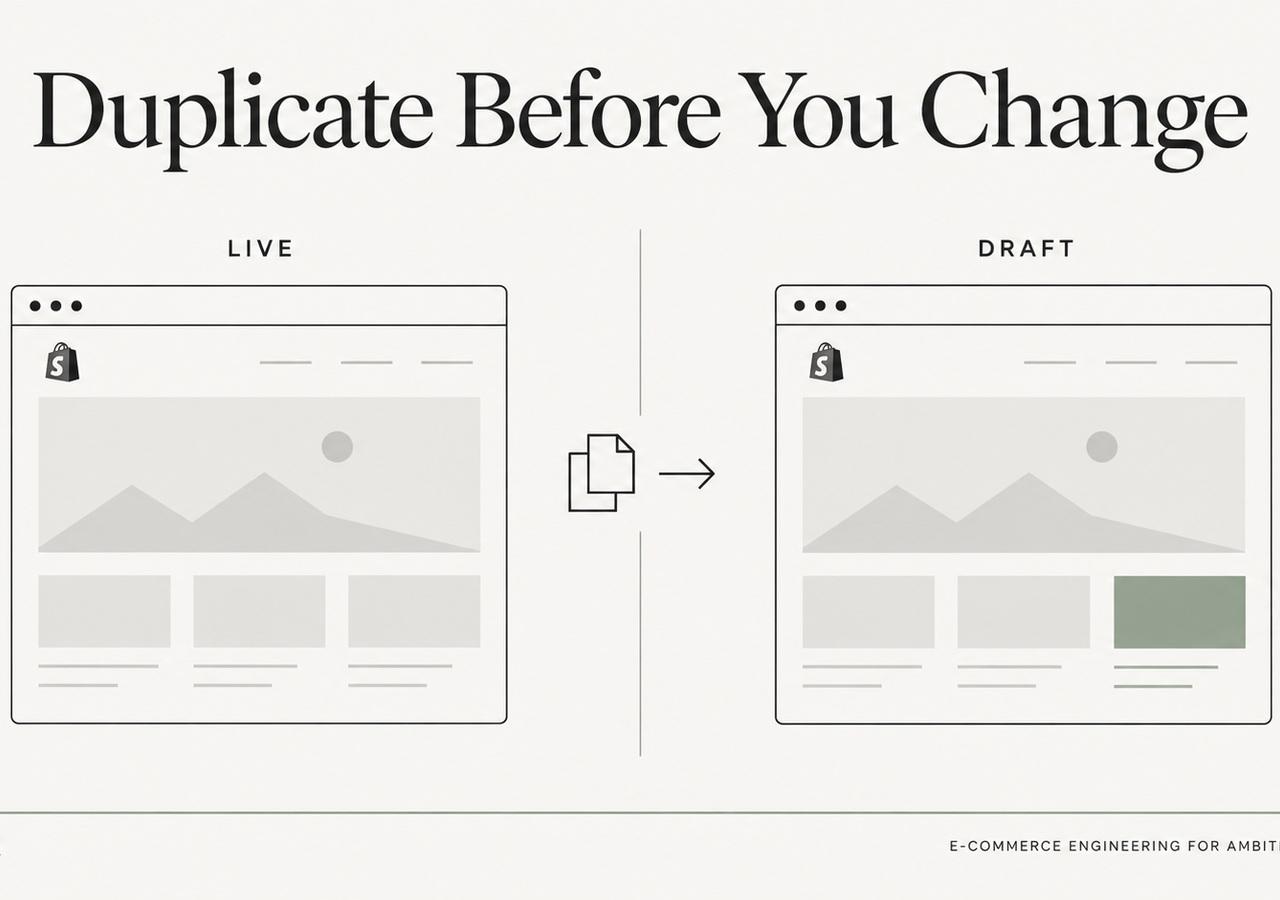
One of the least glamorous habits in Shopify engineering is also one of the most valuable: make the change somewhere that is not the live theme.
For ordinary theme work, we prefer an unpublished duplicate or equivalent isolated development theme before editing production. That sounds conservative until you compare the downside. A theme change can affect shared snippets, app integrations, analytics selectors, cart behavior, accessibility, layout, performance and every template that imports the same code.
A non-production theme gives the work somewhere to fail safely.
A theme is a release artifact, not a folder of files
Shopify themes are executable storefront systems. Sections, snippets, assets, templates, settings and app blocks interact at runtime.
Shopify's theme architecture documentation describes how layout files, templates, section groups, sections, blocks and snippets compose the storefront. That composition is exactly why a local-looking edit can have a global blast radius.
Changing a shared snippet used in product cards can influence the home page, collection grids, search results and recommendations. Changing a global asset can affect every page. Changing markup can break an app that depends on a selector even when the page still looks fine at first glance.
We therefore treat the theme as something to release, not something to casually edit in place.
Shopify gives us a native separation between main and non-main themes
The GraphQL Admin API exposes theme roles. Shopify's themes query can return the current MAIN theme as well as non-production themes such as UNPUBLISHED or DEVELOPMENT themes.
Shopify's themeCreate mutation creates a theme that is unpublished by default unless a development role is specified.
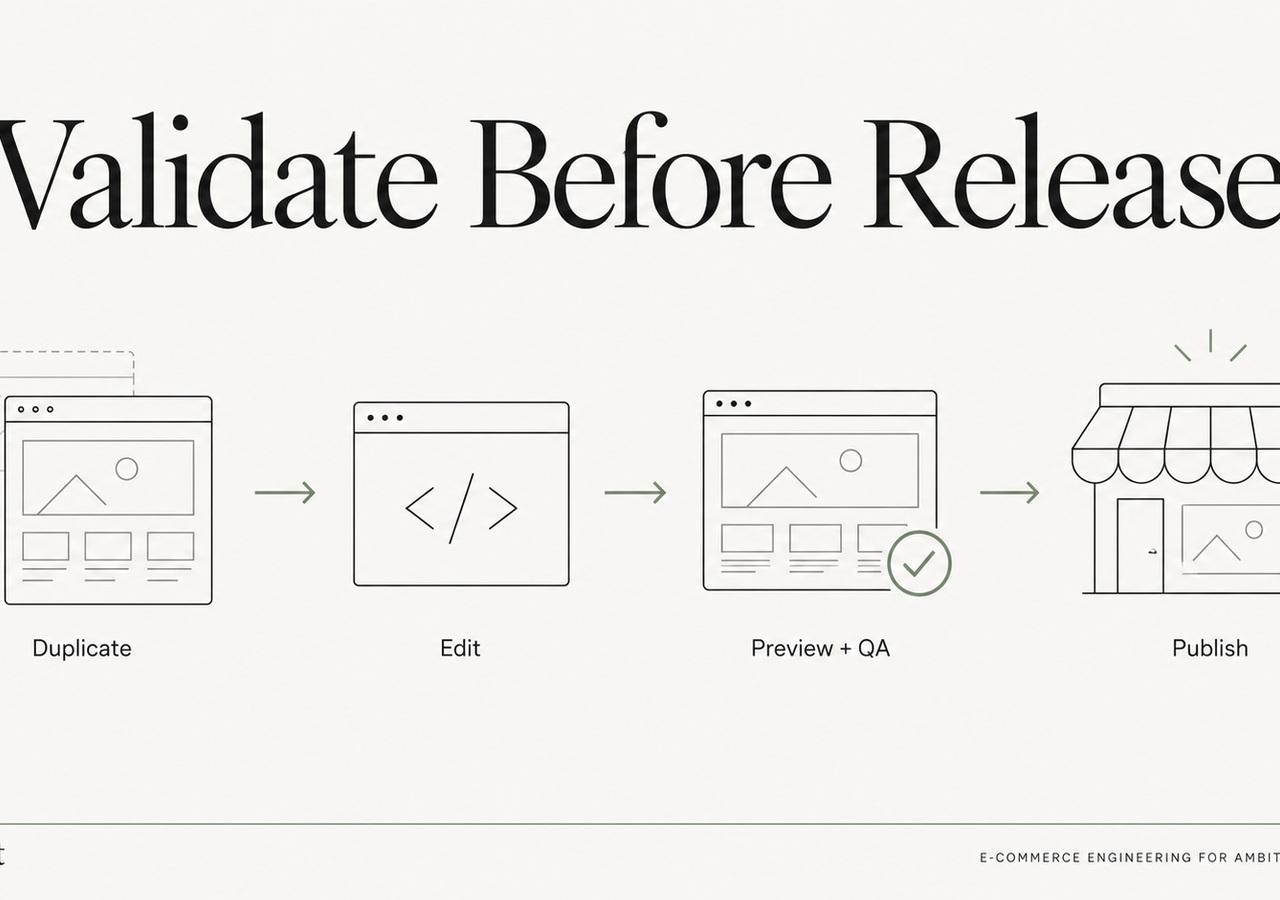
That platform model supports a straightforward engineering flow:
- identify the live theme;
- create or select a safe non-live working theme;
- implement the requested change;
- validate representative templates;
- preview the result;
- release deliberately.
The exact mechanics can vary by team, but the separation should not.
Preview URLs turn QA into something concrete
A staging theme is only useful if people can inspect it.
For visual or behavior changes, the preview becomes the shared artifact between engineering, QA and the merchant. Instead of discussing screenshots detached from the real storefront, reviewers can exercise navigation, variants, responsive layouts, app blocks and interaction paths in the actual theme runtime.
That also makes approval more meaningful. The merchant is approving a version that exists, not a description of what will be changed later.
A duplicate theme makes automated checks safer too
Automation becomes more useful when it has a containment boundary.
On a non-live theme we can run checks such as:
- compare changed theme files;
- crawl representative URLs;
- inspect console errors;
- validate key selectors and interactions;
- run accessibility checks;
- compare screenshots;
- measure performance where relevant;
- test product, collection and cart flows.
If a check fails, the customer-facing storefront remains untouched.
That is one reason our theme automation safety field note starts with staging rather than code generation.
It makes rollback boring
Production changes should have an obvious rollback path.
A disciplined theme release lets the team retain the previous known-good version and understand exactly which theme was promoted. If a critical issue appears after release, the recovery path is much clearer than trying to reverse a sequence of ad hoc live edits while customers continue shopping.
Rollback is not a substitute for QA, but it changes the risk profile of release operations.
It reduces accidental scope creep
A staging theme also makes the requested change easier to define.
We want to be able to answer:
- Which files changed?
- Why did they change?
- Which templates are affected?
- What was tested?
- What remains outside the task?
That matters especially for “small” theme work. A developer can notice ten other improvements while fixing one bug. Shipping all of them together makes the release harder to test and the outcome harder to attribute.
The duplicate theme helps preserve a bounded diff.
What a duplicate theme does not solve
Staging is a safety boundary, not magic isolation.
Some integrations depend on production data, app configuration, customer accounts, checkout state, remote APIs or environment-specific settings. A theme preview may not reproduce every production condition exactly.
That means engineering still needs judgment. We identify what can be validated in the staging theme and what requires a controlled production smoke test after release.
The important part is that the risky implementation work did not begin on the customer-facing theme.
The exception should be explicit
There are cases where a tiny production change may be appropriate under an emergency procedure. But “it is only one line” is not enough reasoning.
The release decision should consider blast radius, urgency, rollback and validation. A one-line change in a shared global script can be much riskier than a larger isolated section update.
Our default therefore remains simple: work off-live, verify, then publish.
This matters even more as automation improves
When humans manually edit a live theme, the risk is obvious. When an automated system can make changes quickly, the same safeguard becomes more important, not less.
Speed increases the value of containment.
That is why TaskerArmy uses a merchant-authorized staging workflow for bounded Shopify theme engineering: the goal is to shorten implementation time without making the live storefront the experimentation environment.
The same principle applies whether the code is written by a senior engineer, a scripted tool or an AI-assisted system.
For the broader technical model, see our Shopify development guide. If you are deciding what should be automated at all, read What Shopify Theme Automation Can Safely Handle.
Keep exploring this topic
Deeper references from the Shugert library and the service that turns this work into a fixed scope.
Related resources
- DevelopmentShopify Development Guide: Themes, Apps, HeadlessA practical map of where to build what on Shopify and Shopify Plus, when to use a theme section, when to write a Shopify Function, when to ship an app, and…
- AI & Web StrategyAI vs Pro Web Developers in 2026: When Each WinsA 2026 honest comparison from a Shopify and web agency that uses Lovable, Bolt, and v0 daily, where AI builders win, where they cost you money, and what we…
Related services
Keep reading
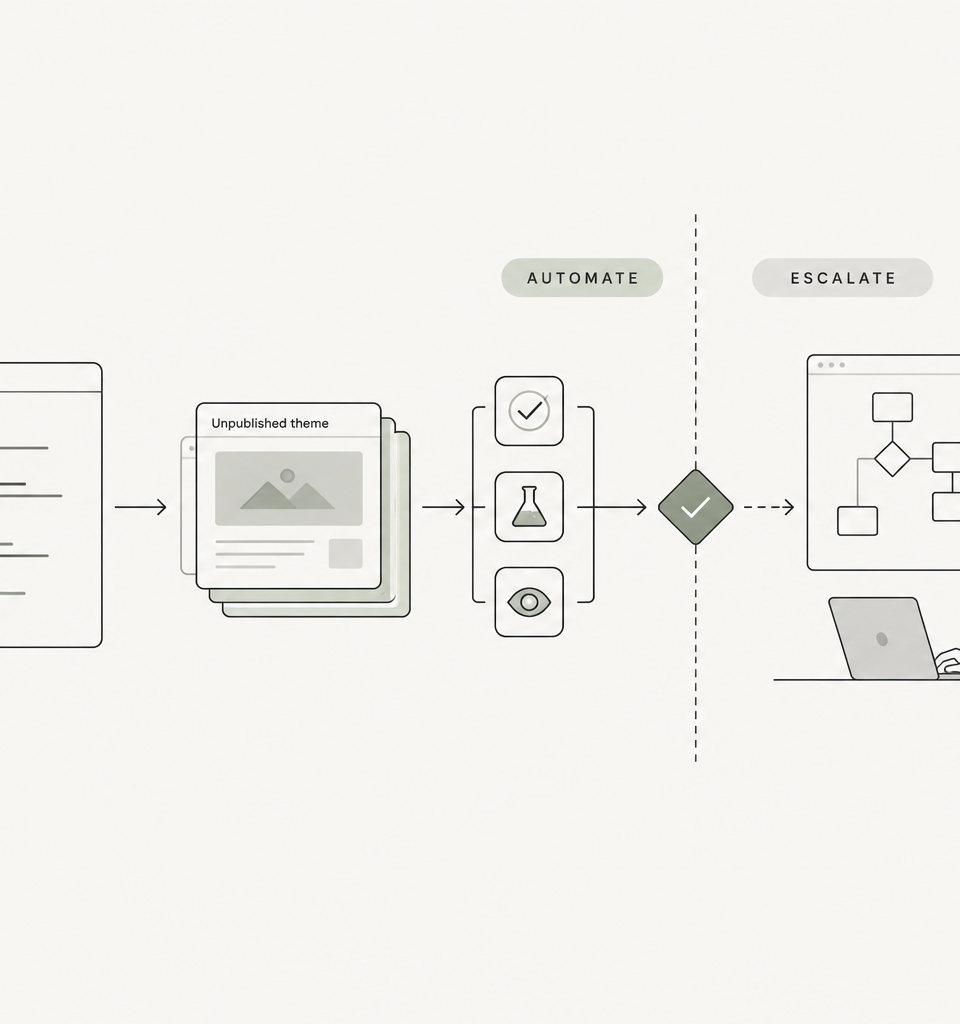
What Shopify Theme Automation Can Safely Handle—and What Still Needs Senior Engineers
AI and automation can execute useful Shopify theme work, but safe autonomy depends on staging, bounded scope, validation, rollback and clear escalation boundaries.
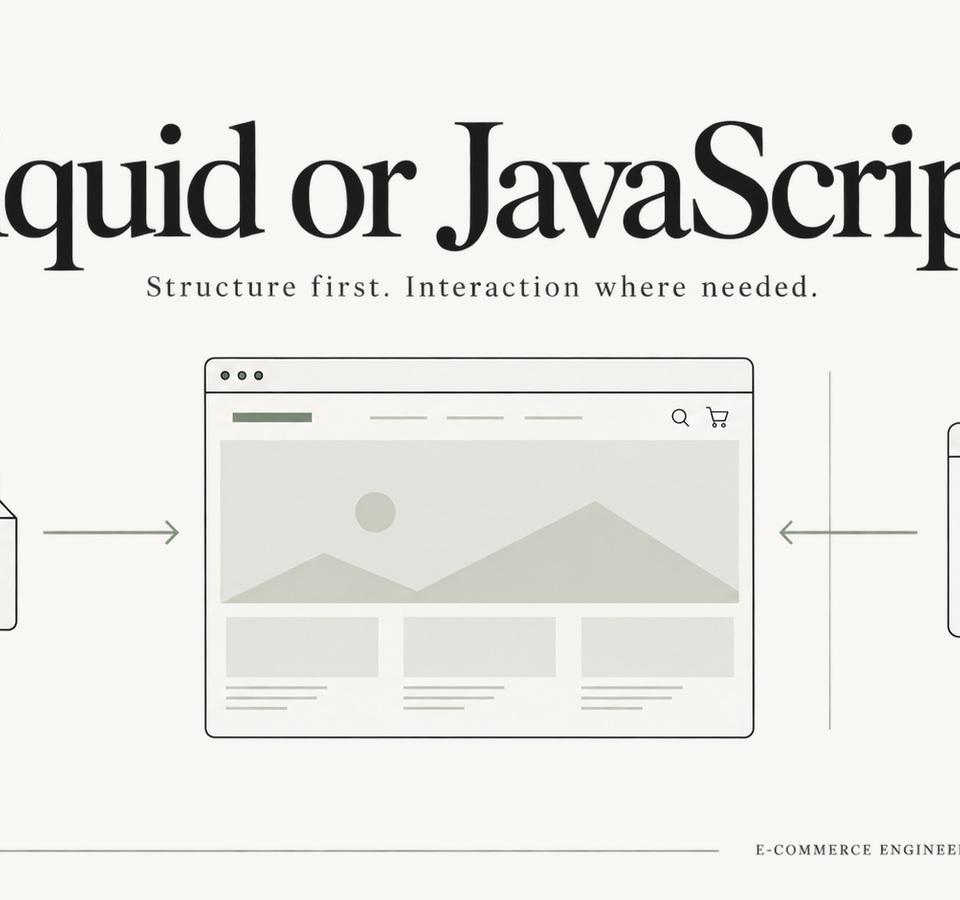
Shopify Theme Architecture in 2026: When Liquid Should Win Over JavaScript
JavaScript is essential for interaction, but many Shopify themes ask it to do work that Liquid and HTML can deliver earlier, more reliably and with less main-thread cost.
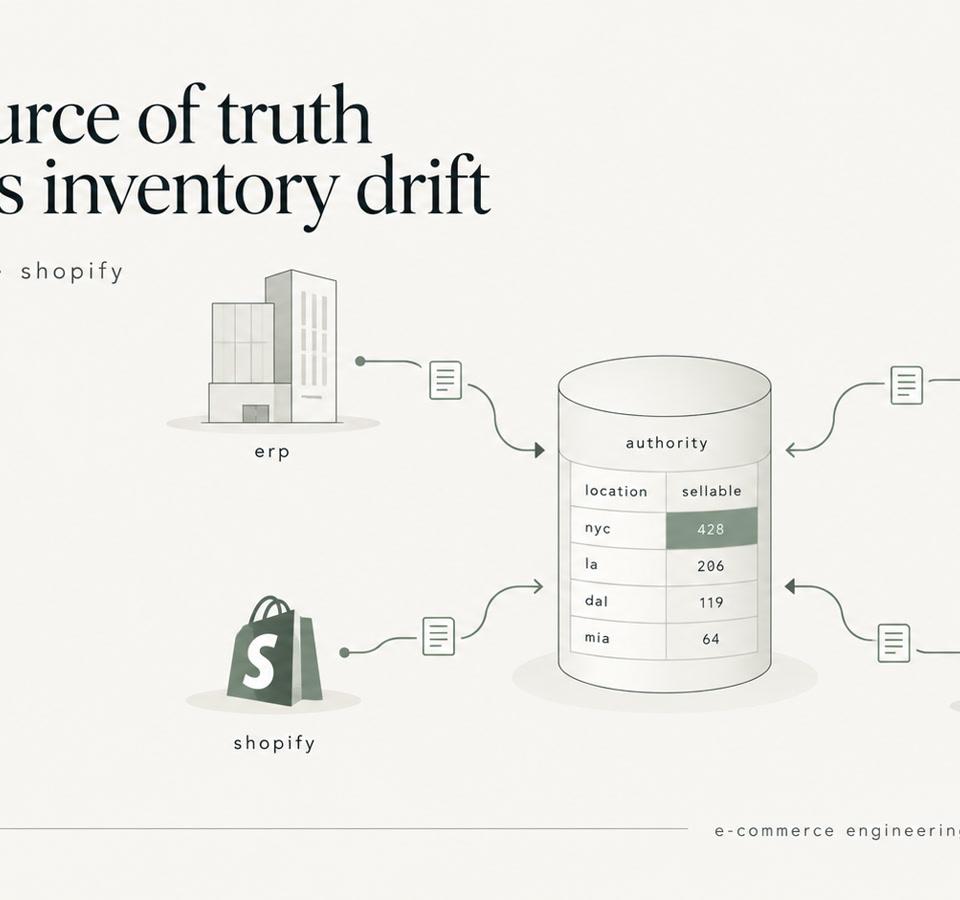
Shopify Inventory Sync: ERP, WMS, 3PL, and the Source of Truth
Shopify inventory sync explained for enterprise catalogs. Learn how to design ERP, WMS, and 3PL integrations that prevent race conditions and stock drift.