
What We Learned Migrating 8,000 SKUs to Shopify
Large-catalog Shopify migrations expose problems that small stores can hide: redirect mapping, product modeling, crawl control, QA, and cutover sequencing.

Published

A migration with a few hundred products can sometimes survive manual cleanup. At roughly 8,000 SKUs, the same shortcuts turn into systems problems.
That was one of the clearest lessons from a recent large-catalog Shopify migration. The visible storefront was only one workstream. The harder part was making sure thousands of products, URLs, attributes, images, collections, redirects, analytics events, and search signals landed coherently.
This is not a replacement for our Shopify migration guide. It is the field-note version: the things that become disproportionately important once the catalog is large enough that nobody can reliably inspect every row by hand.
1. The redirect map becomes a data product
On a small migration, redirects can look like a spreadsheet task. At scale, they behave more like a data pipeline.
You need an inventory of old URLs, a deterministic rule for each URL class, explicit exceptions, and validation against the destination site before launch. Product URLs, collection URLs, content pages, old campaign pages, discontinued items, locale paths, and parameterized URLs rarely fit one universal rule.
Google's own site-move documentation recommends preparing an old-to-new URL mapping before the move, testing redirects, updating internal links, and monitoring the transition afterward. Shopify likewise recommends setting up URL redirects before moving the domain so bookmarked and externally linked pages do not fall into 404s; its migration guide also supports importing redirects in bulk.
For large catalogs, we treat the redirect map as something that can be tested, not merely reviewed. Our deeper technical process is documented in Shopify 301 redirects for large catalogs.
2. Product modeling decisions compound fast
A field that seems minor on one product can affect thousands of records after import.
Before migration, we decide what belongs in:
- Shopify variants and options;
- product or variant metafields;
- tags used for internal workflows;
- collections and merchandising rules;
- metaobjects for reusable structured content;
- search and filtering attributes.
The point is not to use every Shopify primitive. It is to give each piece of data one clear job.
Changing that decision after import is expensive because the change propagates into templates, filters, feeds, apps, analytics, search, merchandising, and potentially structured data. This is why we prefer to model representative product families before bulk loading the catalog.
3. Catalog size magnifies crawl problems
Eight thousand products do not necessarily mean eight thousand crawlable URLs.
Filters, sorting parameters, collection paths, market/language paths, pagination, variant parameters, and app-generated URLs can multiply the number of discoverable combinations. Google's ecommerce URL guidance explicitly warns against unnecessary alternate URLs for the same content and recommends consistent canonicals, internal links, and sitemap URLs.
For stores with complex filtering, the issue becomes more visible. Google's separate guidance on faceted navigation crawling explains why filter combinations can create a very large crawl space.
Our approach is to decide which URL families deserve organic visibility before launch, not after Search Console starts showing thousands of unwanted discoveries. The more detailed framework lives in our Shopify faceted navigation and crawl-budget guide.
4. QA has to be sampled intelligently
Nobody should pretend that manually opening 8,000 product pages is a serious QA strategy.
We build test sets around risk:
- products with the highest organic traffic;
- top revenue products and collections;
- products with many variants;
- products with unusual media or custom fields;
- discontinued or replacement products;
- edge cases in pricing and availability;
- representative examples of every product family.
Then we add automated checks for the things machines are better at verifying: status codes, redirect destinations, canonical consistency, missing metadata, broken images, duplicate identifiers, structured-data validity, and inventory/data completeness.
The goal is not “test everything manually.” It is to make sure every pattern is tested and every high-risk URL is accounted for.
5. Launch day should be boring
A good migration launch is mostly the execution of decisions already made.
Before cutover we want the redirect map validated, the new sitemap ready, analytics tested, key conversion paths exercised, critical integrations checked, and the highest-value URLs reviewed. We also avoid combining unnecessary changes into the same event. Google recommends changing one major thing at a time when possible because it makes migration effects easier to isolate.
After DNS and storefront cutover, the work shifts immediately to observation: redirect errors, 404s, indexing behavior, sitemap processing, organic landing pages, conversion events, and integration failures.
6. The first month is part of the migration
A launch is not the finish line for search visibility.
Google notes that rankings can fluctuate while old URLs are recrawled and new URLs are indexed. For larger sites, processing can take longer. That is why the post-launch window belongs in the project plan rather than being treated as optional support.
We keep the old-to-new mapping, migration crawl, launch crawl, and Search Console observations together so an unexpected URL can be traced back to a decision instead of investigated from scratch.
Our next field note covers exactly that: what we watch during the first 30 days after a Shopify migration.
The main lesson
At 8,000 SKUs, the migration is no longer “move products and rebuild the theme.” It is a coordinated data, SEO, engineering, merchandising, and release-management project.
The teams that reduce risk earliest are usually the ones that inventory URLs and model product data before the storefront work gets deep. Theme implementation is important, but the architecture underneath it determines whether the launch is merely attractive or actually durable.
For the full planning framework, start with our Shopify migration guide. For a real project example, see the Llantas Cavazos migration case study.
Keep exploring this topic
Deeper references from the Shugert library and the service that turns this work into a fixed scope.
Related resources
- MigrationMigrating to Shopify in 2026: What Actually ChangedA practical Shopify migration guide for inventory, data contracts, storefront scope, SEO continuity, integrations, QA, cutover and launch validation.
- Shopify PlusShopify Plus Migration: Cost, Timeline & ProcessPlan a Shopify Plus migration with realistic costs, timelines, SEO safeguards, checkout, integrations, testing, cutover and stabilization.
- MigrationShopify 301 Redirects for Large Catalogs: The MapFor Shopify migrations with 500+ URLs, the redirect map is a crawl-budget and SEO-equity problem, not a checklist item.
- SEOShopify Faceted Navigation: What to Block and WhyHow filter apps quietly burn your Shopify crawl budget, and the robots.txt, canonical, and noindex decisions that fix it.
Related services
Keep reading
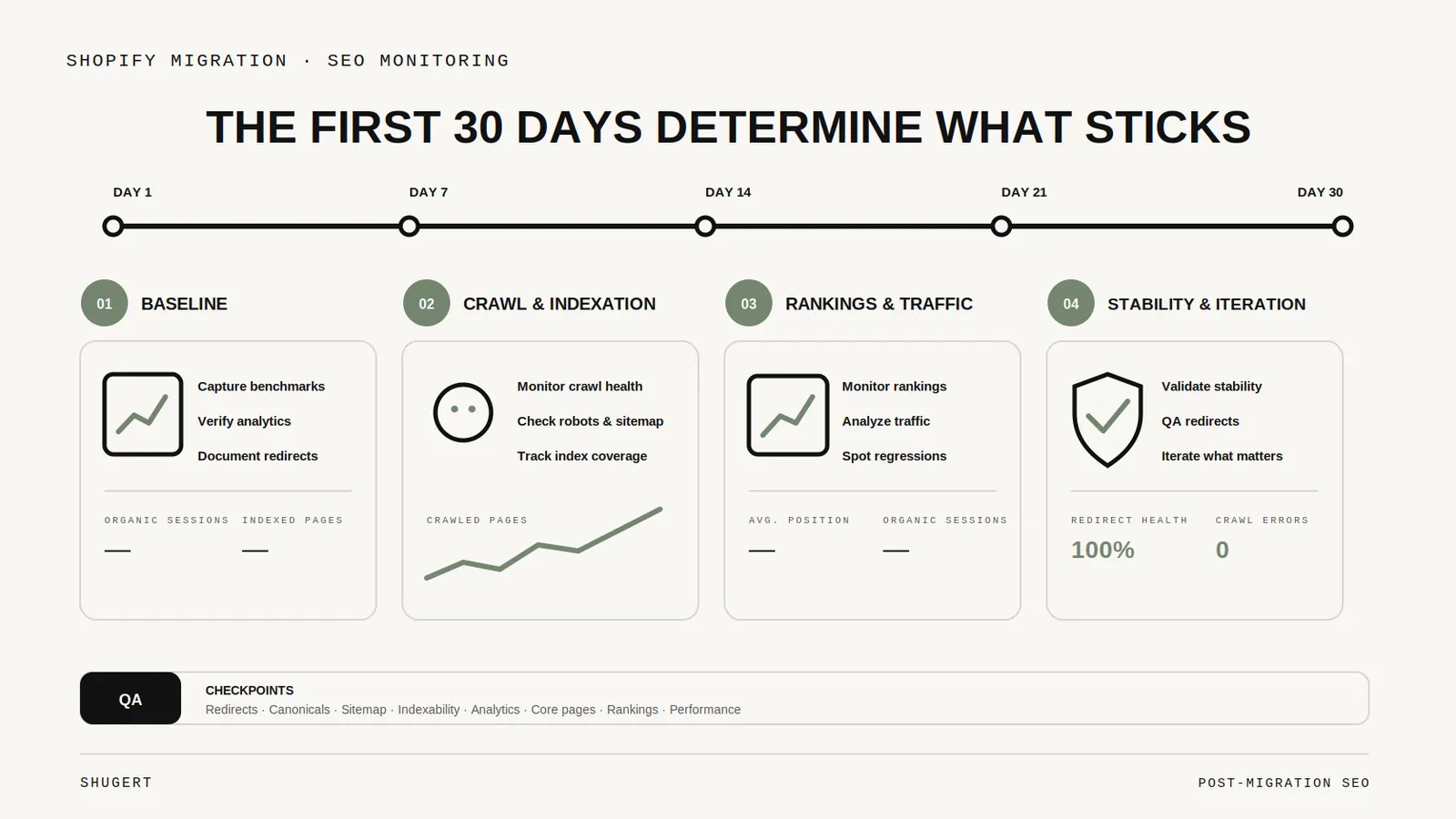
The First 30 Days After a Shopify Migration: SEO Monitoring That Actually Matters
What to watch after a Shopify migration, from redirect failures and sitemap processing to indexing, organic landing pages, canonicals, and conversion tracking.

Magento Extension Inventory: Decide What Shopify Needs Before Choosing Apps
An engineering framework for classifying Magento extensions before a Shopify migration: native capabilities, apps, custom solutions, external systems, or retirement.
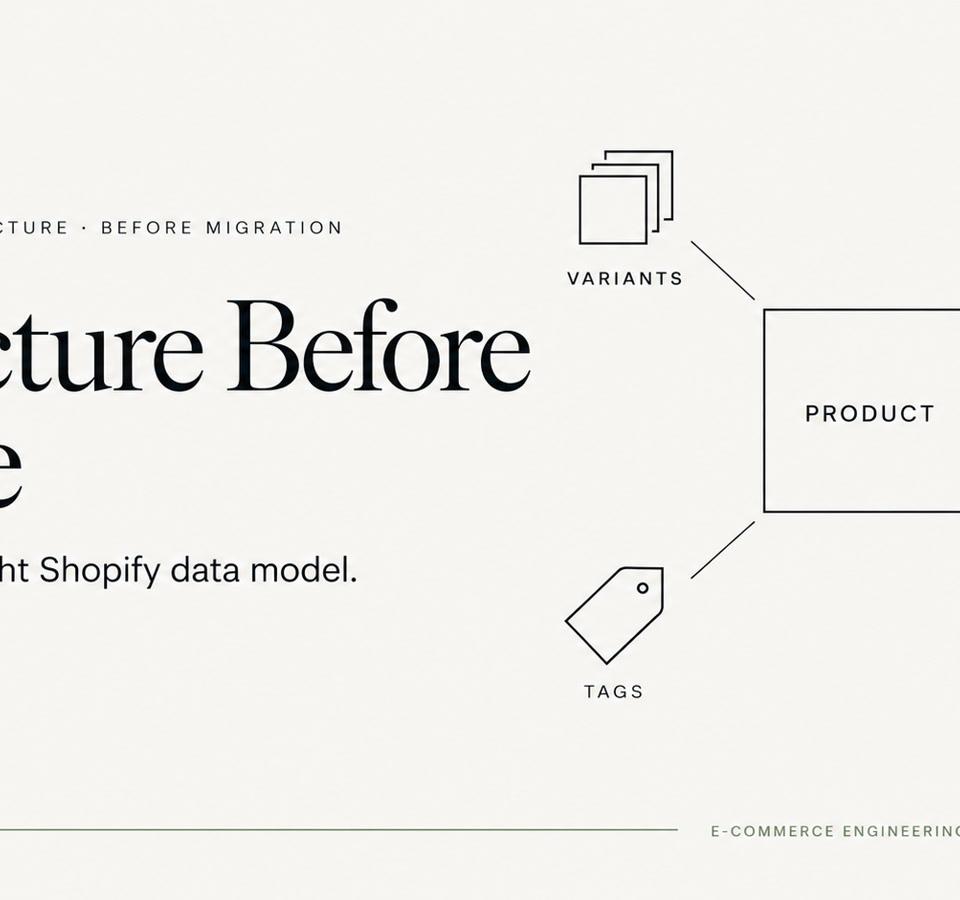
Variants, Metafields, Tags, or Metaobjects? Modeling Large Catalogs Before Migration
Large Shopify migrations become easier when product attributes have clear ownership before import. Here is how we decide what belongs in variants, metafields, tags and metaobjects.