
Shopify Checkout Optimization: Playbook for 2026
A measurement-first checkout playbook for established Shopify and Plus brands: instrument the funnel, diagnose friction, prioritize by impact and risk, and implement on the supported surface.

Published
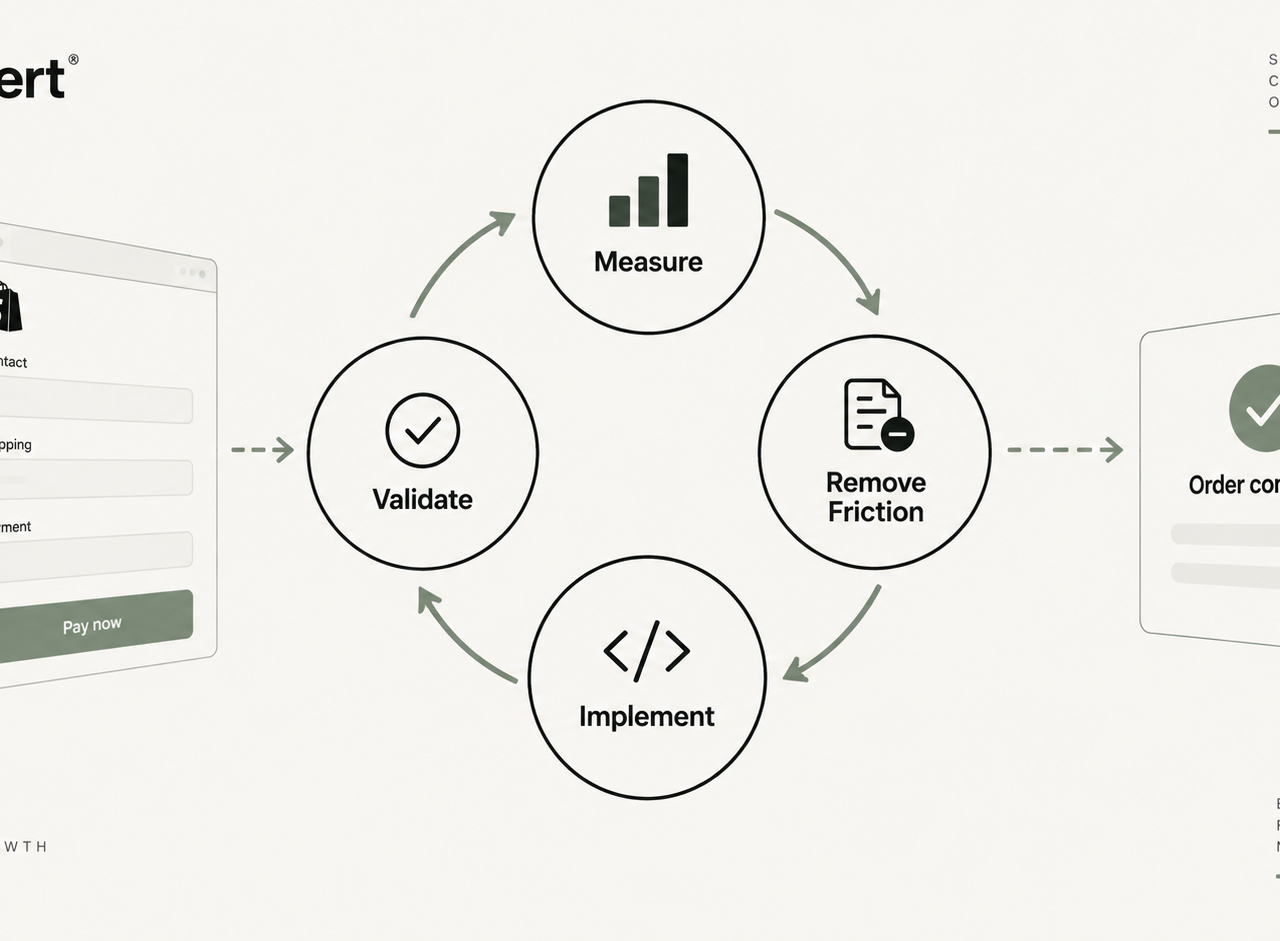
Shopify checkout optimization is not a design exercise. It is a measurement and engineering discipline: instrument the funnel, locate where paying intent dies, remove the specific friction causing it, implement the fix on the supported surface (Checkout Extensibility, Shopify Functions, or app blocks), then validate the release against real orders. Brands that treat checkout as a conversion surface to redecorate usually plateau. Brands that treat it as a system usually compound.
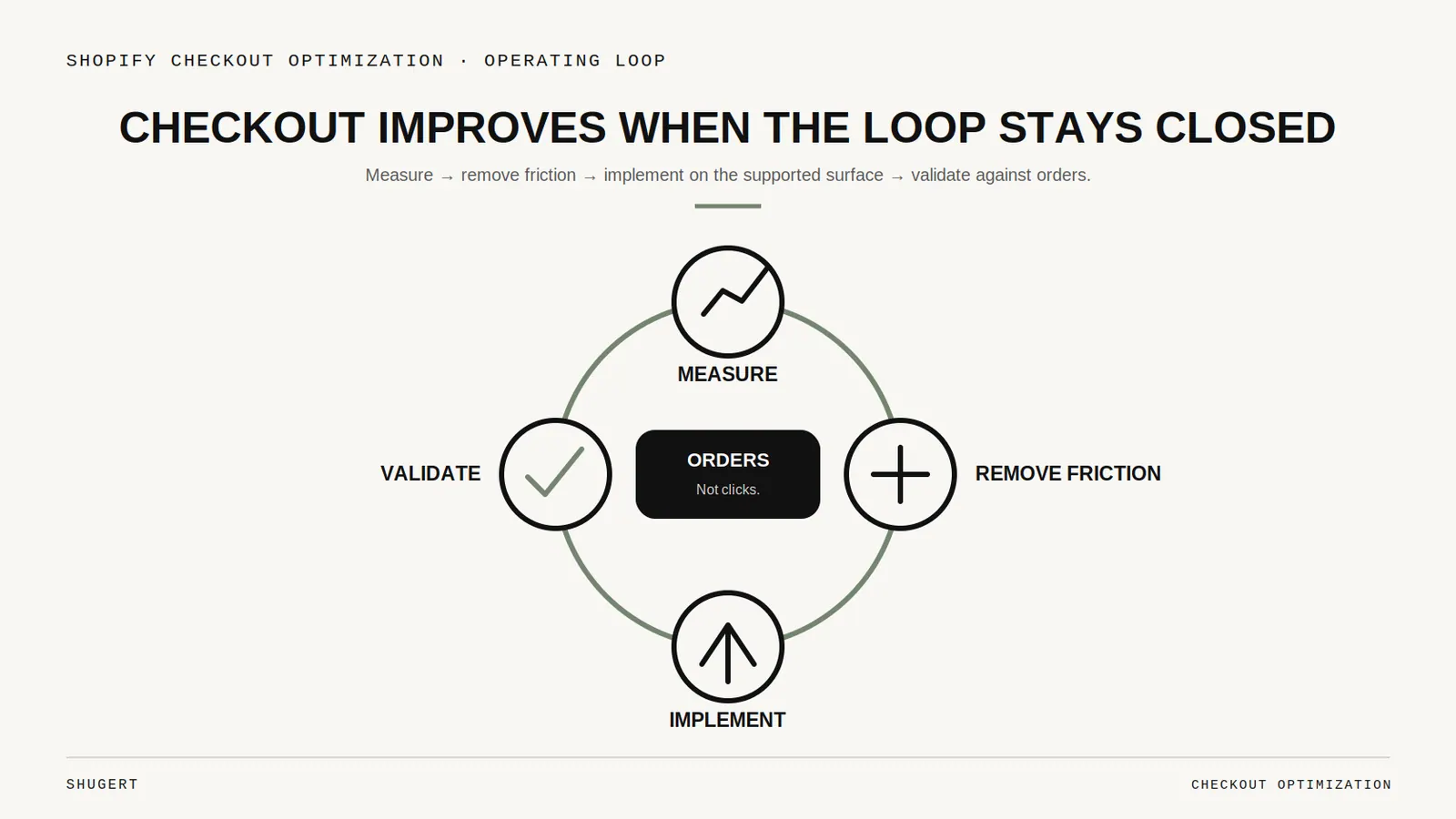
For an established Shopify or Shopify Plus brand, checkout is the highest-leverage code in the store. Every point of abandoned intent there is traffic already paid for. And unlike acquisition, checkout gains are durable: once a friction point is removed, it stays removed for every future session.
Table of Contents
- Introduction
- Start With a Checkout Audit, Not an Opinion
- Prioritize by Impact, Effort, and Risk
- The Friction That Actually Costs Orders
- Implement on the Right Surface
- Test, Roll Out, and Measure
- A Practical 30-Day Sequence
- Key Takeaways
Start With a Checkout Audit, Not an Opinion
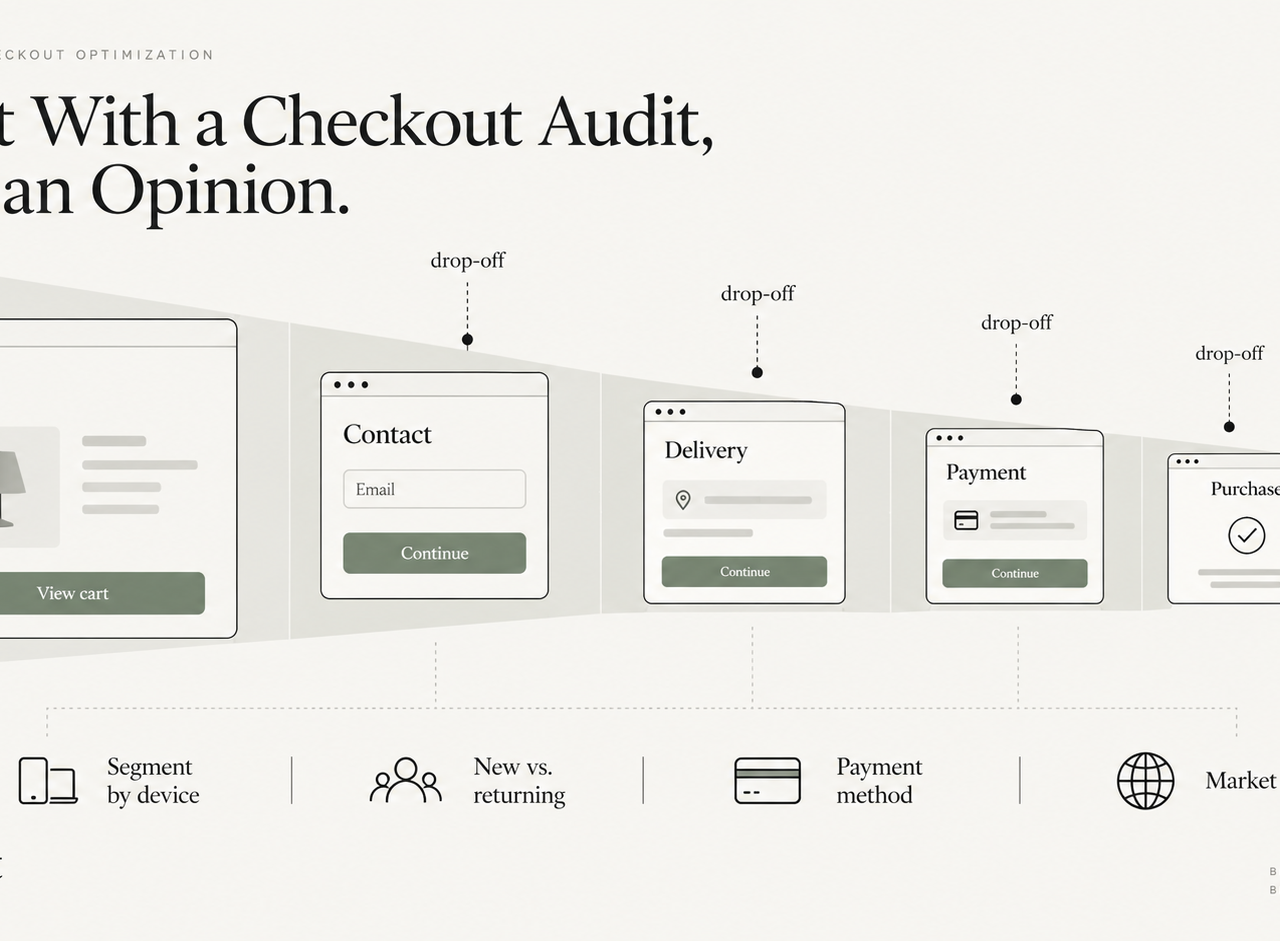
Most checkout "optimizations" fail because they start with a hypothesis borrowed from someone else's store. The first job is to find out where your buyers stop, on which device, with which payment method, in which market.
Instrument the funnel
Shopify already exposes a usable baseline. The conversion breakdown in Shopify analytics shows sessions reaching cart, reaching checkout, and converting, and Shopify's own checkout analytics documentation is the correct reference point rather than a third-party dashboard estimate. Layer customer events through the sanctioned Web Pixels API instead of injecting scripts into checkout — script injection is exactly the pattern the platform has been closing off.
Segment before you conclude anything. A single blended checkout conversion rate hides the only insight that matters: which segment is broken. Split by device, by payment method, by new versus returning, and by market. A store can look healthy in aggregate while mobile express payments quietly fail in one region.
Watch sessions to explain the drop
Analytics tells you where. Session review tells you why. Watch a sample of abandoned checkouts in the worst-performing segment, and read support tickets from the same window. Recurring patterns emerge fast: a discount field that invites code-hunting, a shipping estimate that appears too late, an address form rejecting valid local formats, a payment method that renders but fails silently.
Write findings as observations, not solutions. "37 of 50 mobile sessions paused for more than 20 seconds on the shipping step" is actionable. "Checkout feels slow" is not.
Prioritize by Impact, Effort, and Risk
Checkout backlogs are usually longer than the engineering capacity available. Score every candidate fix on three axes before touching code.
| Axis | Question to answer | Signal it is real |
|---|---|---|
| Impact | How many sessions hit this step, and how many stall there? | Segment-level drop-off, not anecdote |
| Effort | Can it be done with settings, an app block, a Function, or custom work? | The supported surface is known before estimation |
| Risk | What breaks if this ships wrong — orders, tax, fraud, or reporting? | A rollback path exists and is written down |
The sequencing rule is simple: settings changes before app blocks, app blocks before Functions, Functions before anything custom. High-impact, low-risk configuration work should never sit behind a quarter-long build.
The Friction That Actually Costs Orders
Mobile
Mobile checkout failures are rarely aesthetic. They are input friction: fields that do not trigger the right keyboard, autofill that gets blocked, express payment buttons placed below the fold, and layout shift that moves the pay button as the page settles. Test on real devices under throttled networks, not only in a desktop emulator.
Payments
Offer the methods your markets actually use, and verify that each one completes end to end — including a real refund. Accelerated wallets should appear early, where a returning buyer can skip the form entirely. Every additional method also adds a failure mode worth monitoring, so keep the set deliberate rather than exhaustive.
Address and shipping
Two of the most reliable wins in checkout are surfacing shipping cost and delivery expectation earlier, and letting address entry succeed on the first attempt. Aggressive validation that rejects legitimate local formats is a silent revenue leak in international markets. Delivery-date logic and custom shipping rules belong in Shopify Functions rather than in bolt-on scripts.
Implement on the Right Surface
Once the fix is known, the decision becomes architectural: where does this change legitimately belong?
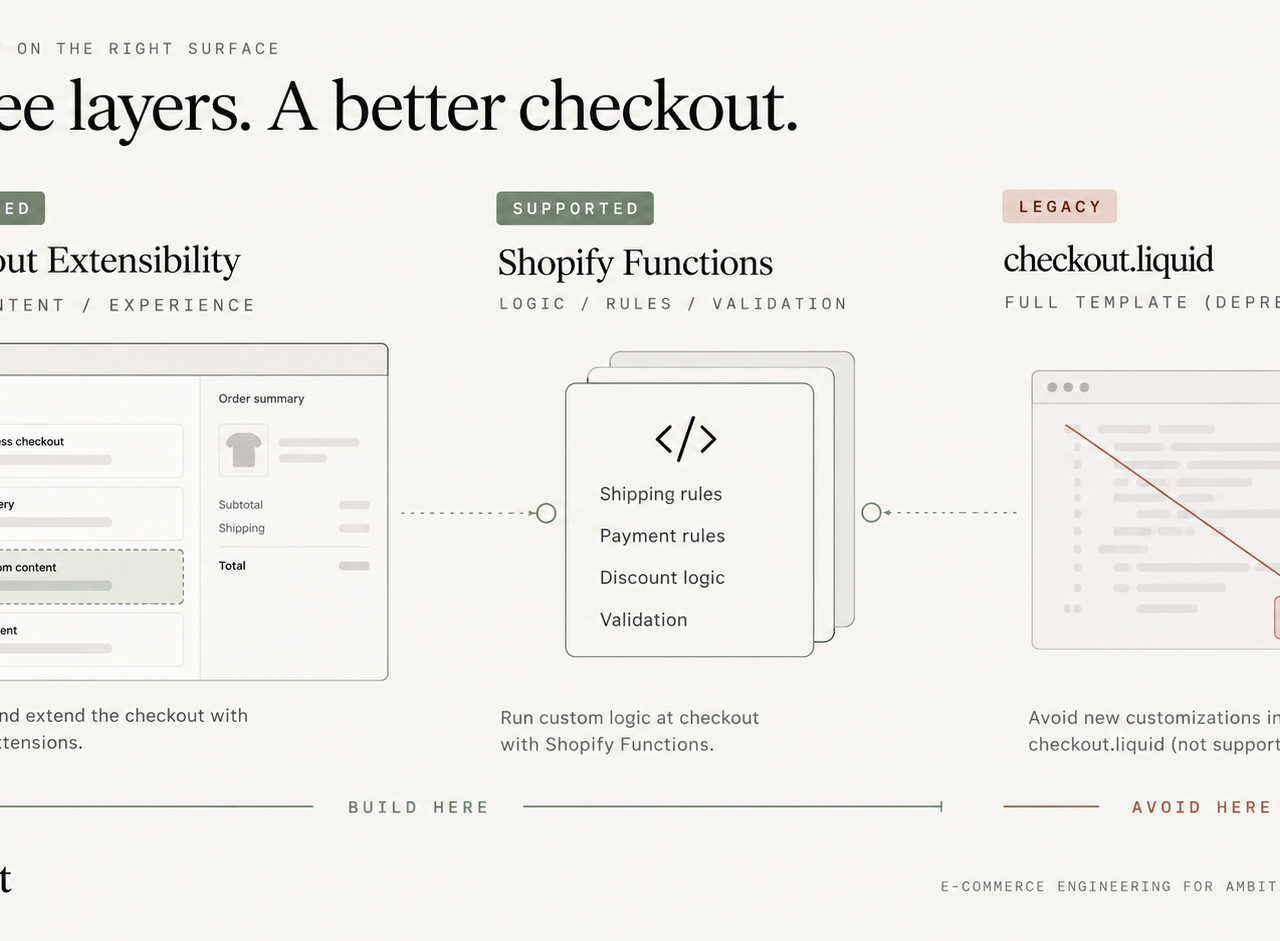
Checkout Extensibility is the supported path for interface and content changes — trust messaging, custom fields, banners, upsell blocks — through the checkout editor and checkout UI extensions. Changes are upgrade-safe and survive platform updates.
Shopify Functions is where logic belongs: discount rules, shipping and payment method customization, validation. Shopify Functions run server-side inside Shopify's own execution path, which is why they are the correct home for rules that used to live in Scripts or hacked templates.
Legacy checkout.liquid is migration risk, not an option. Shopify has been progressively retiring customization of the legacy checkout in favour of the extensible foundation, and its checkout upgrade guidance is the authoritative reference for what must be replaced. If any part of your checkout, thank-you, or order-status experience still depends on legacy customizations or additional scripts, migration planning outranks every conversion experiment on the backlog. Our Shopify Checkout Extensibility resource covers that architecture decision in depth.
Test, Roll Out, and Measure
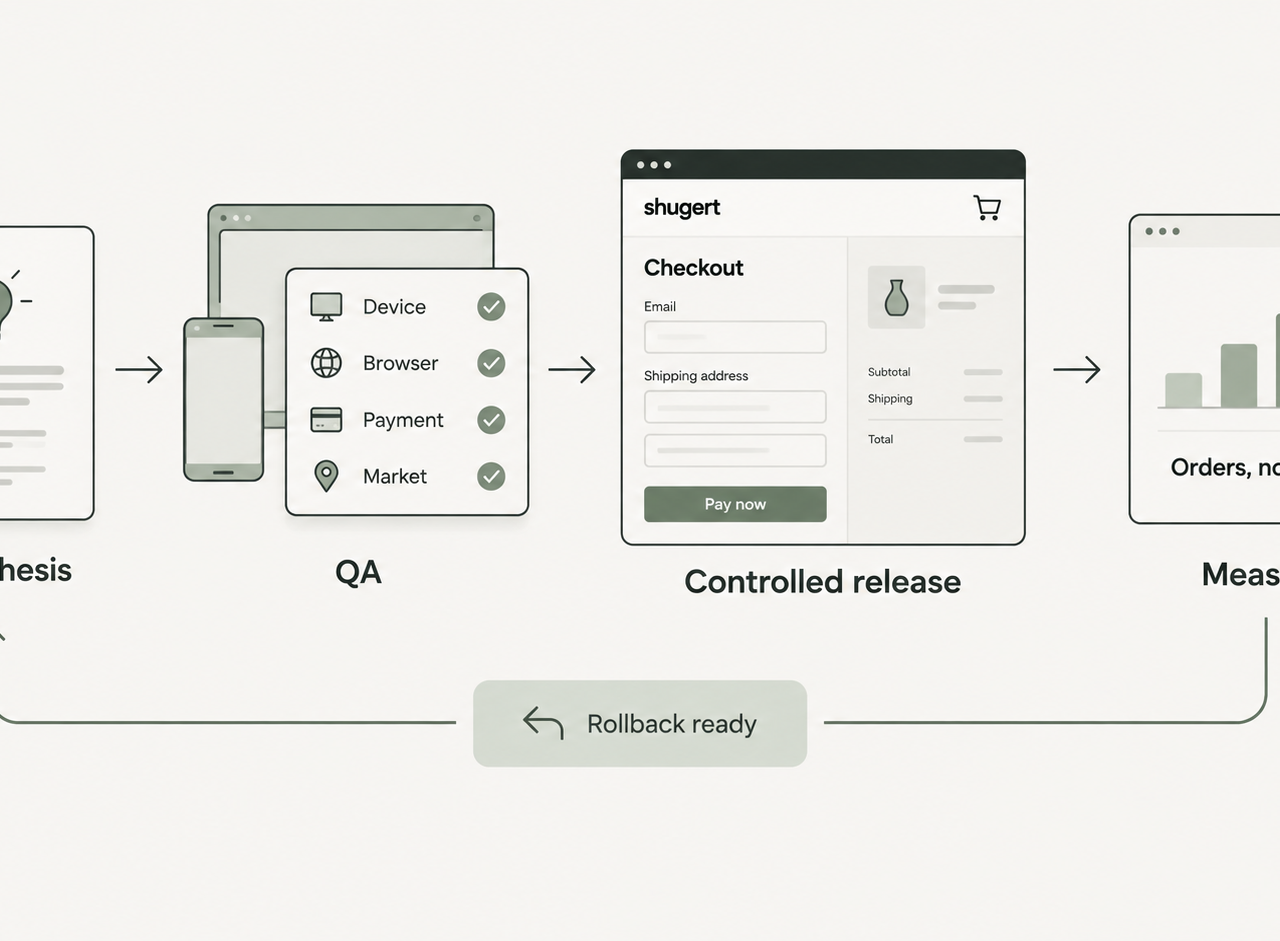
Checkout is the one place where a bad release costs money immediately, so the release discipline matters more than the idea.
- State the hypothesis with the metric it should move and the segment it should move it in.
- QA across the matrix — devices, browsers, payment methods, markets, discount and gift-card paths, and at least one refund.
- Release in a controlled way, one meaningful change at a time, with a rollback path already agreed.
- Measure against orders, not micro-interactions. Step-level completion and checkout-to-order conversion for the targeted segment are the verdict; clicks are not.
Give each change enough volume and enough time to be believable. Small stores rarely reach statistical certainty on checkout tests, and that is fine: when the traffic is thin, prefer changes that are defensible on usability and platform-support grounds over changes that need a p-value to justify them.
A Practical 30-Day Sequence
- Week 1 — Instrument the funnel properly, segment the drop-off, and inventory every legacy checkout customization still in play.
- Week 2 — Review sessions and support tickets in the worst segment; write findings as observations.
- Week 3 — Score fixes by impact, effort, and risk; ship settings-level and app-block wins immediately.
- Week 4 — Implement the Functions or extension work behind proper QA, then measure against orders and re-enter the loop.
Key Takeaways
- Measure before you change anything. Segment-level drop-off is the only credible starting point.
- Explain the drop with session review. Analytics locates it; humans explain it.
- Prioritize by impact, effort, and risk, and always prefer the supported surface.
- Treat legacy
checkout.liquiddependencies as migration work, not as a conversion experiment. - Validate against orders, then repeat the loop rather than declaring victory.
Checkout optimization compounds precisely because it is unglamorous. The brands that win here are not the ones with the most creative checkout — they are the ones with the fewest unexplained drops. Shugert helps established Shopify and Shopify Plus brands audit checkout performance, migrate off legacy checkout customizations, and implement Checkout Extensibility and Shopify Functions work that survives platform upgrades.
Keep exploring this topic
Deeper references from the Shugert library and the service that turns this work into a fixed scope.
Related resources
- Shopify PlusShopify Checkout Extensibility: What Merchants Need to Know in 2026checkout.liquid is gone for Plus, and non-Plus stores hit the August 26, 2026 cutoff in seven weeks. What UI Extensions, Functions, and Web Pixels actually…
- Shopify PlusShopify Functions Explained: What They Do for Your StoreA technical explainer on Shopify Functions, the Wasm runtime, supported languages (Rust, JS, TS), the seven Function types, and how the architecture…
Related services
Keep reading
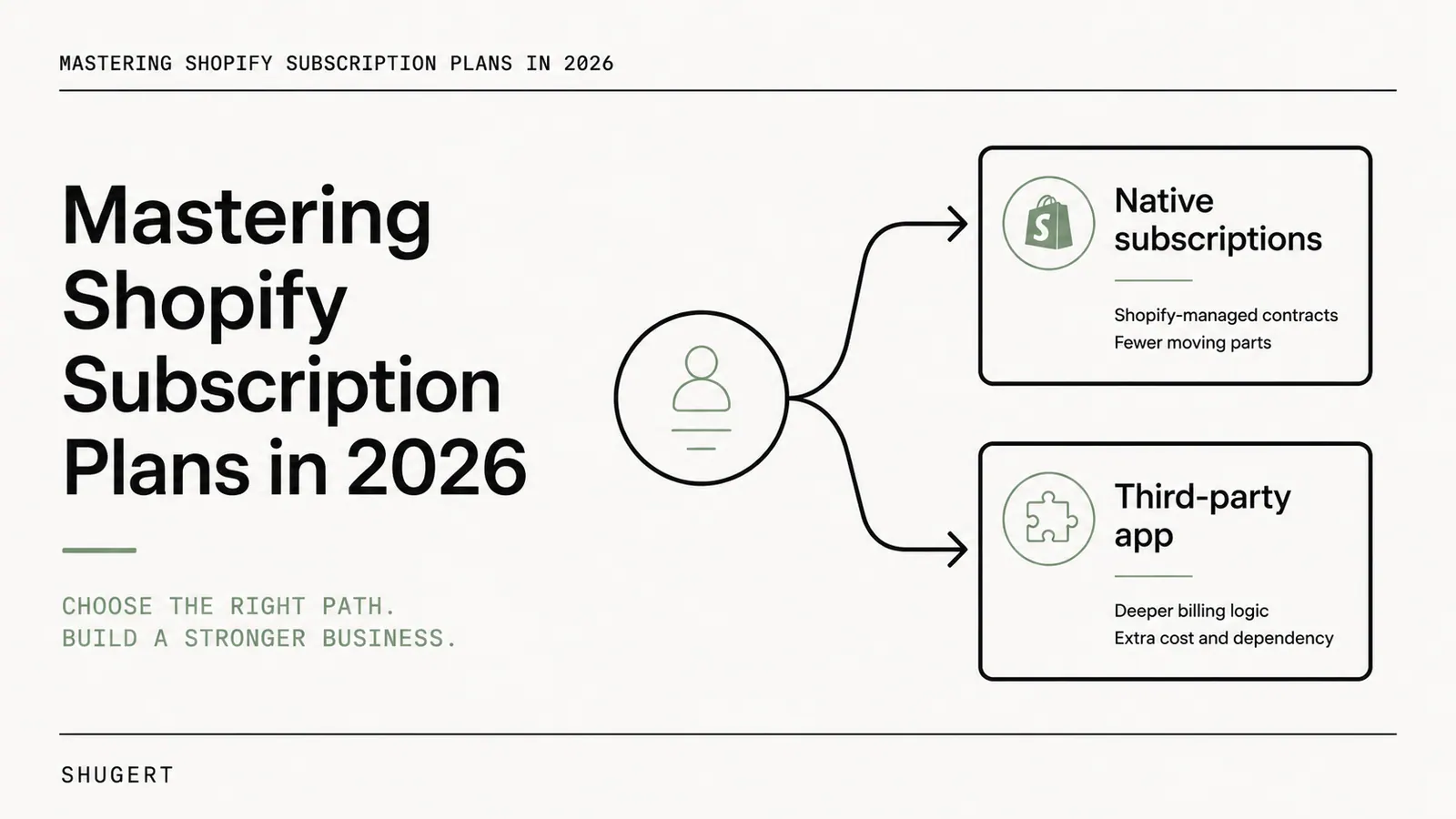
Mastering Shopify Subscription Plans in 2026
Native Shopify selling plans or a third-party subscription app? A decision guide to recurring-commerce architecture, plan-tier headroom, app-stack risk, total cost of ownership and migration continuity.
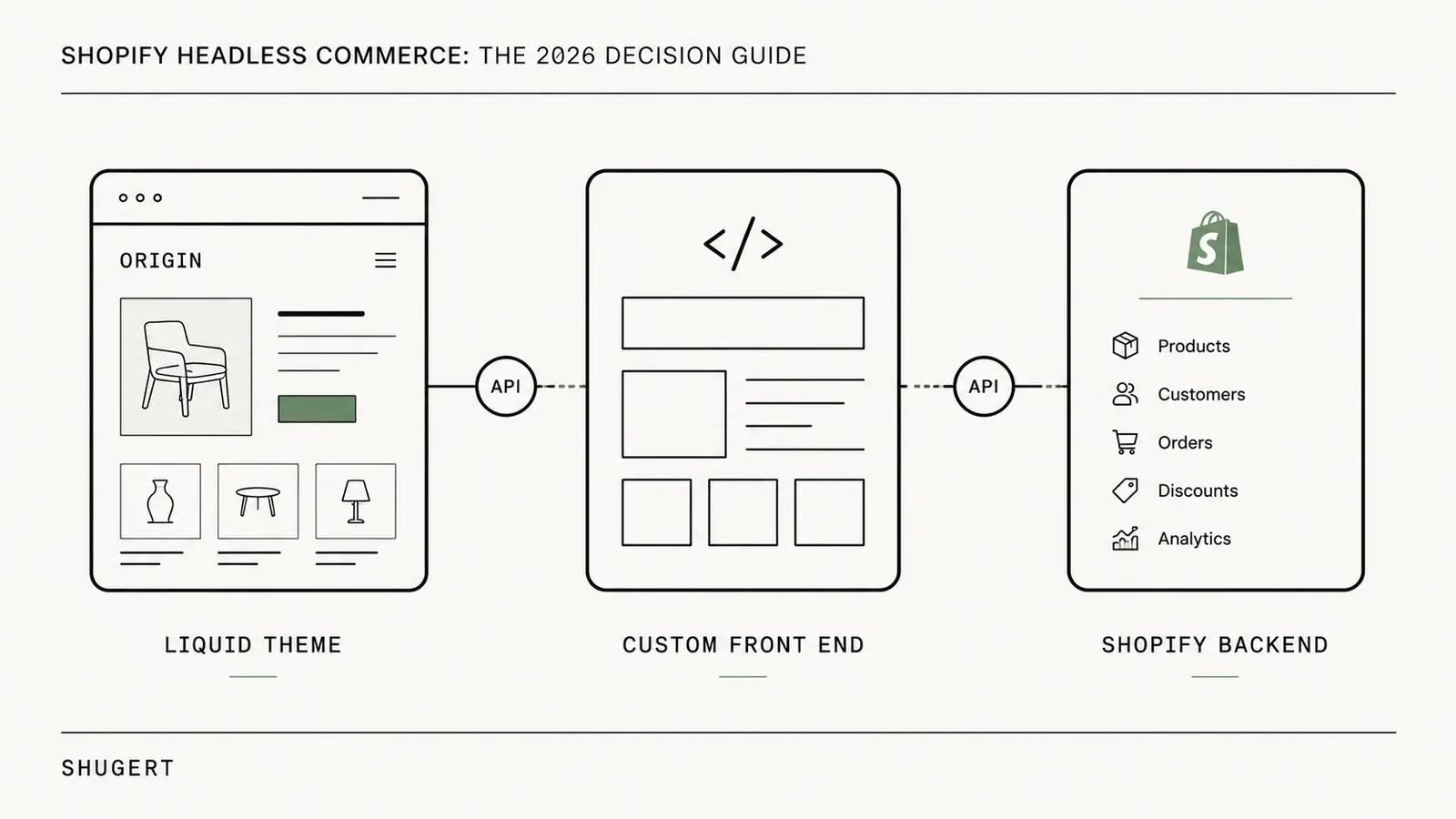
Shopify Headless Commerce: The 2026 Decision Guide
Shopify headless commerce keeps Shopify as the commerce engine and moves the storefront into a separate application. Here is when that trade is justified, how Hydrogen and Oxygen differ from a custom Next.js frontend, and the gates to clear before you rebuild.
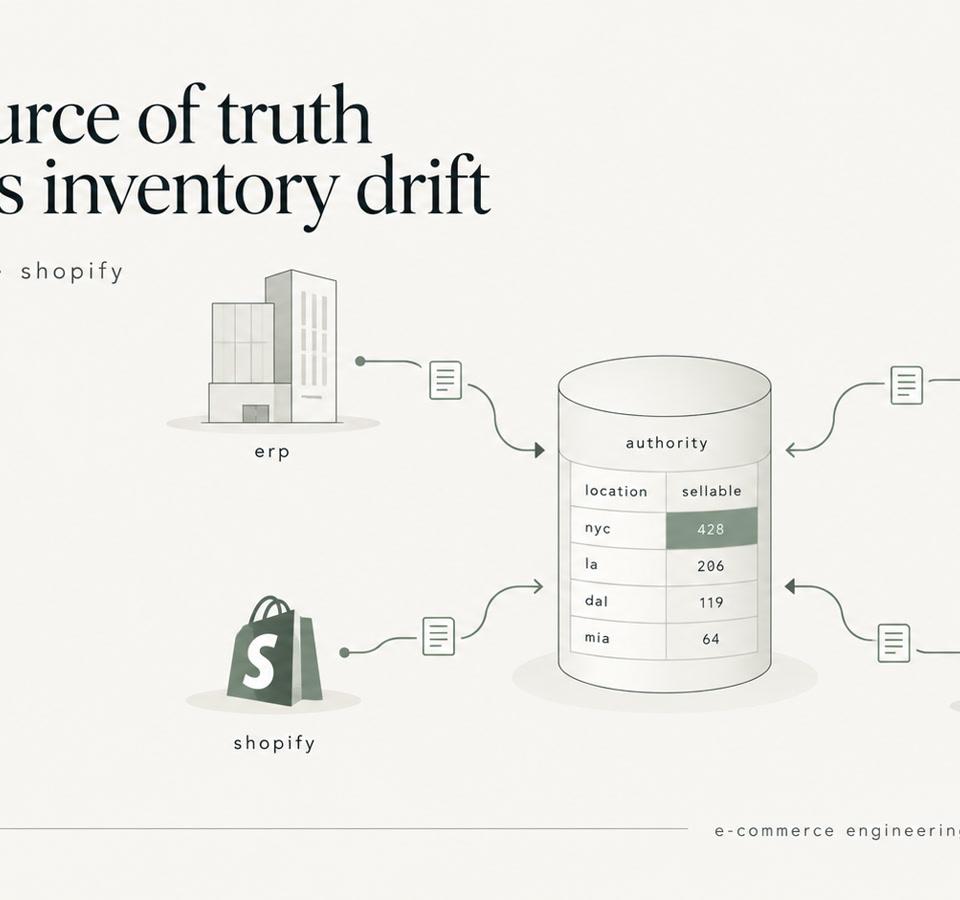
Shopify Inventory Sync: ERP, WMS, 3PL, and the Source of Truth
Shopify inventory sync explained for enterprise catalogs. Learn how to design ERP, WMS, and 3PL integrations that prevent race conditions and stock drift.