
Shopify SEO Apps: 8 Tools and When to Use Them
Evaluate shopify seo apps for technical SEO, schema, crawling, sitemaps, and performance, with guidance on when theme work or engineering is required.

Published
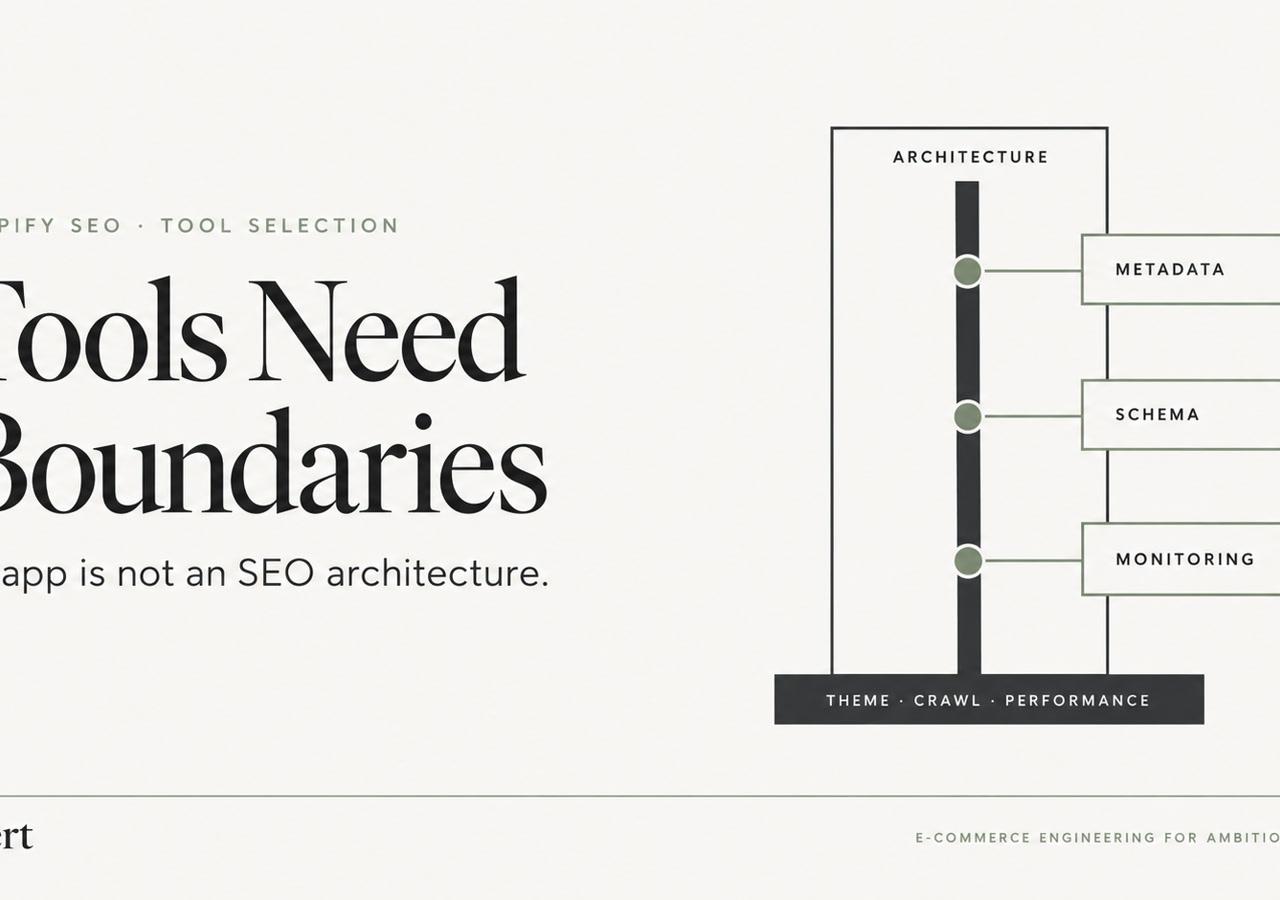
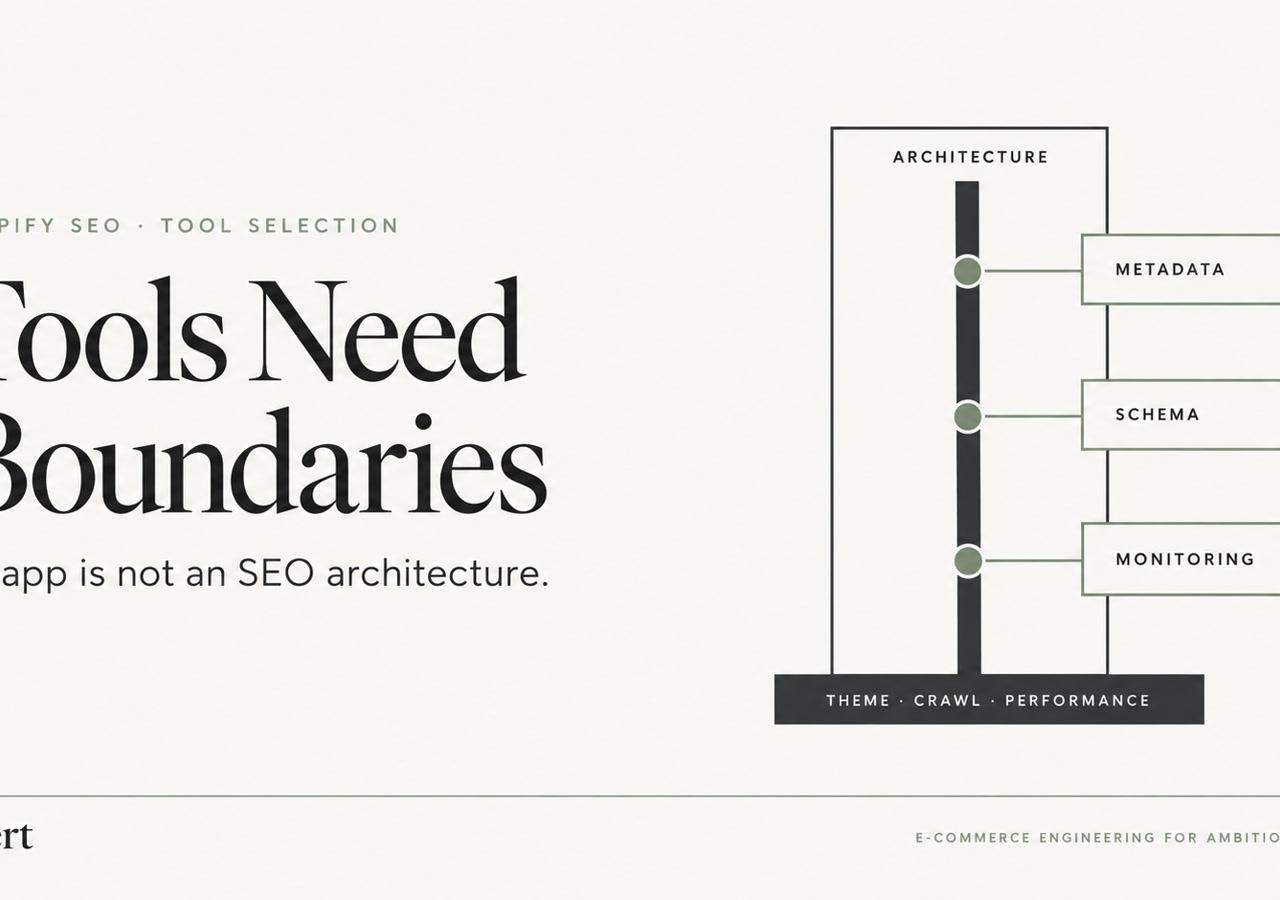
Shopify SEO apps can handle bounded tasks such as metadata workflows, monitoring, and basic schema, but they can't replace theme architecture, crawl-path control, canonical logic, rendering fixes, internal linking, or performance work. The Shopify App Store's SEO category lists more than 1,100 apps in 2026, so choosing another tool should be an architecture decision, not a reflex.
Table of Contents
- An SEO App Is Not an SEO Architecture
- 1. Shopify Native SEO and Meta Tag Management
- 2. Yoast SEO for Shopify
- 3. Schema App for Structured Data Markup and JSON-LD Management
- 4. Google Search Console Integration and Manual Monitoring
- 5. Screaming Frog SEO Spider and Crawl-Based Site Audits
- 6. Shopify Theme Code Audit and Liquid-Level SEO Customization
- 7. Lighthouse, PageSpeed Insights, and Core Web Vitals Monitoring
- 8. Sitemap, Robots.txt, and Crawl Budget Management Strategy
- Shopify SEO Tools: 8-Point Comparison
- Choose Control Before You Choose Another App
An SEO App Is Not an SEO Architecture
The popular advice is simple, install an SEO app and let it repair the store. That approach can work for repetitive metadata edits or a basic broken-link report. It becomes risky when the store has multiple markets, complex collections, product variants, B2B pricing, legacy platform redirects, or a heavily customized Shopify Plus theme.
An app can write a title. It can't decide whether a filtered collection should be crawlable, whether a variant URL deserves its own canonical, or whether two JSON-LD blocks describe the same product differently. Those decisions belong in the theme, data model, migration plan, or engineering backlog.
The category's scale reflects how common these tools have become. One store analytics source reports 86,434 SEO app reviews and a 4.9 average rating within the category, while another reports 790,351 reviews across the Shopify App Store overall. That adoption doesn't prove that an app is appropriate for a particular storefront. It proves that merchants are choosing among a dense software market where output transparency, compatibility, and removal plans matter.
The eight resources below are organized by job, not ranked as affiliate recommendations. They cover native Shopify controls, content analysis, structured data, monitoring, crawling, Liquid customization, performance diagnosis, and crawl management. For stores where symptoms point to architecture rather than missing app features, a Shopify technical SEO service is a more appropriate next step than installing another overlapping app.
1. Shopify Native SEO and Meta Tag Management
Shopify's native fields remain the safest starting point for page titles, meta descriptions, URL handles, and basic social metadata. They live with the product, collection, page, or article record instead of inside a third-party database. That makes ownership clearer during a theme change, a Magento to Shopify migration, or a Shopify Plus operating-model change.
Native fields also work well for catalog governance. A merchandising team can define title patterns, description requirements, and approval rules, then update records through Shopify's administrative workflows or API integrations. An ERP can supply structured product attributes, while a controlled script can update metadata without asking editors to work through an app interface.
The limitation is equally important. Native fields don't automatically solve dynamic metadata based on inventory or customer segment, market-specific hreflang, variant-level canonical decisions, or conflicts between theme-generated and app-generated JSON-LD. Those requirements need deliberate Liquid logic, API orchestration, or custom development.
Inspect output before adding a layer
A product template may already render an SEO title, Open Graph tags, a canonical, and a Product schema block. If an app adds the same elements through an app embed or injected snippet, the browser can receive competing instructions.
A practical review should cover:
- Theme ownership: Inspect
layout/theme.liquid, product templates, collection templates, and reusable snippets for existing metadata and JSON-LD. - Catalog scale: Use Shopify's GraphQL API or bulk operations when the catalog is too large for manual editing.
- Market logic: Treat hreflang and regional canonical rules as architecture, not as generic keyword fields.
- Change control: Keep metadata specifications and update history in a shared system so the team can identify who changed what and why.
Native controls won't replace a technical SEO audit, but they often eliminate the need for an app whose main function is editing fields Shopify already owns.
2. Yoast SEO for Shopify
Yoast SEO for Shopify fits best as an editorial quality-control layer, not as the store's technical SEO system. Its focus-keyword and readability checks give writers a consistent pre-publication review for product pages, landing pages, and blog posts. That workflow suits DTC brands with distributed writers or several storefront teams.
Use the score to identify missing information, not to dictate the copy. Product descriptions should explain materials, fit, compatibility, lead times, and wholesale terms when those details affect a purchase. Repeating a keyword can make that information harder to read and less useful.
The app also has a practical boundary: it does not resolve canonical conflicts between variants, build market-aware hreflang logic, reconcile duplicate JSON-LD, or plan internal links across a large B2B catalog. Those jobs belong to Shopify's native controls, theme code, or custom engineering, depending on the store's requirements.
Give the app a defined editorial job
A useful operating model separates content review from implementation:
- Blog content: Apply focus keywords and readability checks as a publishing checklist for educational articles.
- Product content: Review specifications, benefits, objections, and customer language before considering the score.
- Internal links: Assess suggested links against collection structure, account journeys, and commercial intent.
- Metadata: Handle high-volume title and description updates through Shopify fields, bulk operations, or a controlled integration.
For example, a multi-brand merchant can require each new product description to state its use case and differentiator, then use the app to flag obvious omissions. An editor owns the wording. The technical team owns canonical tags, JSON-LD output, robots directives, and script loading.
That division limits operational risk. For complex DTC, B2B, and Shopify Plus stores, theme customization or custom code may be necessary when editorial requirements depend on market, customer type, or catalog logic. An app can support the review process without becoming an accidental source of sitewide technical rules.
3. Schema App for Structured Data Markup and JSON-LD Management
Structured data is a good example of an app solving a real but limited problem. A schema tool can help populate Product, Article, BreadcrumbList, and Organization markup from Shopify data. That may reduce repetitive implementation work when a store has many templates and the existing theme produces incomplete or inconsistent JSON-LD.
The implementation still needs inspection. Shopify product data can include multiple variants, availability states, market prices, subscriptions, bundles, and B2B conditions. A generic Product block may not represent what a buyer sees on the page, especially when pricing changes by customer account or market.
Before enabling an app across a catalog, inspect the theme for application/ld+json script blocks. Common locations include product.liquid, collection templates, article templates, and snippets included from theme.liquid. If the theme already emits Product or BreadcrumbList data, the team must decide which source owns each schema type.
Validate representative templates
Google's Rich Results Test can verify whether eligible markup is readable, while Schema.org's validator can expose structural issues beyond Google's supported rich-result types. Testing should include normal products, products with several variants, out-of-stock products, collections, articles, and pages with reviews.
Practical rule: One authoritative JSON-LD source is usually easier to debug than two systems that both claim ownership.
A Shopify Plus B2B store may need custom Liquid to reflect variant-specific price, currency, or availability logic. A bundle or subscription model may require a different schema approach altogether. In those cases, the app can be limited, its output suppressed, or removed in favor of theme-controlled JSON-LD. The important decision isn't whether the app can generate schema. It's whether the generated schema matches the visible page and remains maintainable as the catalog changes.

4. Google Search Console Integration and Manual Monitoring
Google Search Console shows what Google has discovered, crawled, indexed, and reported for a Shopify property. An SEO app may make selected data easier to view, but the original reports and direct URL inspection should remain part of the workflow.
Use Search Console alongside clear ownership. For a product URL, inspect Google's selected canonical, compare it with the page's declared canonical, and confirm its index status. During a migration, review coverage and inspection data for redirect gaps, unexpected exclusions, and new templates that fail to enter the index as intended.
Use reports to identify causes
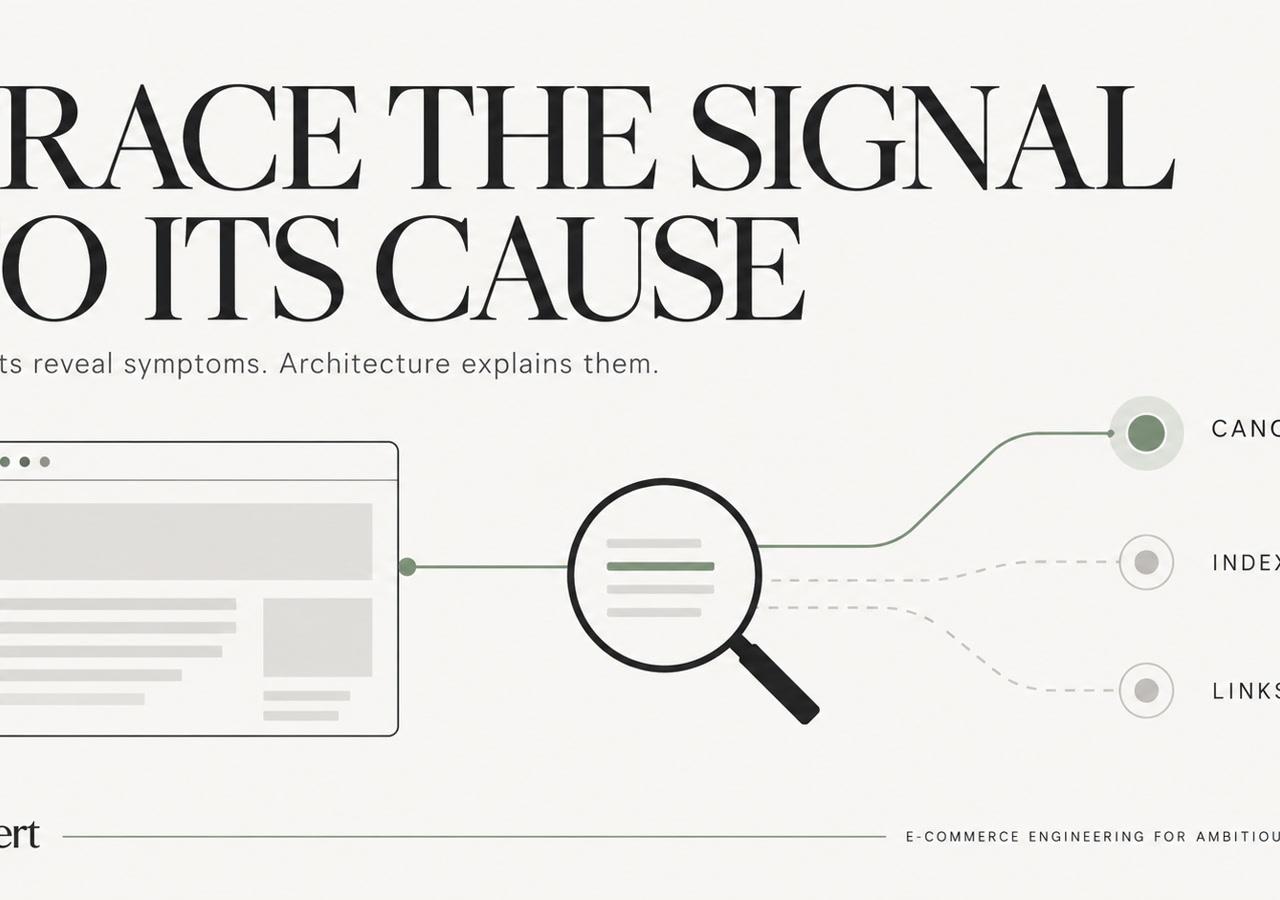
Search Console reports symptoms; implementation work explains them. A page marked as crawled but not indexed may need stronger content, better internal links, or a deliberate indexation decision. An excluded URL may be filtered intentionally, blocked by robots rules, marked noindex, or assigned an incorrect canonical.
A practical monitoring routine should include:
- Representative inspection: Check product, collection, blog, and market-specific URLs instead of testing only the homepage.
- Coverage changes: Investigate shifts after theme releases, app updates, and migrations.
- Performance segmentation: Compare queries and landing pages with analytics and merchandising data.
- Security ownership: Respond promptly to Security Issues and Manual Actions notifications.
- Historical exports: Preserve monthly query, click, impression, and position data outside an app dashboard.
For faceted navigation, the implementation may require coordinated URL design, canonical rules, internal-link controls, robots handling, and selective noindex. An app can surface recurring patterns, but it cannot decide which filtered collections deserve organic landing pages. That choice depends on commercial value and the store's crawl architecture.
Complex DTC, B2B, and Shopify Plus stores should assign these decisions to an SEO and development owner. Native Shopify controls may cover basic reporting and verification, while theme changes or custom engineering are needed when templates, markets, or migration rules create indexing conflicts. Manual monitoring remains the control layer that confirms whether those changes produce the intended result.
5. Screaming Frog SEO Spider and Crawl-Based Site Audits
A crawl-based audit answers questions that an app dashboard often cannot. Screaming Frog can expose status codes, redirect chains, canonical declarations, duplicate titles, internal-link paths, hreflang output, and structured data across a crawlable version of the storefront. That makes it particularly useful before and after a theme release, platform migration, or SEO app installation.
A Magento to Shopify migration provides a clear example. The team can crawl the old site, map URLs to Shopify destinations, launch redirects, and crawl the new store to verify that the intended paths resolve correctly. Shopify's migration guidance says each old URL should have a one-to-one 301 redirect to its new destination, followed by verification that the old URL returns a 301 and the target returns a 200. Shopify's migration documentation provides the platform-level requirement.
Compare states, don't just collect errors
The most useful crawl is often a comparison. Save a baseline before installing an app or changing the theme. After deployment, compare the number and location of scripts, metadata conflicts, status-code changes, canonical changes, and newly discoverable parameter URLs.
A crawl report is valuable only when someone connects each finding to an owner, a fix, and a validation date.
For large stores, separate crawls by product, collection, blog, and market templates. Review duplicate title and description reports alongside Search Console data. A duplicate isn't automatically an error, but repeated output across commercially distinct pages can reveal weak templates or an ineffective catalog strategy.
Inspect redirect reports for chains and loops. An old URL should point directly to the final relevant destination, not through an intermediate handle. Pages removed without a relevant replacement should be evaluated for a 404 or 410 response rather than redirected to an unrelated page, consistent with Shopify's enterprise SEO migration guidance.
For a deeper explanation of crawl diagnostics and ecommerce implementation, see technical SEO for ecommerce.
6. Shopify Theme Code Audit and Liquid-Level SEO Customization
Theme code controls the SEO signals Shopify renders. Liquid determines links, headings, meta tags, canonicals, structured data, and navigation in the final HTML. An app can insert a snippet, but it cannot reliably repair a broken template hierarchy or apply every business rule across a complex catalog.
Start with product and collection templates. Decide whether variant URLs should consolidate to the parent product or remain distinct indexable pages. Review filter links too. A collection template can expose combinations with no search value, while theme.liquid may load an app's scripts across the entire storefront, including templates that never use the related feature.
Set ownership before editing Liquid
Assign one source of truth for each signal:
- Canonicals: Define whether variants consolidate to the product URL or represent separate pages.
- JSON-LD: Give one template or snippet ownership of Product, BreadcrumbList, and Organization markup.
- Hreflang: Build market relationships from actual storefront mappings, not assumed handles or domains.
- Internal links: Connect collections, products, editorial content, and B2B buying paths through the intended taxonomy.
- Scripts: Load app assets only on templates that require them, where conditional loading is supported.
A practical audit compares the intended rule with rendered HTML. Check Liquid changes away from production, review them in version control, then test the published result. Lighthouse, Chrome DevTools, Search Console URL inspection, and rich-result validation expose different failures, from duplicate JSON-LD to missing canonicals and links rendered only after interaction.
The fix may belong in the theme, a native Shopify setting, an app configuration, or custom engineering. A DTC store may need a small snippet change. A B2B catalog with market-specific pricing, product relationships, and complex templates may require shared data rules and deployment controls. Shopify Plus teams should keep checkout work separate from storefront SEO. Shopify required checkout customizations on Information, Shipping, and Payment pages to migrate from checkout.liquid to Checkout Extensibility by August 13, 2024, as described in Shopify's checkout documentation. Legacy checkout code, app behavior, and theme SEO have different owners and testing requirements.
7. Lighthouse, PageSpeed Insights, and Core Web Vitals Monitoring
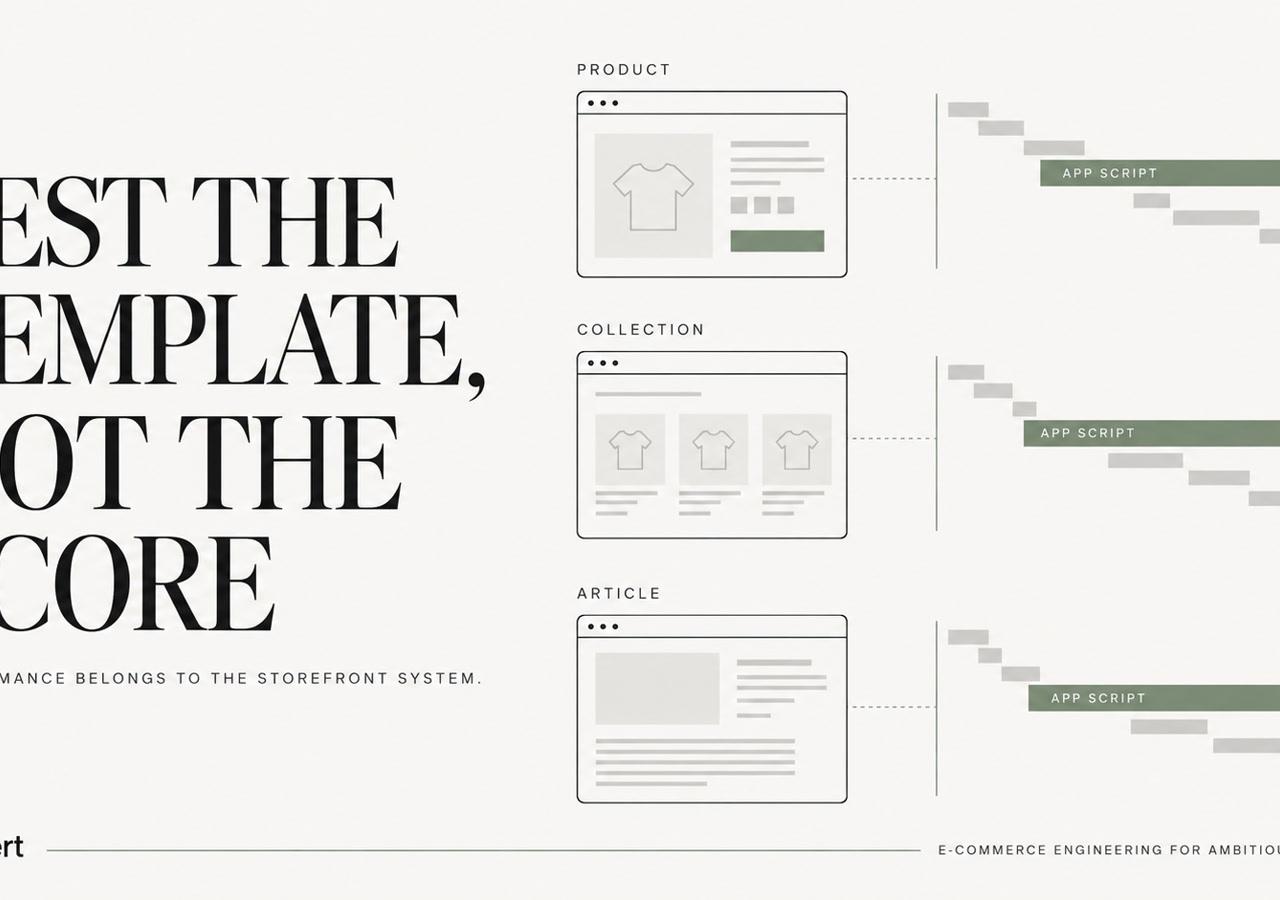
A performance app cannot compensate for an overloaded theme or poorly controlled app stack. Diagnose the storefront first. Shopify guidance treats page performance, Core Web Vitals, and JavaScript rendering as technical SEO concerns. App assets may add JavaScript and CSS across templates, and uninstalling an app can leave theme code behind. This Shopify Core Web Vitals guide explains why the app stack belongs in the performance review.
Google Search Console defines good results as 2.5 seconds or less for LCP, 200 milliseconds or less for INP, and 0.1 or less for CLS. Poor status begins above 4 seconds for LCP, 500 milliseconds for INP, and 0.25 for CLS, according to Google's Core Web Vitals documentation.
Test templates, then trace the cause
PageSpeed Insights combines lab diagnostics with field data. Lighthouse helps isolate render-blocking assets, oversized images, long tasks, and layout shifts. Use both on representative product, collection, landing, and article templates, with the devices and traffic sources that affect revenue. A homepage score cannot represent the whole storefront.
Start with the largest visible element. Check hero image dimensions, responsive srcset behavior, preload choices, and scripts that delay rendering. For interaction performance, inspect third-party event listeners, chat tools, widgets, and long JavaScript tasks. For layout stability, reserve image and component dimensions before asynchronous content loads.
Review the Network panel and theme files for SEO, review, personalization, analytics, and merchandising scripts. Test after theme releases and app installations, not only during scheduled audits. A conditional app embed may be appropriate on one template, while a small Liquid implementation can replace injected code across the store.
The fastest SEO app is often the one the store does not need to load.
The remediation path depends on ownership. Native Shopify controls may handle a simple setting; theme customization may fix a DTC template; custom engineering may be required for a B2B catalog with complex templates or market-specific behavior. For an issue spanning images, scripts, theme code, and storefront behavior, Shopify speed optimization and Core Web Vitals services provide a structured implementation option.
8. Sitemap, Robots.txt, and Crawl Budget Management Strategy
Shopify generates /sitemap.xml and /robots.txt, but those files do not define a complete crawl policy. Large catalogs can expose filtered collection URLs, variant parameters, discontinued products, account paths, search results, and other low-value destinations. Assign each URL class a clear treatment: discovery, crawling, indexation, canonical consolidation, or removal.
Robots rules and noindex control different stages. A blocked URL may prevent Google from reading its contents, while external or internal signals can still expose the URL. A crawlable page with noindex gives Google an explicit instruction not to include it in the index. Blocking that page first can prevent the directive from being seen.
Separate discovery from indexation
Start with commercial intent. A filtered collection that matches valuable search demand may justify a controlled landing page, descriptive copy, internal links, and a defined canonical. A filter combination with no distinct value should stay out of navigation and the sitemap.
Product variants require the same judgment. Consolidate variants when they share search intent and substantially similar content. Give distinct variants a deliberate URL and canonical policy when their use cases differ materially. That decision may require theme changes or custom data handling rather than another app.
Use this sequence before editing robots or sitemap behavior:
- Map URL classes: Catalog products, collections, filters, search pages, blogs, accounts, carts, and parameterized URLs.
- Audit internal links: Remove accidental links to low-value combinations so robots rules do not carry the entire burden.
- Check canonicals: Confirm that each consolidated URL points to the relevant destination.
- Set sitemap inclusion intentionally: Keep indexable canonical pages discoverable instead of treating the sitemap as a list of every generated URL.
- Validate releases: Crawl and inspect changes after app installations, theme deployments, navigation edits, and catalog migrations.
For stores managing filter proliferation, Shopify faceted navigation and crawl budget guidance outlines a more suitable technical approach than a metadata app. Native controls may handle simple exclusions, while complex DTC, B2B, and Shopify Plus catalogs often need theme logic or custom engineering.
Shopify SEO Tools: 8-Point Comparison
| Solution | Core functionality | Primary value / USP | Target audience / Best for | Limitations & implementation considerations |
|---|---|---|---|---|
| Shopify Native SEO and Meta Tag Management (Theme-Level Control) | Built-in title, meta, URL slug, Open Graph; theme JSON‑LD; REST/GraphQL and CSV bulk ops | Metadata stored in Shopify data model; version-controlled; no monthly app cost; clean migrations | Enterprise Shopify/Plus stores, merchants prioritizing ownership and migrations | Limited conditional logic and monitoring; advanced cases (variant-level, hreflang) require custom Liquid/dev work |
| Yoast SEO for Shopify | Real‑time keyword & readability scoring; meta previews; internal linking suggestions | Enforces editorial consistency; familiar UI for content teams; trains non‑technical writers | Mid‑market DTC/B2B with in‑house content teams; content-focused workflows | Not a technical SEO tool (no canonicals/hreflang/schema at scale); keyword‑density focus; limited Shopify features vs WP |
| Schema App, Structured Data & JSON‑LD Management | Automated JSON‑LD for Product, Article, Breadcrumb, Organization; field mapping; schema testing | Reduces manual schema errors; syncs with Shopify product data; built‑in validation; low monthly cost | Mid‑market / Plus merchants with large catalogs or limited dev resources; temporary migration use | Cannot handle conditional/variant or custom schema for bundles/B2B; may inject duplicate schema; requires theme testing |
| Google Search Console Integration & Manual Monitoring | Crawl stats, URL inspection, coverage, Core Web Vitals field data, search performance | Authoritative indexing/crawl data from Google; free; essential for migrations and monitoring | All enterprise Shopify stores; required for migration validation and indexing diagnostics | Not prescriptive, needs technical interpretation; delayed/aggregated data; must be correlated with logs and rendered HTML |
| Screaming Frog SEO Spider (Crawl Audits) | Deep crawl for canonicals, redirects, hreflang, meta tags, status codes, internal links; regex/custom filters | Mirrors search engine crawling; strong redirect/canonical validation; industry standard audit tool | Enterprise Plus stores performing migrations, full‑site audits, or app impact checks | Snapshot tool only; won't execute JS/Liquid; requires manual analysis; desktop setup and segmentation for very large sites |
| Shopify Theme Code Audit & Liquid‑Level SEO Customization | Direct control of HTML, canonicals, hreflang, structured data, dynamic logic, performance tuning via Liquid | Highest control and predictability; versioned with theme; can eliminate app conflicts and improve CWV | Shopify Plus merchants with developer teams or technical partners (senior technical partner recommended) | Higher upfront dev cost; ongoing maintenance; development risk if not tested; knowledge concentration |
| Lighthouse / PageSpeed Insights & Core Web Vitals Monitoring | Lighthouse lab audits; PageSpeed Insights field (CrUX) data; diagnostics and CI/CD API | Authoritative performance and CWV diagnostics; actionable recommendations; free and automatable | Stores prioritizing UX/SEO performance; teams running CI and performance CI checks | Lab vs field differences; field data delayed/aggregated; fixes may require trade‑offs and app/script removal |
| Sitemap, Robots.txt & Crawl Budget Management Strategy | Sitemap and robots.txt control and curation; exclusion strategies for faceted nav, variants, low‑value URLs | Improves crawl efficiency and preserves crawl budget; critical for large catalogs and faceted navigation | Large catalogs, multi‑market stores, and sites with faceted filters or many low‑value URLs | Shopify defaults can be insufficient; may need custom app/integration and careful testing; robots.txt ≠ noindex (nuance matters) |
Choose Control Before You Choose Another App
The right Shopify SEO app is the one with a narrow job, visible output, and a clear owner. It might assist with bulk metadata, editorial review, broken-link monitoring, basic schema, or reporting. It shouldn't rewrite canonicals, inject duplicate JSON-LD, load scripts across every template, or become the only place where critical SEO rules exist.
Native Shopify fields are usually the better choice when ownership and migration durability matter. They keep core metadata close to the underlying product, collection, page, and article records. For a high-volume catalog, a controlled API or ERP workflow may be more reliable than asking a team to maintain SEO fields in a separate application.
Theme customization is appropriate when the requirement concerns Liquid output, JSON-LD, canonicals, hreflang, internal links, headings, template structure, or conditional script loading. These rules need to be reviewed alongside the page's actual HTML, not judged by an app's setup screen.
Custom engineering or a technical SEO audit becomes the sensible choice when several systems interact. Shopify Plus migrations, Magento or WooCommerce migrations, B2B account logic, ERP integrations, international storefronts, subscriptions, collection architecture, and Core Web Vitals problems rarely have a safe one-click fix.
A simple decision framework helps:
- Use an app: The task is bounded, repetitive, inspectable, and easy to reverse.
- Use native Shopify controls: The data belongs in the Shopify catalog and must survive vendor or theme changes.
- Customize the theme: The issue involves Liquid, rendered HTML, canonicals, JSON-LD, hreflang, internal linking, or script output.
- Commission engineering: The fix spans markets, integrations, checkout behavior, B2B rules, migration redirects, or custom data.
- Run an audit first: The team sees indexing loss, duplicate URLs, slow templates, conflicting markup, or unexplained changes after an app or release.
Every app should have an installation record covering injected tags, scripts, app embeds, data dependencies, theme snippets, API permissions, and the removal process. A store that can't explain what an app changes can't reliably assess its SEO risk.
The Shopify App Store's maturity makes this discipline more important. Individual tools have substantial distribution, including 30,033 stores for TinySEO and 21,708 stores for BOOSTER AI SEO + AEO OPTIMIZER, according to Store Leads' Shopify app report. Those figures show that apps can operate at meaningful scale, not that they should own a merchant's technical architecture.
Merchants can also evaluate adjacent SEO tooling through tools like Sistrix, but external visibility data still needs to connect to Shopify implementation. Rankings don't repair a bad canonical. A crawl report doesn't rewrite a broken Liquid condition. A schema validator doesn't decide which B2B price a search engine should interpret.
For stores whose symptoms point to architecture, migration preservation, app bloat, or performance rather than a missing feature, a Shopify technical SEO engagement can establish ownership, document the system, and prioritize fixes before another app adds more variables.
Shugert helps established DTC and B2B brands with Shopify and Shopify Plus technical SEO, migrations, Liquid architecture, structured data, redirects, app integrations, and Core Web Vitals work. Visit Shugert to discuss the store's current app stack, crawlability risks, and the engineering path that fits its growth plans.
Keep reading
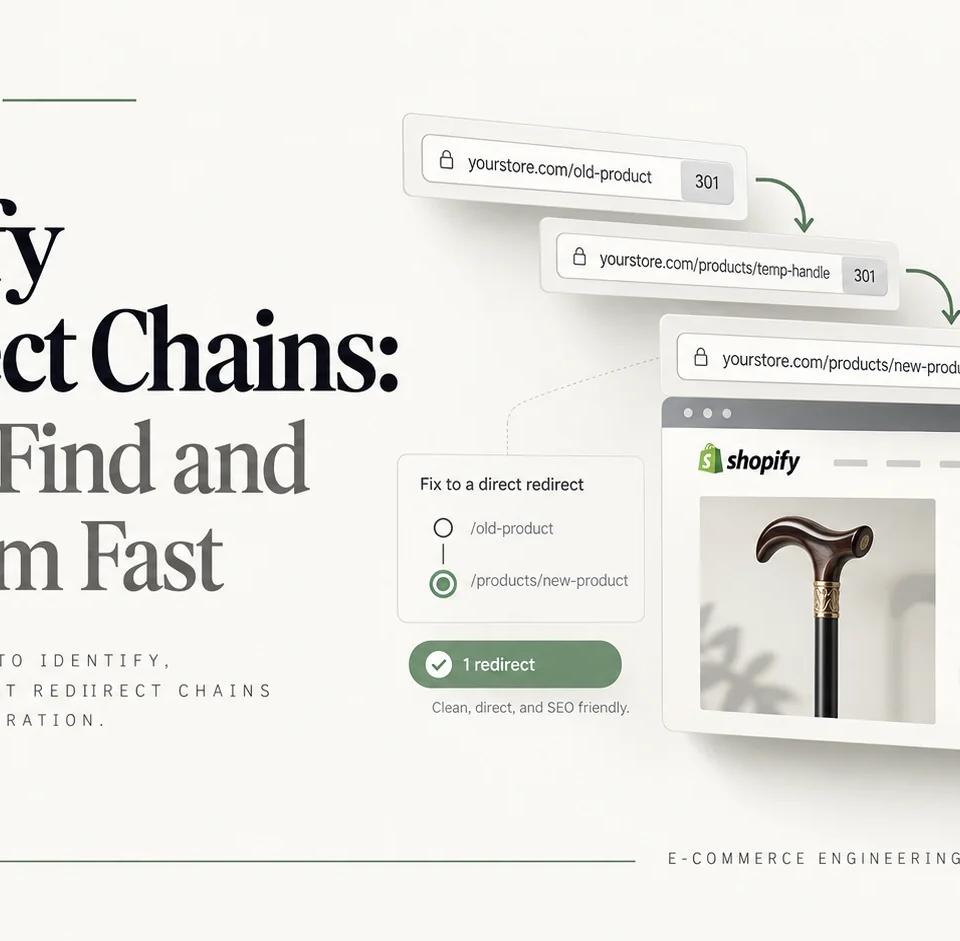
Shopify Redirect Chains: How to Find and Fix Them Fast
Trace Shopify redirect chains from legacy URLs to final canonical pages. An eight-step audit shows how to identify each hop, fix the responsible layer, and verify production behavior after migration.

Shopify Plus Technical Debt: What to Audit as Your Store Scales
A practical audit framework for established Shopify Plus stores to find technical debt across apps, theme architecture, checkout, integrations, QA, and performance.
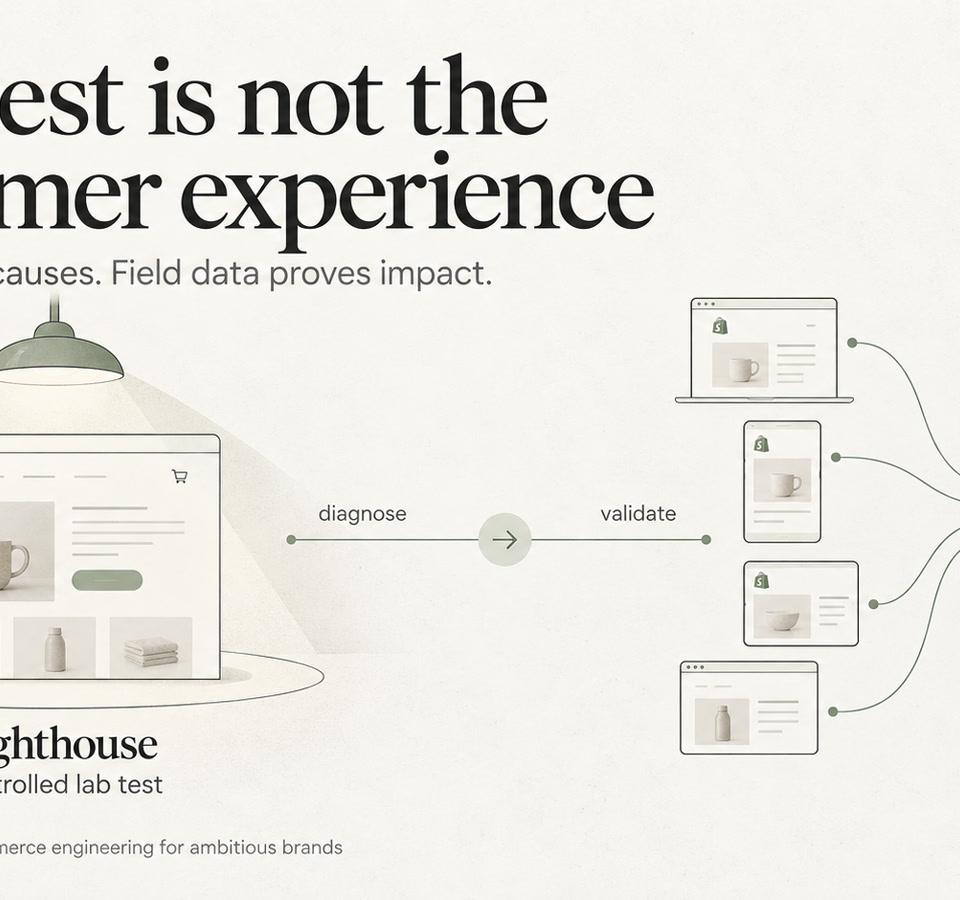
Shopify Lighthouse vs. Core Web Vitals: How to Interpret Conflicting Results
Understand why Shopify Lighthouse lab scores and real-user Core Web Vitals can disagree, and how to interpret both without confusing diagnostic scores with customer experience.