
Shopify Plus Technical Debt: What to Audit as Your Store Scales
A practical audit framework for established Shopify Plus stores to find technical debt across apps, theme architecture, checkout, integrations, QA, and performance.

Published
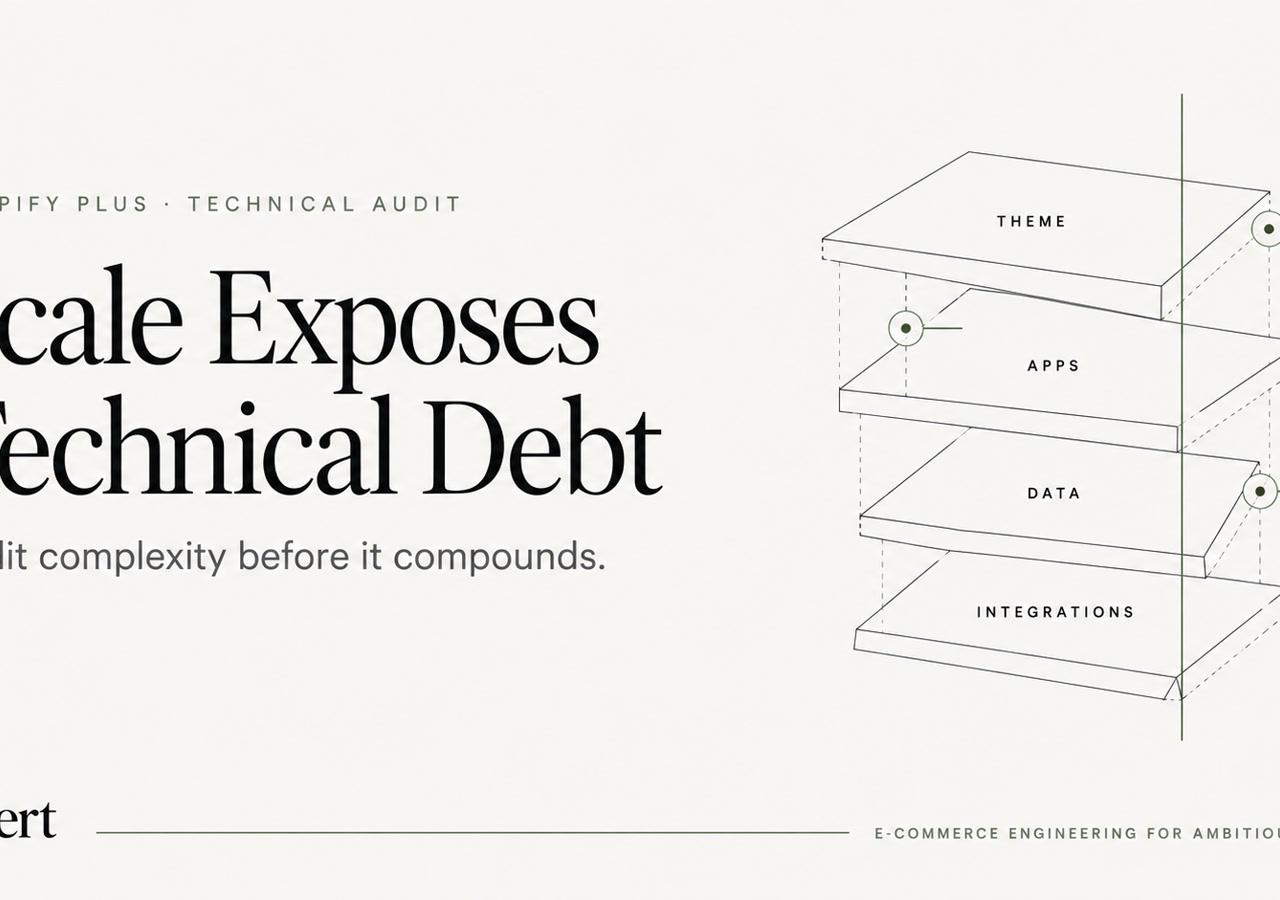
A Shopify Plus store can look healthy from the outside while becoming harder to change every quarter. New apps get added to solve specific needs. Theme code gets patched by different teams over time. Checkout rules move into extensions, Functions, app settings, and operations docs. Integrations keep running until one edge case exposes how much logic is duplicated or undocumented.
That is what technical debt looks like on Shopify Plus. It is not only messy code. It is accumulated implementation complexity that slows releases, increases defect risk, and makes routine commerce work harder than it should be.
For established merchants already on Shopify Plus, the real question is not whether technical debt exists. It is where it has accumulated, how it affects revenue and operations, and which issues should be audited first.
Table of Contents
- What Shopify Plus Technical Debt Actually Looks Like
- 1. App and Third-Party JavaScript Bloat
- 2. Fragile Liquid and Frontend Architecture
- 3. Checkout Extensibility and Shopify Functions Debt
- 4. Integration Failures Across ERP, PIM, and OMS
- 5. Duplicated Business Logic Across Apps and Custom Code
- 6. Release and QA Debt
- 7. Core Web Vitals Regressions from Storefront Complexity
- 8. Multi-Team Customization Debt
- A Practical Audit Sequence for Senior Teams
- When Technical Debt Becomes an Engineering Problem, Not a Maintenance Task
What Shopify Plus Technical Debt Actually Looks Like
On Shopify Plus, technical debt usually appears as one of three problems:
- Change becomes slow. Small requests take too long because nobody trusts the dependency chain.
- Behavior becomes inconsistent. Merchandising, pricing, checkout, and account logic work differently across channels, regions, or customer types.
- Failures become harder to diagnose. When something breaks, teams cannot quickly tell whether the source is theme code, an app, a Function, a middleware job, or an operational workaround.
This matters because Shopify Plus stores rarely fail in one dramatic event. More often, they degrade through layers of complexity:
- a storefront that keeps adding scripts and app blocks
- checkout logic split across multiple mechanisms
- integrations with unclear system ownership
- undocumented business rules handled partly in code and partly by humans
- release processes that rely on memory instead of controls
An audit should focus on those failure patterns, not only on code quality in isolation.
1. App and Third-Party JavaScript Bloat
One of the first places we audit on a scaled Shopify Plus storefront is script sprawl. Too many assets load in too many places, often for reasons that are no longer current.
A mature Plus store often accumulates JavaScript from:
- personalization tools
- search and filtering apps
- review widgets
- upsell and bundling apps
- subscription tooling
- A/B testing platforms
- analytics tags and pixels
- chat, heatmap, and session replay tools
- old app remnants left behind after uninstall or redesign
Individually, each script may have been justified. Together, they create a storefront that is expensive to render, hydrate, and interact with.
Diagnostic signals
Look for these symptoms:
- product pages load multiple app assets before user interaction
- collection pages fire third-party requests unrelated to immediate page function
- identical libraries are loaded more than once
- scripts intended for one template appear sitewide
- removed apps leave snippets, assets, or app blocks behind
- cart and account pages inherit marketing scripts that add no operational value
Why this debt compounds
JavaScript debt is not only a speed issue. It also creates debugging debt.
When five tools can modify the same page behavior, teams stop knowing which system owns rendering, tracking, or user interaction. That makes incident diagnosis slower and release risk higher.
A useful audit asks three questions for every storefront script:
- Why does this exist?
- Where should it load?
- What breaks if it is removed or deferred?
If nobody can answer all three, that script belongs on the debt list.
For a deeper performance-specific treatment of app load and storefront overhead, see Shopify app bloat and performance guide.
For a broader app-selection perspective, RecurX reviews Shopify Plus apps. Use those comparisons alongside an audit of the scripts, dependencies, and performance costs present in the actual storefront.
2. Fragile Liquid and Frontend Architecture
When a Shopify Plus storefront becomes slow or brittle, platform limits should not be the first assumption. Theme architecture, third-party code, app behavior, and accumulated customizations deserve inspection first.
This usually happens after multiple redesigns, urgent launches, app installs, regional exceptions, and handoffs between internal teams, freelancers, and agencies. The result is a storefront where Liquid, JSON templates, section logic, snippets, and JavaScript behavior evolved without a stable system.
Diagnostic signals
Audit the theme for signs such as:
- large snippets reused for unrelated purposes
- deeply nested section logic with merchant settings controlling critical behavior
- business rules embedded directly inside templates
- global JavaScript handling features that should be template-specific
- inconsistent naming conventions across sections, snippets, and assets
- old code paths preserved "just in case"
- commented-out blocks that act as informal version control
- duplicate components with slight variations across markets or storefronts
A concrete example
A product badge system may look harmless in the theme editor, but the logic often spreads across:
- product metafields
- collection-level conditions
- translation logic
- custom Liquid branches
- frontend scripts for dynamic updates
- app-provided labels layered on top
Now the same badge can mean different things depending on template, market, or app state. That is not only messy implementation. It is a hidden governance problem.
A good audit isolates where presentation ends and business logic begins. If a commercial rule must be understood by marketers, merchandisers, and developers, it should not be trapped in an opaque Liquid branch that only one engineer remembers.
3. Checkout Extensibility and Shopify Functions Debt
Checkout debt is a useful marker of Shopify Plus engineering maturity because critical commerce logic can be spread across extensions, Functions, app configuration, and operational processes.
Shopify's current checkout model is based on extensibility. Shopify documents checkout customization through supported extension types such as Checkout UI extensions, Shopify Functions, web pixel extensions, and payments extensions, rather than legacy direct customization patterns (Shopify docs). Shopify also documents that Shopify Functions are the supported backend mechanism for custom commerce logic in areas such as discounts, payment, delivery, and validation (Shopify docs).
That platform direction creates a new kind of debt. Stores may technically be using modern Shopify capabilities while still implementing them in ways that are difficult to maintain.
Diagnostic signals
Look for problems like these:
- business rules split across app configuration and custom Functions
- no clear inventory of active checkout customizations
- discount behavior that depends on execution order nobody has documented
- payment or delivery logic duplicated in ERP rules, app settings, and Functions
- custom checkout logic with weak test coverage
- changes promoted to production without a rollback plan
- B2B checkout behavior implemented through workarounds instead of a clear model
Why this happens
Functions are powerful, but they move critical logic into code that many commerce teams do not actively monitor. A team may know a discount exists without knowing:
- which Function owns it
- what input data it depends on
- whether it conflicts with another rule
- which edge cases were excluded during implementation
Shopify's Function model is explicit about inputs, configuration, and API targets, which is helpful for engineering teams, but undocumented decisions still become expensive later (Shopify docs).
What to audit first
For checkout and Functions, start with a simple inventory:
- every active customization
- its business owner
- its technical owner
- the exact extension or Function type used
- the input data required
- the failure mode if it stops working
If the store cannot produce that inventory quickly, checkout debt is already material. For the underlying platform model, see our Shopify Functions technical reference.
4. Integration Failures Across ERP, PIM, and OMS
As a Plus store scales, operational debt often becomes more dangerous than storefront debt.
Product, price, inventory, fulfillment, and customer data usually move between Shopify and external systems such as ERP, PIM, and OMS platforms. The architecture may be API-driven, middleware-based, event-driven, or a mix of all three; the debt appears when ownership and failure handling are unclear.
The debt appears when those connections technically work, but ownership is unclear.
Diagnostic signals
Audit for questions nobody can answer confidently:
- Which system is the source of truth for product data?
- Which system owns pricing for each customer type or market?
- What happens if inventory sync is delayed by 15 minutes?
- How are failed jobs retried?
- Which fields can Shopify write back, and which are read-only?
- How are partial failures surfaced to operators?
- Who notices if a job succeeds technically but writes bad data semantically?
Common failure patterns
The most expensive integration failures are not always total outages. More often they are silent mismatches, such as:
- products published with incomplete enrichment
- wholesale pricing updated in one system but not another
- inventory available in the storefront but blocked operationally
- order tags or notes used as unofficial integration controls
- customer group logic differing between Shopify and ERP
- manual spreadsheet fixes that bypass normal sync rules
These patterns indicate integration debt because they reveal a system that depends on tribal knowledge and exception handling.
What good audits uncover
A serious audit does not just list integrations. It maps:
- data ownership
- event flow
- transformation logic
- retry behavior
- error handling
- monitoring coverage
- operational fallbacks
If teams can only describe the happy path, the integration layer is under-documented.
5. Duplicated Business Logic Across Apps and Custom Code
This is one of the most overlooked forms of Shopify Plus technical debt.
As stores scale, the same commercial rule often gets implemented more than once. A discount policy may live in:
- a Shopify Function
- an app rule set
- ERP pricing logic
- theme messaging
- customer service macros
- internal process documentation
All of those layers may be individually reasonable. The problem is that they stop evolving together.
Diagnostic signals
Check whether these situations exist:
- promotional eligibility differs between cart, checkout, and customer support workflows
- free-shipping logic is calculated one way in Shopify and another way in a backend system
- product eligibility rules appear in both metafield logic and app configuration
- B2B pricing rules are duplicated in catalogs, custom code, and ERP exports
- fraud, payment, or delivery restrictions are enforced in more than one place
Why duplication is dangerous
Duplicate logic creates false confidence. Teams assume a rule is stable because customers usually get the expected outcome. In practice, the rule may only be stable for the most common path.
The debt becomes visible when a merchant launches a new market, adds a customer segment, introduces a bundle structure, or changes payment methods. Suddenly every duplicated rule has to be found, interpreted, and updated.
An audit should identify not only what the rule is, but also where the rule lives and which copy is authoritative.
6. Release and QA Debt
In mature Shopify Plus stores, release-process debt can become just as expensive as code debt.
The storefront may be maintainable in theory, but the delivery process around it is weak. That creates a pattern where teams become afraid of shipping, so changes get bundled into larger releases, which then become harder to test and riskier to deploy.
Diagnostic signals
Release and QA debt usually appears as:
- no reliable staging strategy for realistic test conditions
- manual test checklists that vary by person
- no formal regression coverage for cart, checkout, accounts, and search
- dependency on merchant-side spot checking before launch
- emergency fixes pushed directly because normal release flow is too slow
- no release notes with technical impact and rollback detail
- no clear ownership for post-release verification
What this means on Shopify Plus
On a scaled store, seemingly small changes can have broad effects. A merchandising update can affect collection rendering. A new app block can change JavaScript execution. A payment adjustment can affect B2B checkout logic. An account change can affect tagging or downstream automation.
Without disciplined QA and release controls, the store teaches the team a bad habit: avoid change until change becomes unavoidable.
What to audit
Review whether the team has:
- a standard release workflow
- environment rules
- code review expectations
- pre-release verification criteria
- post-release monitoring steps
- rollback procedures
- incident severity definitions
If any of those exist only informally, operational debt is driving technical risk.
7. Core Web Vitals Regressions from Storefront Complexity
Core Web Vitals problems on Shopify Plus are often treated as isolated performance tasks. In reality, they are frequently the downstream effect of accumulated architectural decisions.
Shopify documents performance optimization across themes, assets, and app impact, which is why we treat field performance as an audit signal, not only a speed project (Shopify docs). On Shopify Plus, regressions usually come from the combination of theme complexity, app load, third-party scripts, media strategy, and interaction-heavy components.
Diagnostic signals
Watch for patterns such as:
- product pages that become sluggish after variant logic, recommendations, reviews, and upsell widgets all initialize
- collection pages that degrade after filtering, analytics, and personalization scripts stack up
- cart drawers with delayed response because multiple scripts watch the same events
- theme updates that pass visual QA but worsen field performance
- performance reviews based only on homepage screenshots, not real revenue-driving templates
Why this debt is usually misdiagnosed
Teams often look for one culprit. In practice, performance debt is usually combinational. A structured performance debugging workflow can help teams isolate whether regressions come from scripts, rendering, or interaction overhead.
Content quality and technical performance should be evaluated separately: keyword placement for SEO explains on-page placement considerations, but good headings and copy cannot compensate for unstable rendering or excessive JavaScript.
A store may have:
- acceptable Liquid output
- acceptable media optimization
- acceptable app choices
- acceptable custom scripts
But when those layers operate together on real templates, the result is poor interaction quality.
That is why performance audits should separate:
- server-side rendering concerns
- frontend execution cost
- app and third-party overhead
- event listeners and DOM updates
- template-specific bottlenecks
If the team cannot explain which of those categories is driving regressions, it is still in symptom mode. Our Shopify performance optimization guide goes deeper into template-level diagnosis and remediation.
8. Multi-Team Customization Debt
Some of the hardest Shopify Plus stores to maintain are not the most customized. They are the ones customized by too many hands without a persistent engineering standard.
This is common when a store has been touched by:
- an initial implementation team
- a redesign team
- app-specific contractors
- internal developers
- performance specialists
- regional vendors
- emergency support resources
Each team may have solved a real problem. The debt comes from cumulative inconsistency.
Diagnostic signals
Look for:
- different coding styles across sections and assets
- multiple patterns for doing the same thing
- unclear repository history or missing access control
- no durable documentation for custom behavior
- custom code that nobody wants to modify because it is poorly understood
- inline fixes added during incidents and never normalized afterward
The practical impact
This kind of debt slows onboarding, increases regression risk, and makes estimates unreliable. A senior engineer may need hours just to determine whether a requested change is local, cross-template, app-dependent, or integration-sensitive.
That uncertainty is itself a cost. It affects delivery confidence even before any code changes begin.
A Practical Audit Sequence for Senior Teams
A useful Shopify Plus technical debt audit does not start with a generic code scan. It starts with systems that create the most operational uncertainty.
A practical sequence is:
1. Inventory business-critical customizations
Document the features that directly affect revenue, conversion, and operations:
- pricing and discounting
- checkout logic
- B2B rules
- account behavior
- product merchandising logic
- inventory and fulfillment dependencies
2. Map ownership
For each critical behavior, identify:
- business owner
- technical owner
- implementation layer
- supporting app or service
- fallback if the behavior fails
3. Review storefront payload and script scope
List active scripts, app embeds, app blocks, and custom assets by template. Distinguish mandatory assets from historical leftovers.
4. Audit integration boundaries
Define system of record by domain:
- catalog
- price
- inventory
- customer
- order status
- fulfillment
Then identify where data is transformed, delayed, retried, or manually corrected.
5. Audit checkout logic separately
Do not treat checkout as just another frontend area. Create a specific inventory of:
- Functions
- UI extensions
- app-based checkout behavior
- payment and delivery customizations
- validation logic
- operational dependencies
6. Evaluate release and QA controls
Test whether the store can ship a meaningful change with confidence, not just whether code exists in version control.
7. Prioritize debt by business risk
Not every messy implementation deserves immediate action. Prioritize issues that create one or more of the following:
- conversion risk
- order accuracy risk
- merchandising inconsistency
- operational support burden
- inability to launch changes safely
The goal is not theoretical cleanliness. It is lower risk and higher delivery confidence.
When Technical Debt Becomes an Engineering Problem, Not a Maintenance Task
There is a point where Shopify Plus technical debt stops being a backlog of cleanup tasks and becomes a senior engineering problem. You are usually there when:
- every release needs excessive manual checking
- teams avoid touching checkout or integrations because the blast radius is unclear
- performance degrades after ordinary business changes
- multiple systems appear to own the same logic
- nobody can confidently explain how critical customizations work end to end
At that stage, the right next step is not another round of patchwork. It is a structured technical audit, followed by disciplined remediation across storefront architecture, checkout logic, integration boundaries, and release process.
If your team needs help diagnosing and reducing Shopify Plus technical debt, review our Shopify Plus engineering services. For U.S. teams that need broader ongoing implementation support, see our Shopify development practice.
Keep exploring this topic
Deeper references from the Shugert library and the service that turns this work into a fixed scope.
Related resources
- PerformanceShopify App Bloat: How Too Many Apps Kill Store PerformanceEvery Shopify app taxes every page load. How to audit your stack, cut the bloat costing you the most LCP and INP, and stop the pattern from repeating.
- Shopify PlusShopify Functions Explained: What They Do for Your StoreA technical explainer on Shopify Functions, the Wasm runtime, supported languages (Rust, JS, TS), the seven Function types, and how the architecture…
Related services
Keep reading

Shopify Performance Audit: How to Audit Every Store Template
A Shopify performance audit method for product, collection, search, cart, and homepage bottlenecks using real user data.
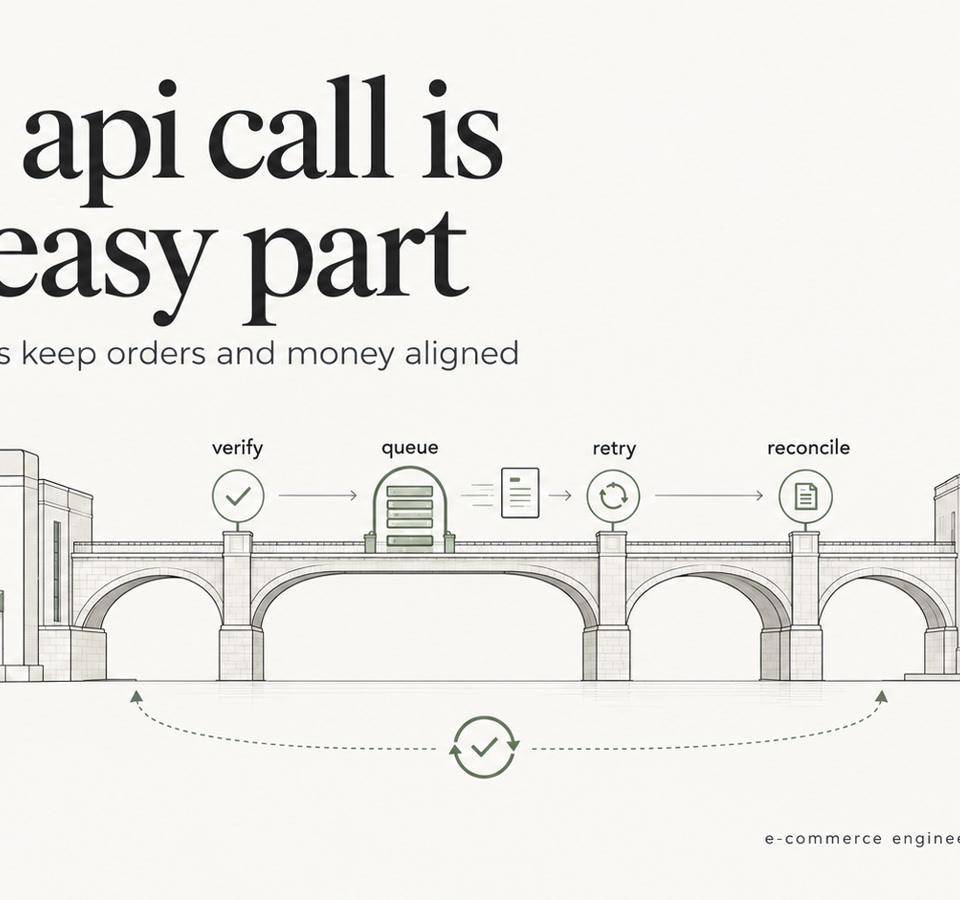
Shopify ERP Integration: Webhooks, Retries, Reconciliation
Shopify ERP Integration guide: data ownership, webhooks vs batch sync, idempotent retries, failed-event handling and reconciliation for Shopify Plus teams.
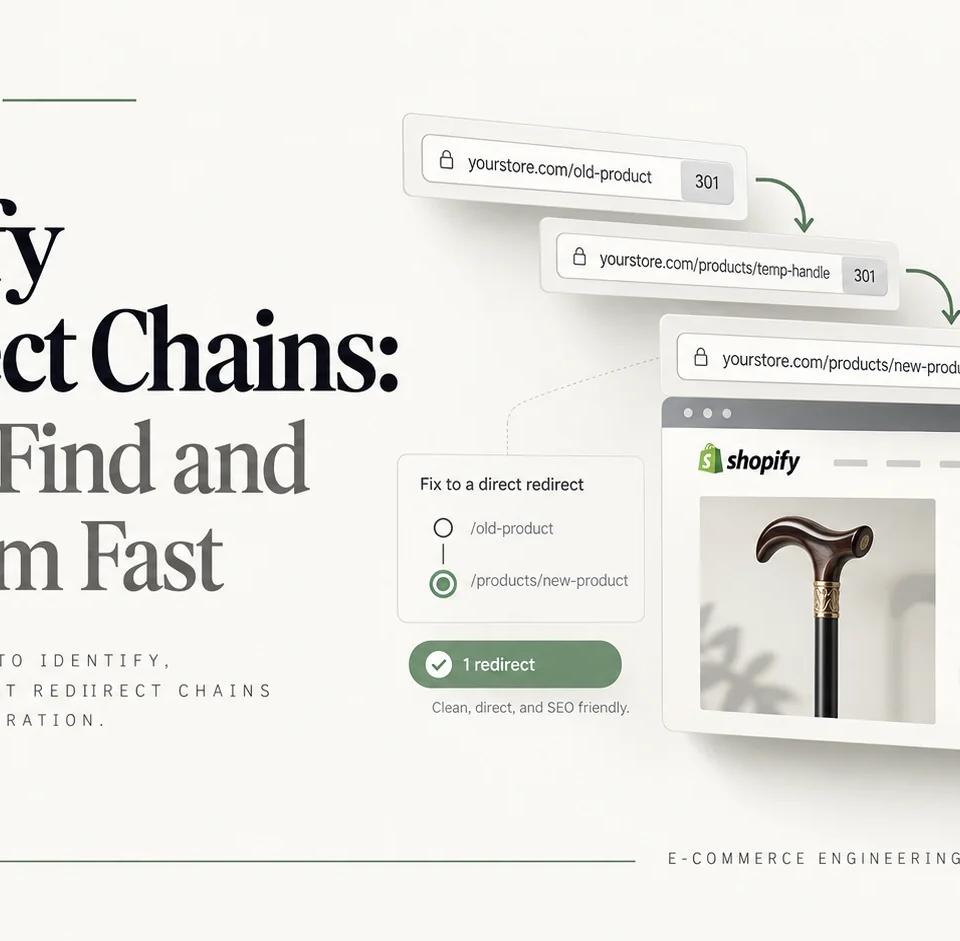
Shopify Redirect Chains: How to Find and Fix Them Fast
Trace Shopify redirect chains from legacy URLs to final canonical pages. An eight-step audit shows how to identify each hop, fix the responsible layer, and verify production behavior after migration.